42 Chapter 1 Read this first
Installing for Windows
Installing for Windows
Connecting USB
Attention: Do not connect the cable yet. If you connect the cable now, this may
prevent the printer driver from installing correctly.
Attention: Make sure that the printer is switched on.
Attention: If your are using Windows Server 2003 or Windows XP, or Windows
2000, you must log in as a member of the Administrator group.
Attention: Be sure to use a USB 2.0 standard connection cable.
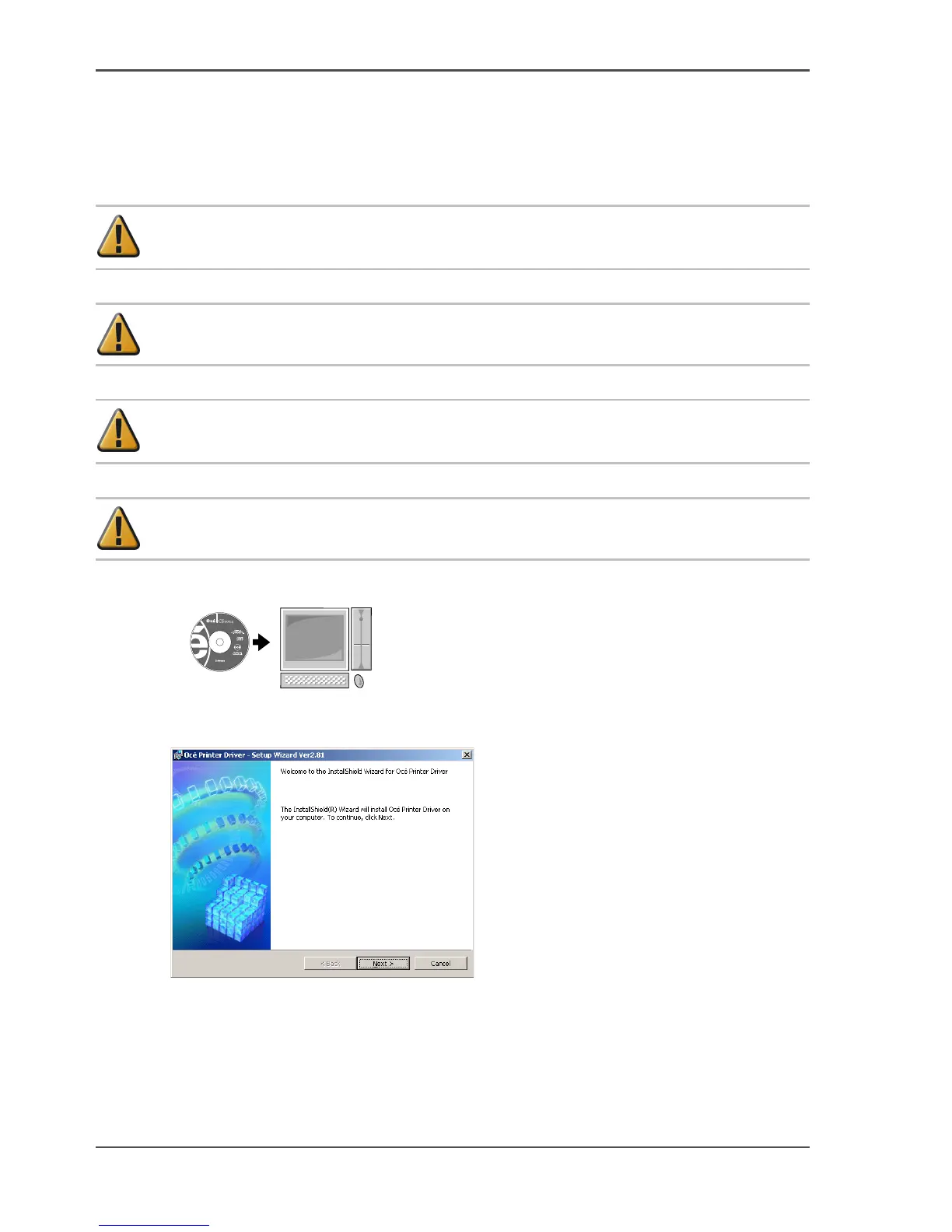
29. Mount the provided User Software CD-ROM in the computer CD-ROM drive.
[117]
30. Start the wizard. Double-click setup.exe which you can find on the Océ CS2044
CD-rom.
[118]



 To Next Page