8 Chapter 1 Read this first
Setup Flow
11. Adjusting the Print Status
Run an automatic adjustment of the printhead and media feed amount.
[10]
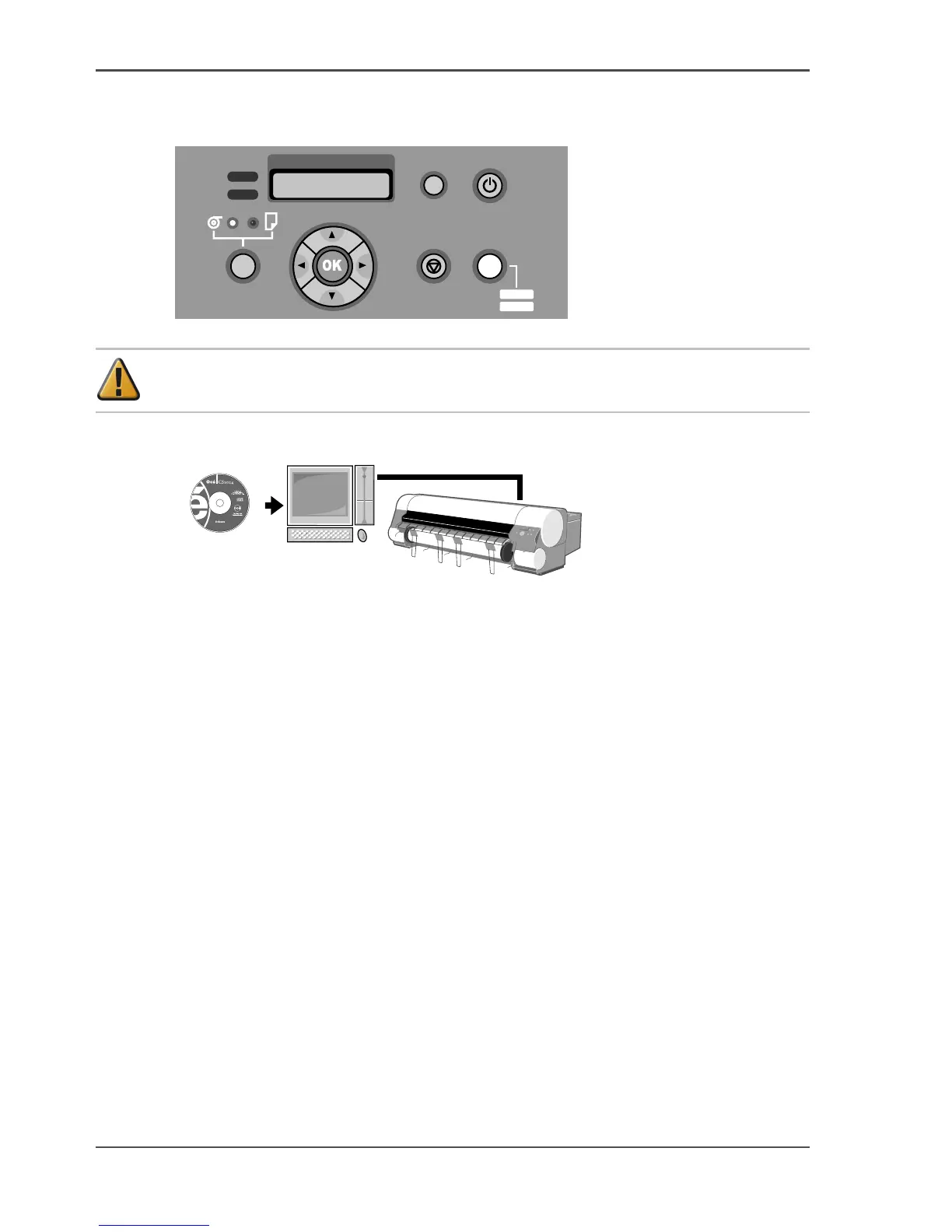
Attention: For USB connections, do not connect the cable before installing the
printer driver.
12. Installing the Software
[11]
Refer to chapter 5,"Using the Printer in a Network Environment", of the "User's
Guide".
Data
Message
Information Power
Cleaning
(3sec)
Stop/Eject Online
MAIN MENU
Adjust Printer
Offline
Menu



 To Next Page