21
Removing the Packing Material
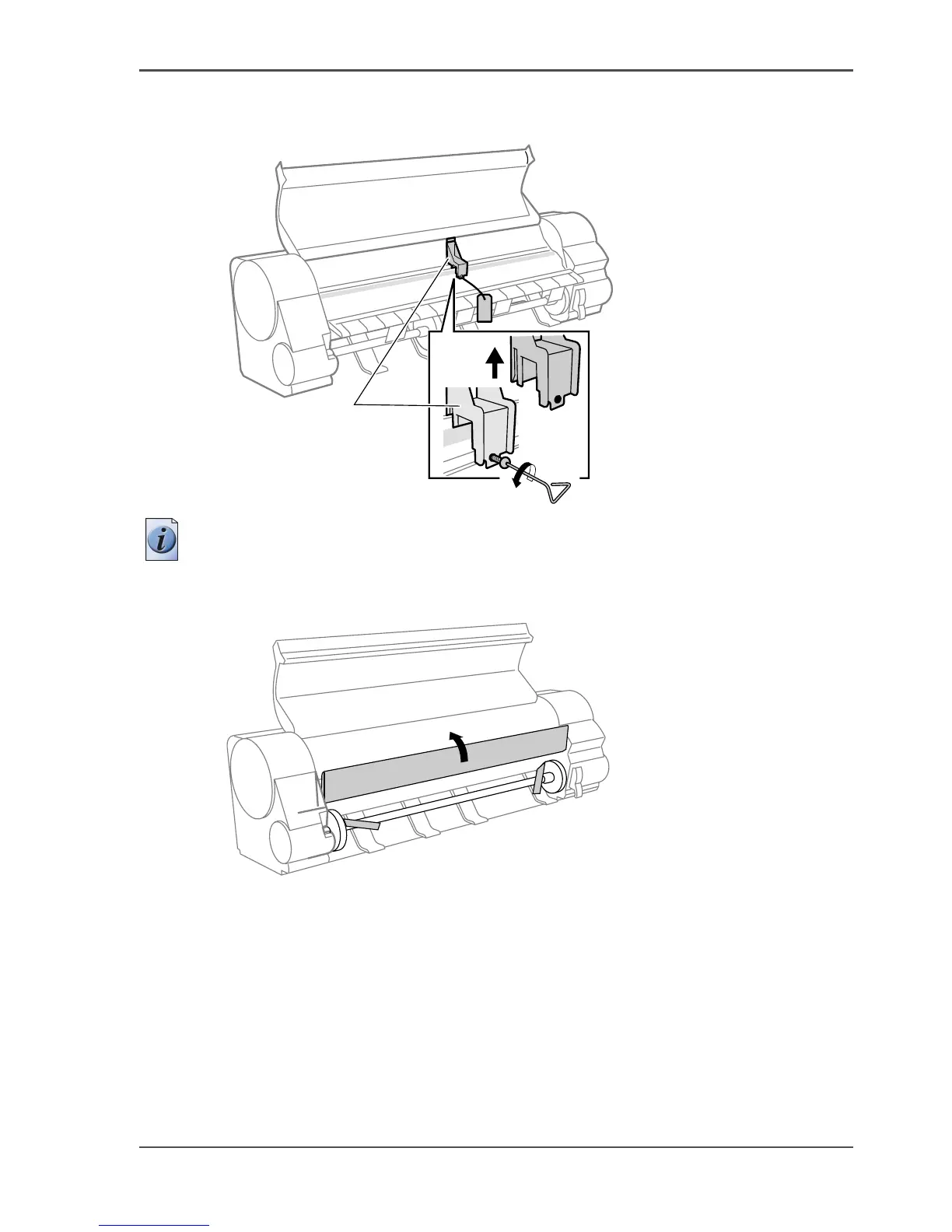
4. Remove the belt stopper (c) screws, and then remove the warning card that is
attached by string, and the belt stopper.
[55]
Note: The Belt Stopper, screw and hex driver are needed for transporting the
printer.Store the Belt Stopper that you removed and the tools, etc. carefully in a safe
place.
5. Open the ejection guide.
[56]
c



 To Next Page