20 Chapter 2 Prepare and print
Use Océ Doc Works for tab printing
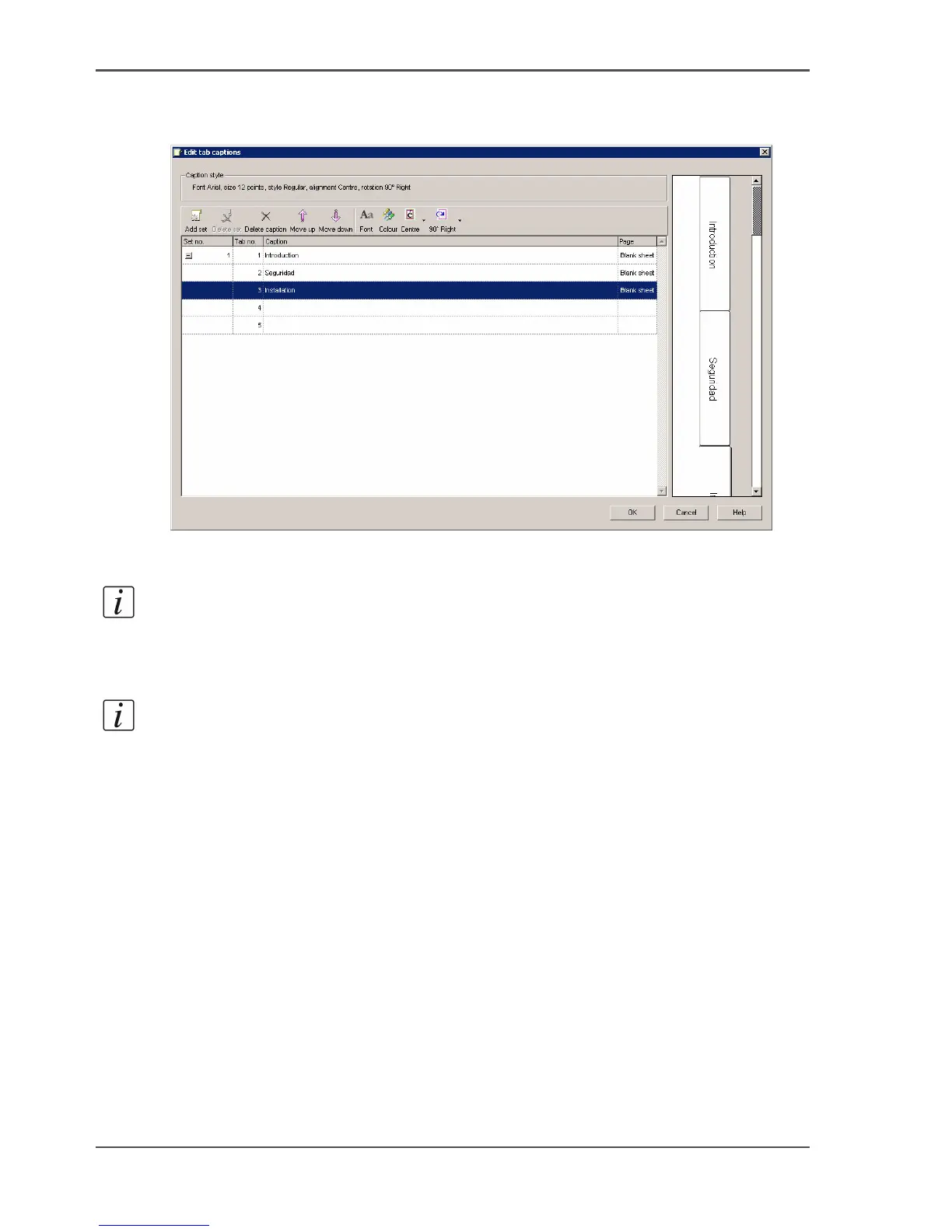
Define the tab captions.
1. Right-click the first tab sheet and select 'Tab captions'.
[8]
2. Enter the text and define the properties.
3. Click 'OK' to confirm.
Note: When you define more tabs than the number of tabs in a tab set, you will
automatically get the appropriate number of tab sets.
4. Close the page programmer and save the changes when prompted.
Note: When you use Océ Doc Works
®
V3.6.2, you can only print the tabs 1-sided.
Even when the printer can print the tabs 2-sided.
Print the job.
1. Select your printer.
2. Quit the page programmer and choose 'Print job' in the operator window.
3. Click 'OK'.













 To Next Page