60 Chapter 2 Prepare and print
Configure the Océ VarioPrint
®
6160/6200/6250 as Xerox
®
DocuTech 61xx emulation
[46]
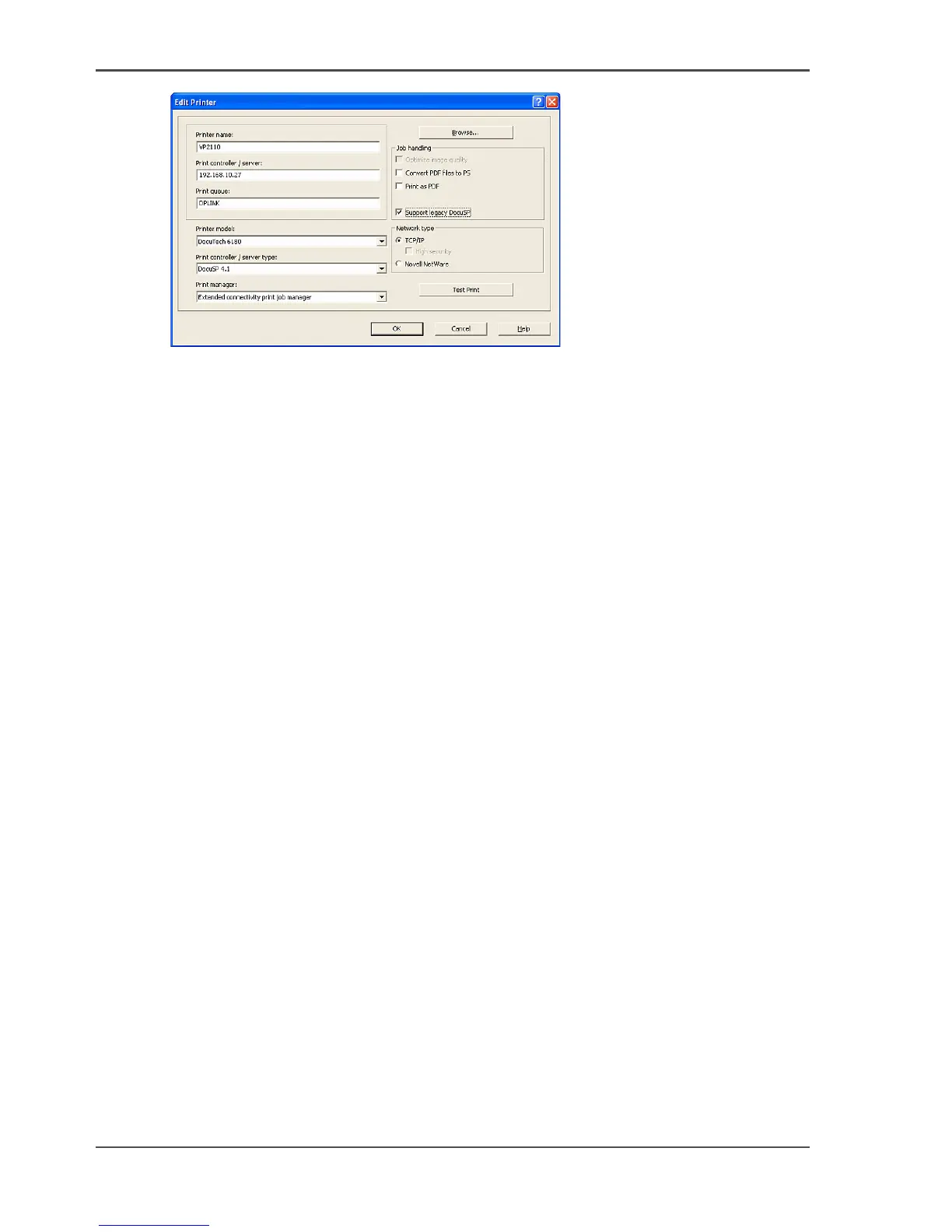
9. Select 'Extended connectivity print job manager' in the 'Print manager' box.
10. Check the 'Support legacy DocuSP' box.
11. Select your 'Network type': 'TCP/IP'.
12. Click 'OK'.
The printer is added to the Servers and Connections.













 To Next Page