ODYS PDV 67003 DVB-T
31
EN
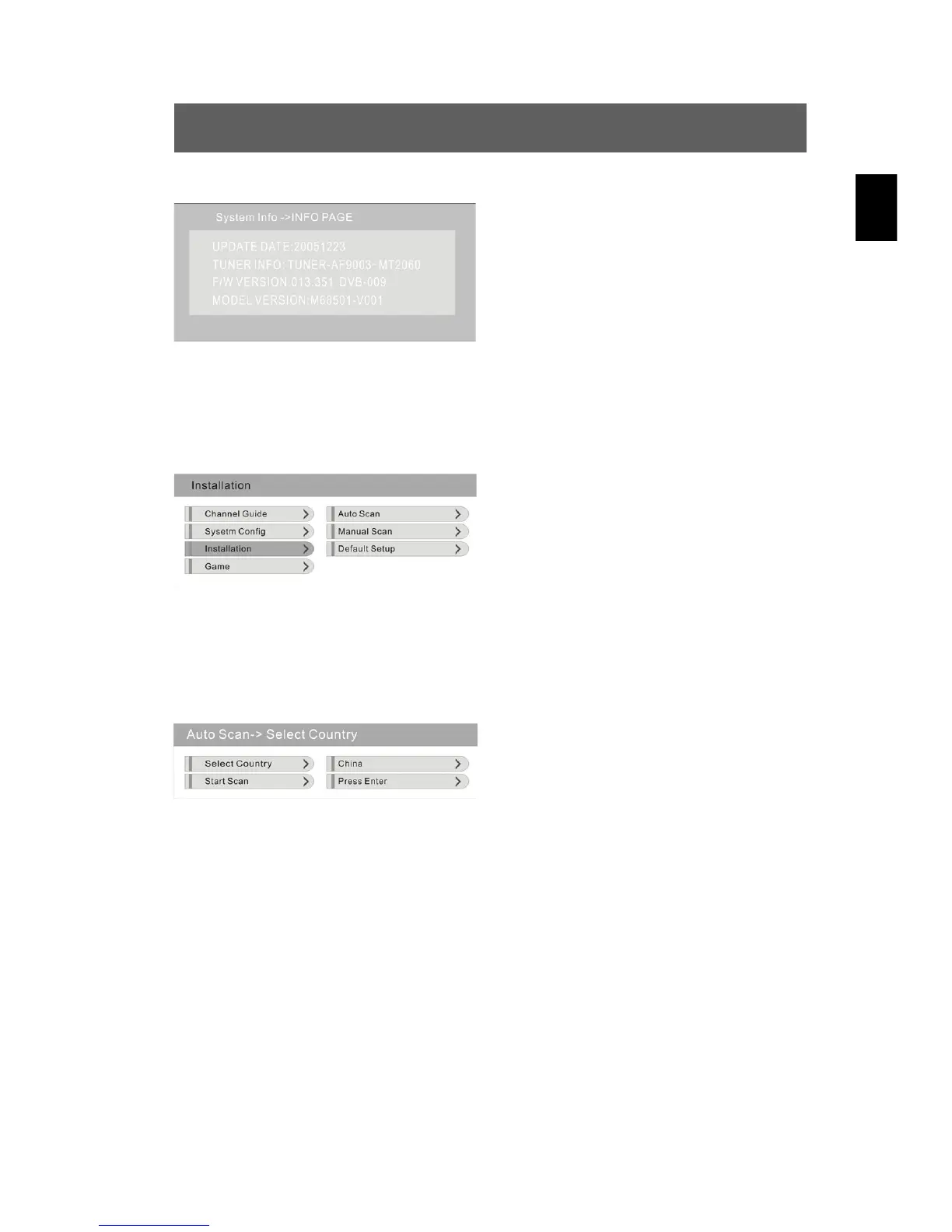
System Info
In this menu, press to select the
option “System Info” and confirm
using ENT. The menu displays
various information about the system.
Using the SETUP button, you return
to the previous menu.
3. Installation
Press to select the “Installation” option and confirm using ENT. The
following menu is displayed:
In this menu, press to select the
desired option and confirm using
ENT. Using the SETUP button, you
return to the previous menu.
Automatic channel search (Auto Scan)
Press to select the “Auto Scan” option and confirm using ENT. The
following menu is displayed:
Navigate through this menu and
perform your desired settings for the
two options (see below).
Select Country
Press to select the “Select Country” option, confirm using ENT and
select the desired country using / (Germany, England, Spain, Italy,
France etc.).
Start Scan
Press to select the “Start Scan” option and confirm using ENT. The
device now automatically searches for receivable DVB-TV channels.



 To Next Page