EasyManua.ls Logo

OHAUS Explorer EX6201N - User Manual

OHAUS Explorer EX6201N
164 pages
Print Icon
To Next Page IconTo Next Page
Loading...
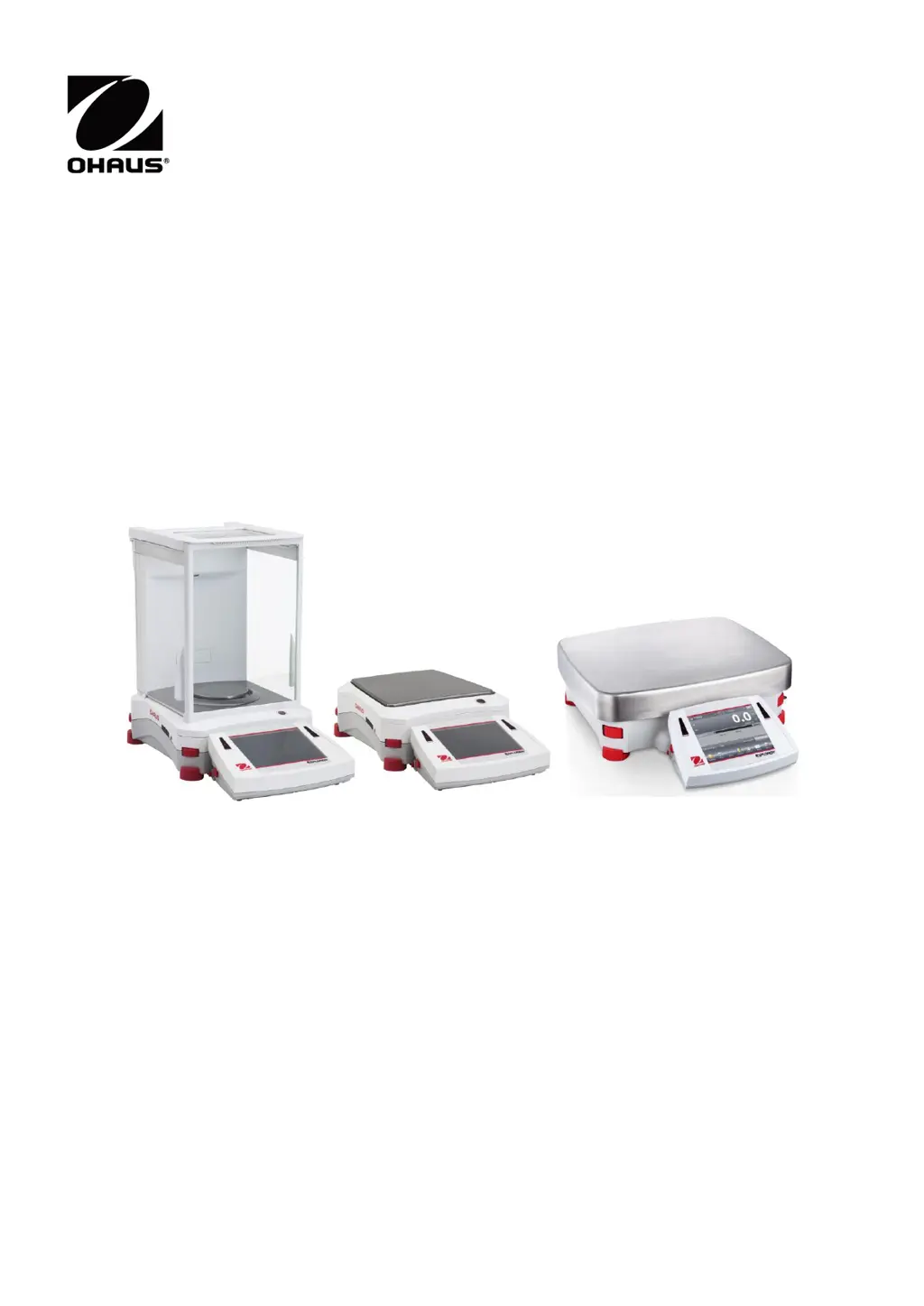
Explorer
TM
Balances
Instruction Manual

Table of Contents

Questions and Answers

  • M
    Mr. Alan RamosAug 12, 2025
    How to fix 'Cannot calibrate' error on OHAUS Scales?
    • A
      anthony61Aug 12, 2025
      If the OHAUS Scales display 'Cannot calibrate', first ensure that the Calibration Menu is not locked; if it is, turn the Calibration menu lock off. Also, check if LFT is turned on; if so, turn LFT off. An unstable environment can also prevent calibration, so move the balance to a more suitable location. Finally, verify that you are using the correct calibration masses; if not, use the correct ones.
  • A
    Alison RogersAug 15, 2025
    Why OHAUS Explorer EX6201N Scales will not turn on?
    • B
      Brian DurhamAug 16, 2025
      If your OHAUS Scales are not turning on, it could be due to a lack of power. Verify the connection and voltage to ensure the balance is receiving power.
  • J
    Johnathan CallahanAug 19, 2025
    How to resolve 'Invalid Piece Weight' error on OHAUS Explorer EX6201N Scales?
    • L
      lisamcleanAug 19, 2025
      If your OHAUS Scales display 'Invalid Piece Weight', it means the average piece weight is too small. To resolve this, increase the average piece weight.
  • M
    Matthew FieldsAug 23, 2025
    What to do if OHAUS Scales show 'Operation Timeout'?
    • C
      Candice SandersAug 23, 2025
      If your OHAUS Scales display 'Operation Timeout', it means the weight reading is not stable. To resolve this, move the balance to a more suitable and stable location.
  • H
    Heather JonesAug 27, 2025
    Why are my OHAUS Scales showing poor accuracy?
    • J
      Jennifer WongAug 27, 2025
      If your OHAUS Scales are showing 'Poor accuracy', it could be due to improper calibration. In this case, perform a calibration. Alternatively, an unstable environment may be the cause; move the balance to a more suitable location.
  • R
    robert98Aug 30, 2025
    What to do if I cannot change menu settings on OHAUS Explorer EX6201N?
    • M
      michaelrobersonAug 30, 2025
      If your OHAUS Scales display 'Cannot change menu settings', it could be because the sub-menu is locked. Unlock the sub-menu to regain access to the settings. Another possibility is that LFT is set to on; in this case, turn LFT off.
  • D
    deborah18Sep 4, 2025
    What does 'Low Reference weight' mean on OHAUS Scales?
    • E
      Eric SmithSep 4, 2025
      If the OHAUS Scales display 'Low Reference weight', this indicates that the reference weight is too small. Increase the sample size to resolve this issue.
  • J
    Jennifer CastilloSep 7, 2025
    What to do if OHAUS Explorer EX6201N Scales display 'Busy (tare, zero, printing)'?
    • K
      Kristy LewisSep 7, 2025
      If the OHAUS Scales display 'Busy (tare, zero, printing)', wait until the current operation is completed.

OHAUS Explorer EX6201N Specifications

General IconGeneral
BrandOHAUS
ModelExplorer EX6201N
CategoryScales
LanguageEnglish

Related product manuals