EasyManua.ls Logo

OHAUS Explorer EX125 - User Manual

OHAUS Explorer EX125
164 pages
Print Icon
To Next Page IconTo Next Page
Loading...
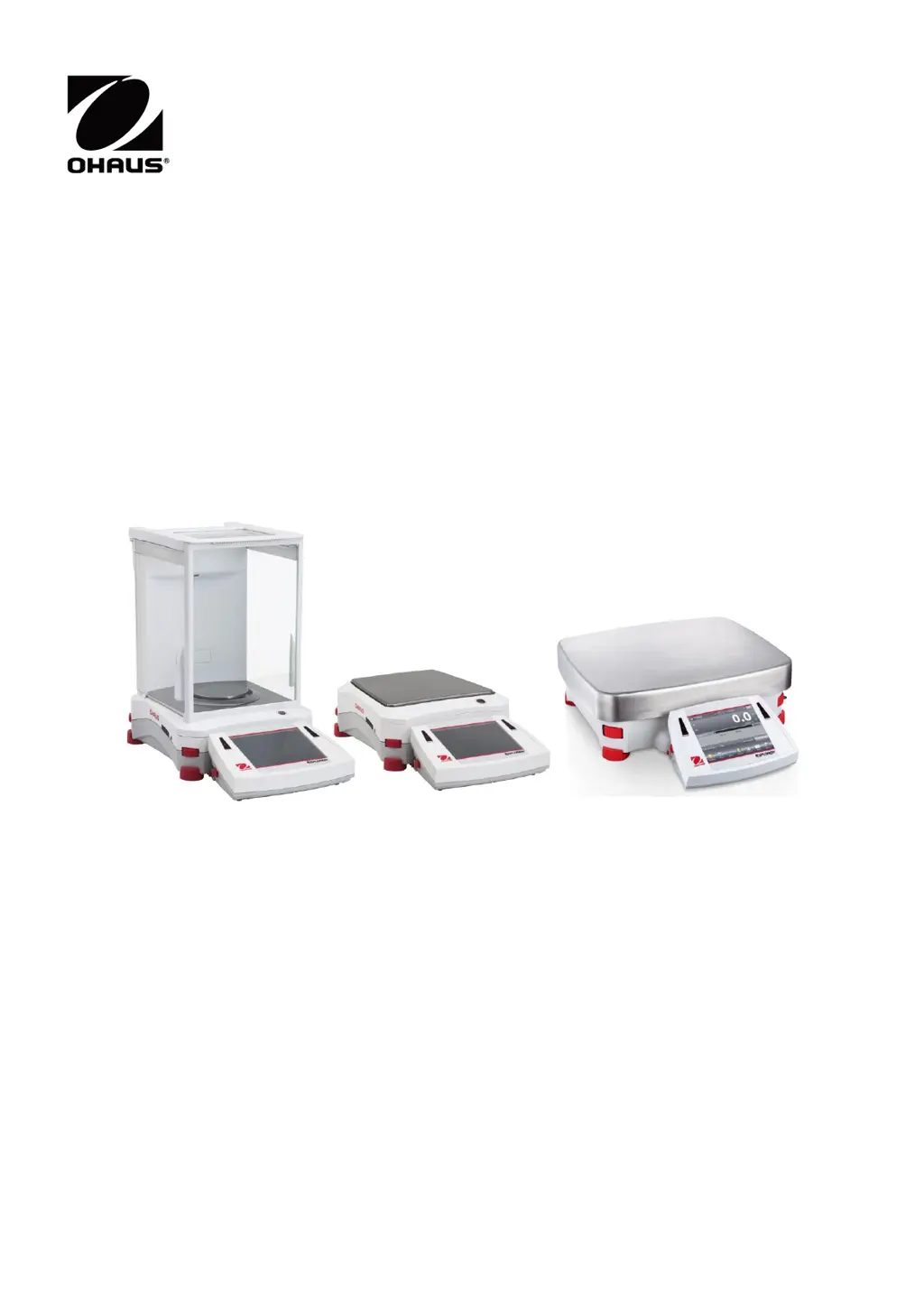
Explorer
TM
Balances
Instruction Manual

Table of Contents

Other manuals for OHAUS Explorer EX125

Questions and Answers

  • J
    John MurphyAug 13, 2025
    How to fix 'Cannot calibrate' error on OHAUS Scales?
    • W
      Wesley BassAug 14, 2025
      If the OHAUS Scales display 'Cannot calibrate', first ensure that the Calibration Menu is not locked; if it is, turn the Calibration menu lock off. Also, check if LFT is turned on; if so, turn LFT off. An unstable environment can also prevent calibration, so move the balance to a more suitable location. Finally, verify that you are using the correct calibration masses; if not, use the correct ones.
  • S
    shieldsmaryAug 17, 2025
    Why OHAUS Explorer EX125 Scales will not turn on?
    • R
      rogersjasonAug 17, 2025
      If your OHAUS Scales are not turning on, it could be due to a lack of power. Verify the connection and voltage to ensure the balance is receiving power.
  • D
    Diane BerryAug 21, 2025
    How to resolve 'Invalid Piece Weight' error on OHAUS Explorer EX125?
    • B
      Brenda SandersAug 21, 2025
      If your OHAUS Scales display 'Invalid Piece Weight', it means the average piece weight is too small. To resolve this, increase the average piece weight.
  • O
    Olivia SmithAug 26, 2025
    What to do if OHAUS Explorer EX125 show 'Operation Timeout'?
    • S
      Scott RyanAug 26, 2025
      If your OHAUS Scales display 'Operation Timeout', it means the weight reading is not stable. To resolve this, move the balance to a more suitable and stable location.
  • K
    Kristin ThomasAug 28, 2025
    Why are my OHAUS Scales showing poor accuracy?
    • M
      Michael HammondAug 29, 2025
      If your OHAUS Scales are showing 'Poor accuracy', it could be due to improper calibration. In this case, perform a calibration. Alternatively, an unstable environment may be the cause; move the balance to a more suitable location.
  • R
    Ricky SchwartzSep 1, 2025
    What to do if I cannot change menu settings on OHAUS Explorer EX125 Scales?
    • N
      Nicholas WheelerSep 2, 2025
      If your OHAUS Scales display 'Cannot change menu settings', it could be because the sub-menu is locked. Unlock the sub-menu to regain access to the settings. Another possibility is that LFT is set to on; in this case, turn LFT off.
  • H
    hurstbrittanySep 5, 2025
    What does 'Low Reference weight' mean on OHAUS Explorer EX125 Scales?
    • C
      churstSep 5, 2025
      If the OHAUS Scales display 'Low Reference weight', this indicates that the reference weight is too small. Increase the sample size to resolve this issue.
  • A
    Angela MaynardSep 9, 2025
    What to do if OHAUS Explorer EX125 Scales display 'Busy (tare, zero, printing)'?
    • D
      David LeonardSep 9, 2025
      If the OHAUS Scales display 'Busy (tare, zero, printing)', wait until the current operation is completed.

Summary

Introduction to Explorer Balances

Safety Precautions and Warnings

Defines warning symbols and lists essential safety notes for operating the equipment.

Installation and Setup

Leveling and Connecting Power

Procedures for leveling the balance and connecting the power supply for operation.

Initial Calibration Procedure

Details the necessity and steps for performing initial calibration before use.

Operating the Explorer Balance

Common Functions and Icons

Details the usage and icons for essential balance functions like Standby, Print, Zero, and AutoCal.

Balance Applications

Weighing Application

Guides on determining the weight of items using the balance's primary weighing function.

Parts Counting Application

Instructions for counting samples of uniform weight using different modes.

Check Weighing Application

Covers comparing sample weights against predefined limits for quality control.

Menu Settings and Configuration

Calibration Methods and Procedures

Details various calibration methods including Internal, Span, and User calibration.

Legal for Trade Compliance

Printing and Data Output

Maintenance and Troubleshooting

Troubleshooting Common Issues

Provides solutions for common symptoms like balance not turning on or calibration errors.

OHAUS Explorer EX125 Specifications

General IconGeneral
Capacity120 g
CalibrationAutomatic internal calibration
Power Supply100-240 VAC, 50/60 Hz
Readability0.01 mg
Repeatability (Std. Dev.)0.1 mg
Linearity±0.2 mg
Stabilization Time3 seconds
DisplayBacklit LCD
CommunicationUSB, RS232
Weighing Unitsg, kg, lb, oz
PowerAC Adapter (Included)
Operating Temperature10 °C to 30 °C
Pan Size90 mm (3.5") diameter

Related product manuals