EasyManua.ls Logo

OHAUS Explorer EX6202N - User Manual

OHAUS Explorer EX6202N
164 pages
Print Icon
To Next Page IconTo Next Page
Loading...
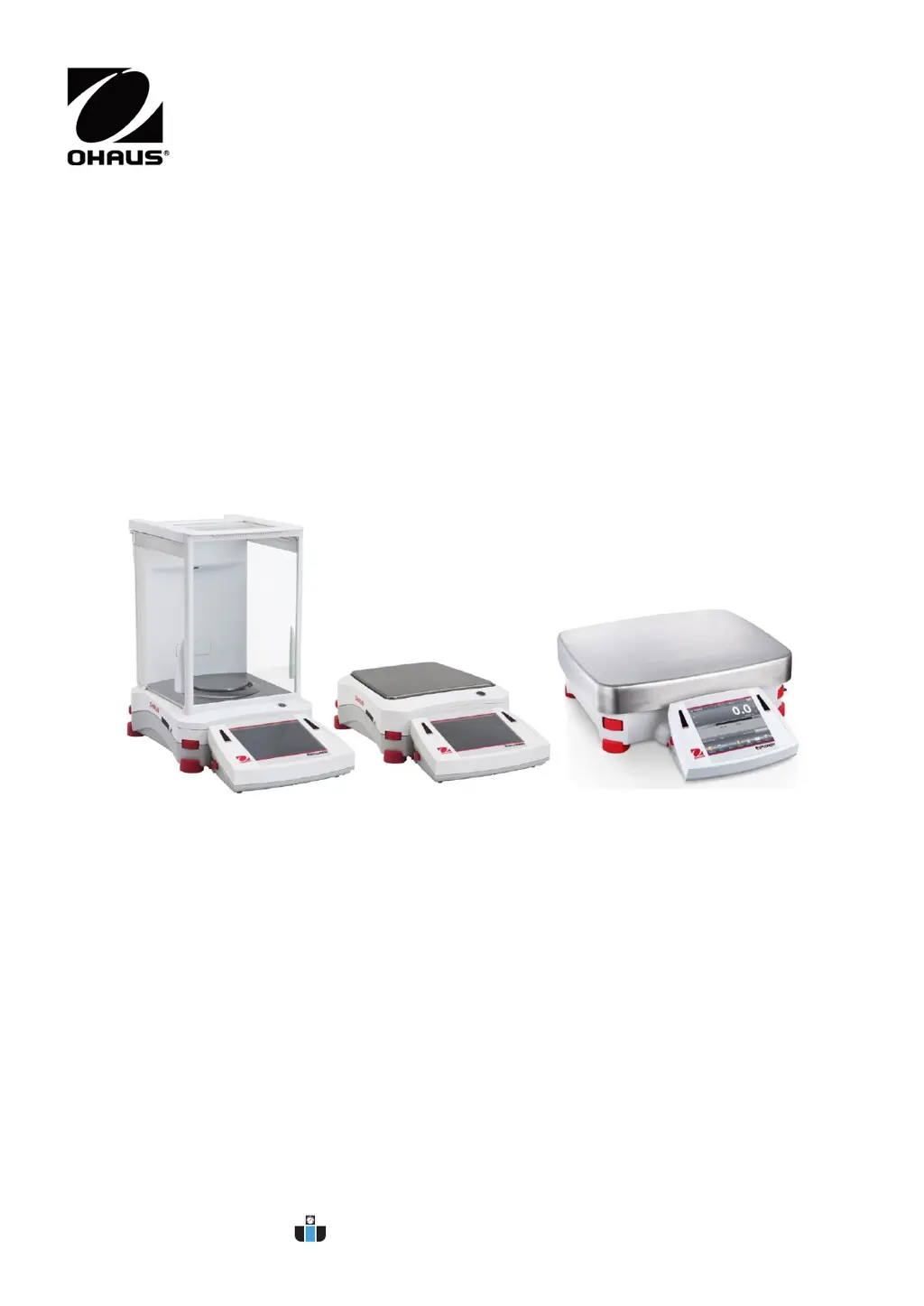
Explorer
®
Balances
Instruction Manual
www.calcert.com sales@calcert.com1.800.544.2843
0
5
10
15
20
25
30

Table of Contents

Questions and Answers

  • H
    harrisrachelAug 13, 2025
    How to fix 'Cannot calibrate' error on OHAUS Explorer EX6202N Scales?
    • L
      Lisa BaileyAug 13, 2025
      If the OHAUS Scales display 'Cannot calibrate', first ensure that the Calibration Menu is not locked; if it is, turn the Calibration menu lock off. Also, check if LFT is turned on; if so, turn LFT off. An unstable environment can also prevent calibration, so move the balance to a more suitable location. Finally, verify that you are using the correct calibration masses; if not, use the correct ones.
  • S
    Sherry LawsonAug 16, 2025
    Why OHAUS Explorer EX6202N will not turn on?
    • C
      curtisrickyAug 16, 2025
      If your OHAUS Scales are not turning on, it could be due to a lack of power. Verify the connection and voltage to ensure the balance is receiving power.
  • R
    robert11Aug 20, 2025
    How to resolve 'Invalid Piece Weight' error on OHAUS Scales?
    • B
      Brian Burch DVMAug 20, 2025
      If your OHAUS Scales display 'Invalid Piece Weight', it means the average piece weight is too small. To resolve this, increase the average piece weight.
  • S
    Sierra CharlesAug 25, 2025
    What to do if OHAUS Explorer EX6202N Scales show 'Operation Timeout'?
    • D
      Denise JenkinsAug 25, 2025
      If your OHAUS Scales display 'Operation Timeout', it means the weight reading is not stable. To resolve this, move the balance to a more suitable and stable location.
  • C
    Christina RodriguezAug 28, 2025
    Why are my OHAUS Scales showing poor accuracy?
    • W
      warrenkathrynAug 28, 2025
      If your OHAUS Scales are showing 'Poor accuracy', it could be due to improper calibration. In this case, perform a calibration. Alternatively, an unstable environment may be the cause; move the balance to a more suitable location.
  • D
    Denise DavisSep 1, 2025
    What to do if I cannot change menu settings on OHAUS Scales?
    • A
      April WareSep 1, 2025
      If your OHAUS Scales display 'Cannot change menu settings', it could be because the sub-menu is locked. Unlock the sub-menu to regain access to the settings. Another possibility is that LFT is set to on; in this case, turn LFT off.
  • K
    Kathryn SandersSep 4, 2025
    What does 'Low Reference weight' mean on OHAUS Explorer EX6202N?
    • R
      Ronald KerrSep 5, 2025
      If the OHAUS Scales display 'Low Reference weight', this indicates that the reference weight is too small. Increase the sample size to resolve this issue.
  • V
    veronica15Sep 8, 2025
    What to do if OHAUS Explorer EX6202N Scales display 'Busy (tare, zero, printing)'?
    • R
      Renee BlakeSep 8, 2025
      If the OHAUS Scales display 'Busy (tare, zero, printing)', wait until the current operation is completed.

OHAUS Explorer EX6202N Specifications

General IconGeneral
Capacity6200 g
Readability0.01 g
Housing MaterialABS plastic
Legal for TradeNo
Tare RangeFull capacity
Operating Temperature Range10 °C to 40 °C
Pan Size190 mm
DisplayLCD
Power SupplyAC adapter
Stabilization Time1.5 s
Unitsg, kg, oz, lb
InterfaceRS232
Operating Humidity0 to 85 % RH
CalibrationAutoCal™ Automatic Internal Adjustment

Related product manuals