EasyManua.ls Logo

OHAUS EX224 - User Manual

OHAUS EX224
156 pages
Print Icon
To Next Page IconTo Next Page
Loading...
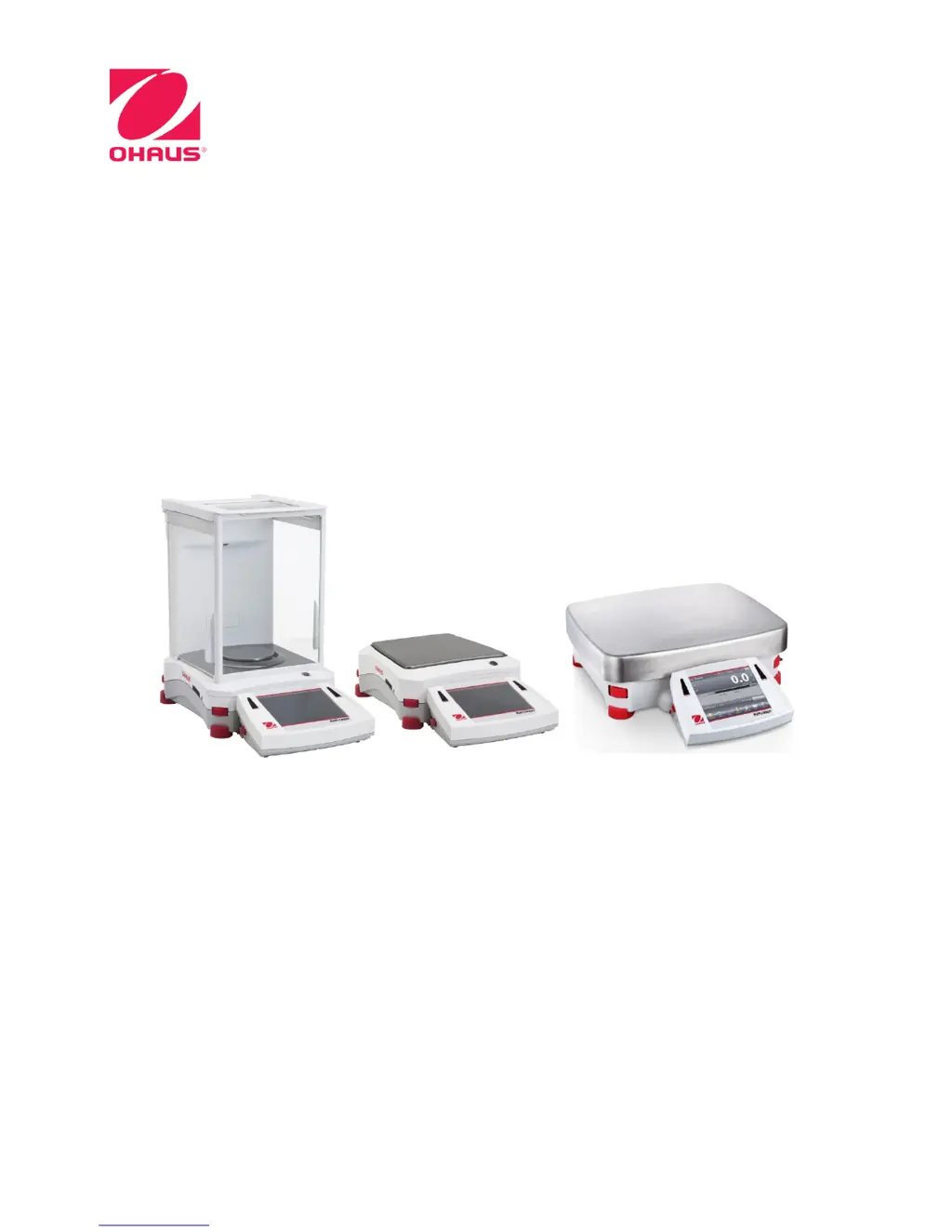
Explorer
®
Balances
Instruction Manual

Table of Contents

Questions and Answers

  • O
    odonnelltiffanyAug 13, 2025
    How to fix 'Cannot calibrate' error on OHAUS Scales?
    • B
      Brent TaylorAug 14, 2025
      If the OHAUS Scales display 'Cannot calibrate', first ensure that the Calibration Menu is not locked; if it is, turn the Calibration menu lock off. Also, check if LFT is turned on; if so, turn LFT off. An unstable environment can also prevent calibration, so move the balance to a more suitable location. Finally, verify that you are using the correct calibration masses; if not, use the correct ones.
  • L
    lewisfeliciaAug 17, 2025
    Why OHAUS EX224 will not turn on?
    • M
      Mark BurgessAug 17, 2025
      If your OHAUS Scales are not turning on, it could be due to a lack of power. Verify the connection and voltage to ensure the balance is receiving power.
  • C
    cheryl73Aug 21, 2025
    How to resolve 'Invalid Piece Weight' error on OHAUS Scales?
    • D
      Daniel Arroyo MDAug 21, 2025
      If your OHAUS Scales display 'Invalid Piece Weight', it means the average piece weight is too small. To resolve this, increase the average piece weight.
  • B
    Bryce WilliamsAug 25, 2025
    What to do if OHAUS Scales show 'Operation Timeout'?
    • E
      Eric MitchellAug 26, 2025
      If your OHAUS Scales display 'Operation Timeout', it means the weight reading is not stable. To resolve this, move the balance to a more suitable and stable location.
  • M
    Matthew BrownAug 28, 2025
    Why are my OHAUS EX224 Scales showing poor accuracy?
    • C
      Cristian BurnettAug 29, 2025
      If your OHAUS Scales are showing 'Poor accuracy', it could be due to improper calibration. In this case, perform a calibration. Alternatively, an unstable environment may be the cause; move the balance to a more suitable location.
  • C
    Christopher LarsonSep 1, 2025
    What to do if I cannot change menu settings on OHAUS EX224?
    • J
      Jordan SmithSep 1, 2025
      If your OHAUS Scales display 'Cannot change menu settings', it could be because the sub-menu is locked. Unlock the sub-menu to regain access to the settings. Another possibility is that LFT is set to on; in this case, turn LFT off.
  • J
    Janet RossSep 4, 2025
    What does 'Low Reference weight' mean on OHAUS EX224?
    • E
      Erin KochSep 4, 2025
      If the OHAUS Scales display 'Low Reference weight', this indicates that the reference weight is too small. Increase the sample size to resolve this issue.
  • C
    Carl LarsenSep 8, 2025
    What to do if OHAUS Scales display 'Busy (tare, zero, printing)'?
    • B
      Brenda NealSep 8, 2025
      If the OHAUS Scales display 'Busy (tare, zero, printing)', wait until the current operation is completed.

Summary

Introduction and Safety

Safety Precautions

Outlines critical safety warnings for installation, operation, and maintenance of the equipment.

Installation and Initial Setup

Component Installation and Leveling

Guides on unpacking, assembling balance components, and ensuring proper leveling.

Power and Interface Connections

Instructions for connecting the balance to power sources and external devices via USB/RS-232.

Initial Calibration

Procedures for calibrating the balance after installation or relocation for accurate weighing.

Operating the Balance

Display, Navigation, and Core Functions

Explains the touch display, menu navigation, and basic functions like weighing and taring.

Key Applications Overview

Introduces the various applications available on the Explorer balance, such as Weighing and Parts Counting.

Advanced Applications Overview

Highlights advanced applications like Density Determination and Statistical Quality Control.

Settings and Configuration

Calibration and Balance Setup

Details various calibration methods and balance setup options for optimal performance.

User Preferences and Application Management

Guides on customizing user settings, managing applications, and selecting weighing units.

Communication, Printing, and Data Output

Configuration for data communication, printing, and output formats.

Security: Factory Reset and Lockout

Options for resetting settings to factory defaults and securing the balance menu.

Maintenance and Troubleshooting

Routine Maintenance Procedures

Instructions for periodic calibration checks and safe cleaning of the balance.

Troubleshooting Common Problems

A guide to identifying and resolving common issues encountered with the balance.

Technical Data and Compliance

Specifications and Drawings

Detailed technical specifications, performance data, and dimensional information for the balance.

Compliance and Warranty Information

Information on software updates, regulatory compliance, and the product's limited warranty.

OHAUS EX224 Specifications

General IconGeneral
Capacity220 g
Pan Size90 mm
DisplayLCD
InterfaceRS232
Stabilization Time3 s
Tare RangeFull Capacity
Operating Temperature Range10 °C to 30 °C
Readability0.1 mg
CalibrationInternal
Power SupplyAC Adapter
Unitsg, lb, oz
Repeatability (std. dev.)0.1 mg
Linearity±0.2 mg

Related product manuals