5.3 Calibration
Explorer Balances offer a choice of six calibration methods: Internal Calibration, Automatic Calibration
(AutoCal), Calibration Adjust, Span Calibration, User Calibration and Calibration Test.
ExCal models have three calibration methods: Span Calibration, User Calibration and Calibration test.
Note: Do not disturb the balance during any calibration.
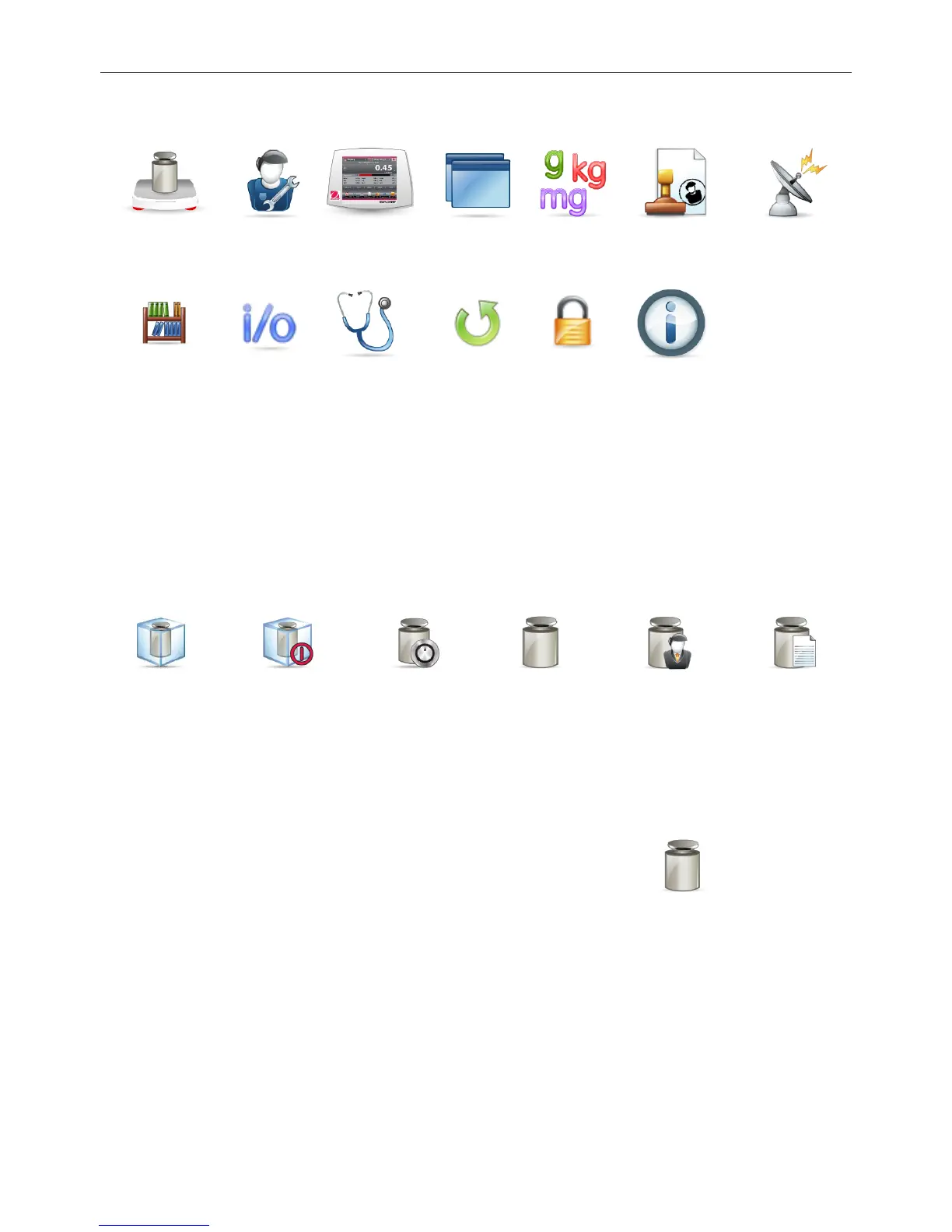
5.3.1 Calibration sub-menu
5.3.2 Internal Calibration (AutoCal™)
Calibration is accomplished with the internal calibration mass. Internal calibration can be performed at
any time, provided the balance has warmed up to operating temperature and is level.
With the Balance turned ON and no load on the pan, touch AutoCal™ Internal Calibration.
The Balance begins to calibrate.
Alternately, touch the shortcut Calibration Icon from any Application home screen
to initiate an Internal Calibration.
The display shows the status, then returns to the current application.
To cancel at any time, press Cancel.
5.3.3 Automatic Calibration
When Automatic Calibration is set ON, the balance performs a self calibration:
• when it senses a temperature change of 1.5°C
• or every 11 hours
AutoCal will automatically calibrate the Balance (using the internal mass) each time there is a change in
temperature significant enough to affect accuracy.













 To Next Page