SCOUT PRO EN-7
Button Functions
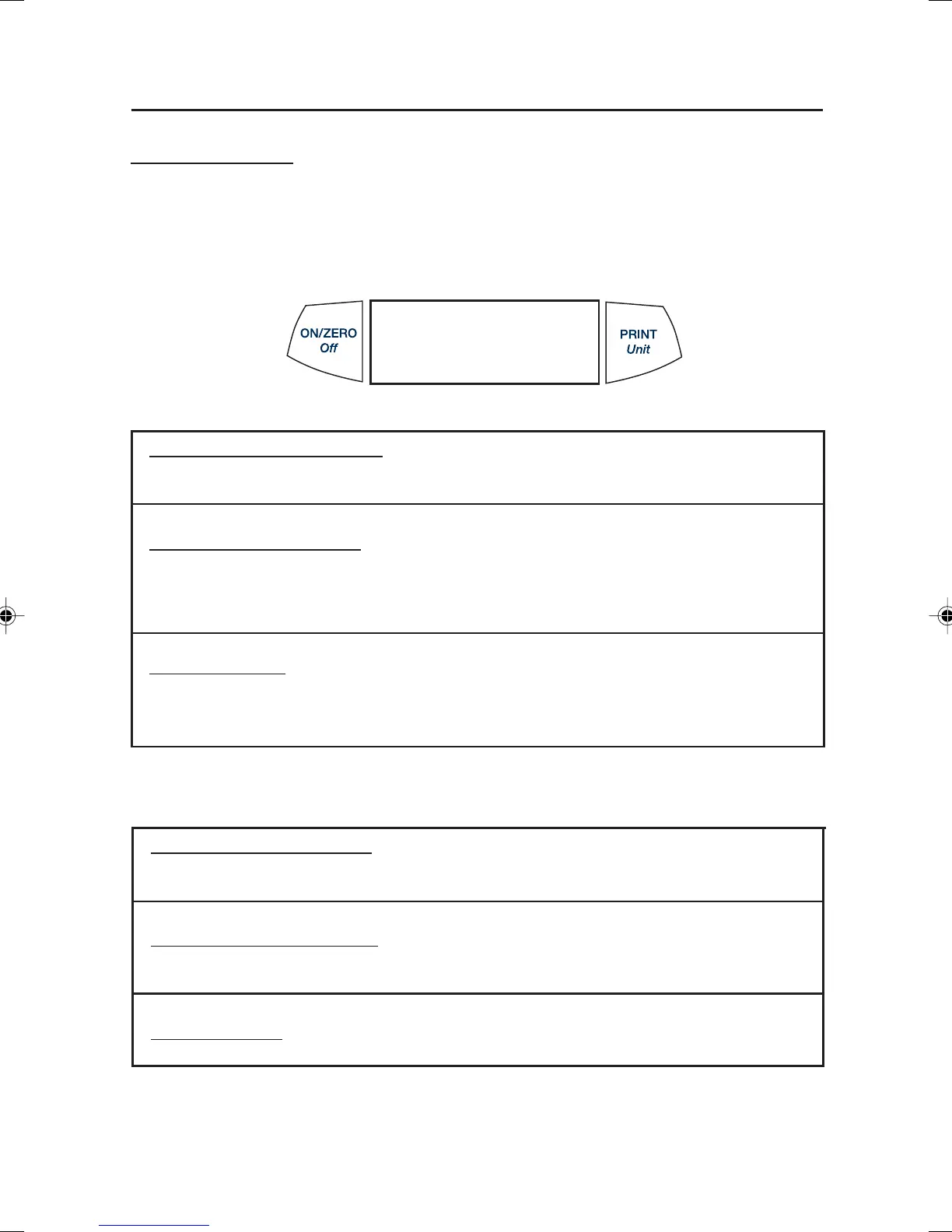
Two switches provide the necessary functions to access a given menu, select a function
and to turn it on or off. Functions are listed as follows:
ON/ZERO Off Button
Primary Function (On-Zero)- Turns on balance. If balance is on, zeros the
display.
Secondary Function (Off)- Turns balance off, OFF will be displayed after button is
held for 3 seconds. In Display Hold or Totalize mode, a long press exits the mode
without turning the balance off.
Menu Function- An extended long press (>5 seconds) during power up will cause
the balance to enter the Menu mode. A short press is used to accept a setting on a
display.
PRINT Unit Button
Primary Function (PRINT)- Sends print command to interface port. If Display Hold
or Totalize mode is active, a short press will enter that mode.
Secondary Function (unit)- Press and hold scrolls through units. Release on
desired unit.
Menu Function- Will bypass setting shown on display.
4 Scout Pro English Operation 1 71160417.p65 3/6/2003, 11:00 AM7



 To Next Page