SCOUT PRO EN-15
Applications
Scout Pro applications include: Weighing, Parts Counting, Percent Weighing, Display
Hold and Totalize.
Weighing
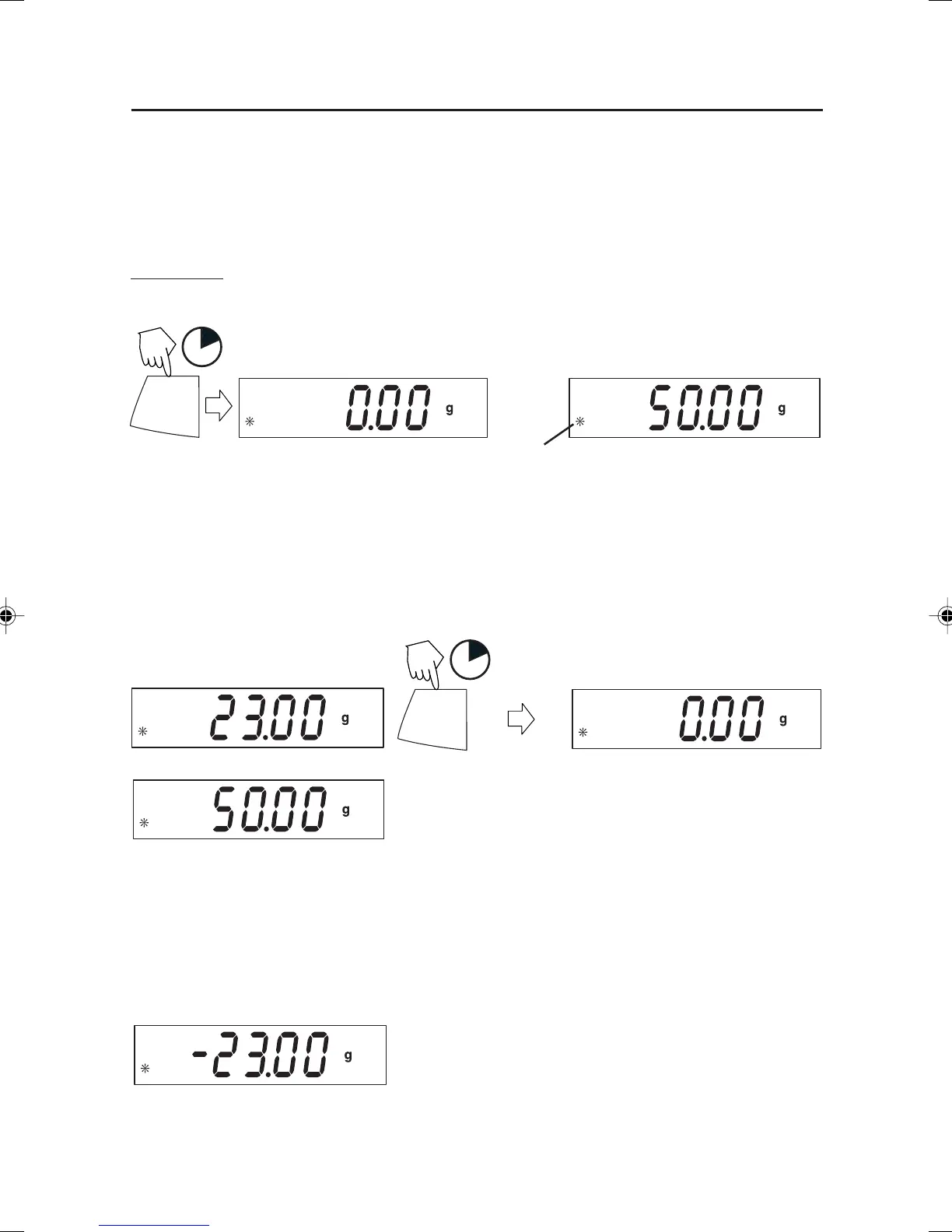
Start with the balance on.
ON/ZERO
Off
1
(Place sample on platform)
(Example 50g)
Weighing with Tare
Taring zeros the container weight. With the balance on, place an empty container on
the platform. (Display example indicates a container weight of 23g.)
ON/ZERO
Off
1
(Container weight)
(Rezero the display)
(Stable reading)
(Container weight tared)
(Place material in container)
(50g sample)
(Remove container with material)
NOTE: Removing the container and material from the platform will cause the balance to
display the containers weight as a negative number. The tared weight remains until
ON/ZERO Off button is pressed again or the balance is turned off.
Y
5 Scout Pro English Operation 2 71160417.p65 3/6/2003, 11:01 AM15



 To Next Page