EN-18 SCOUT PRO
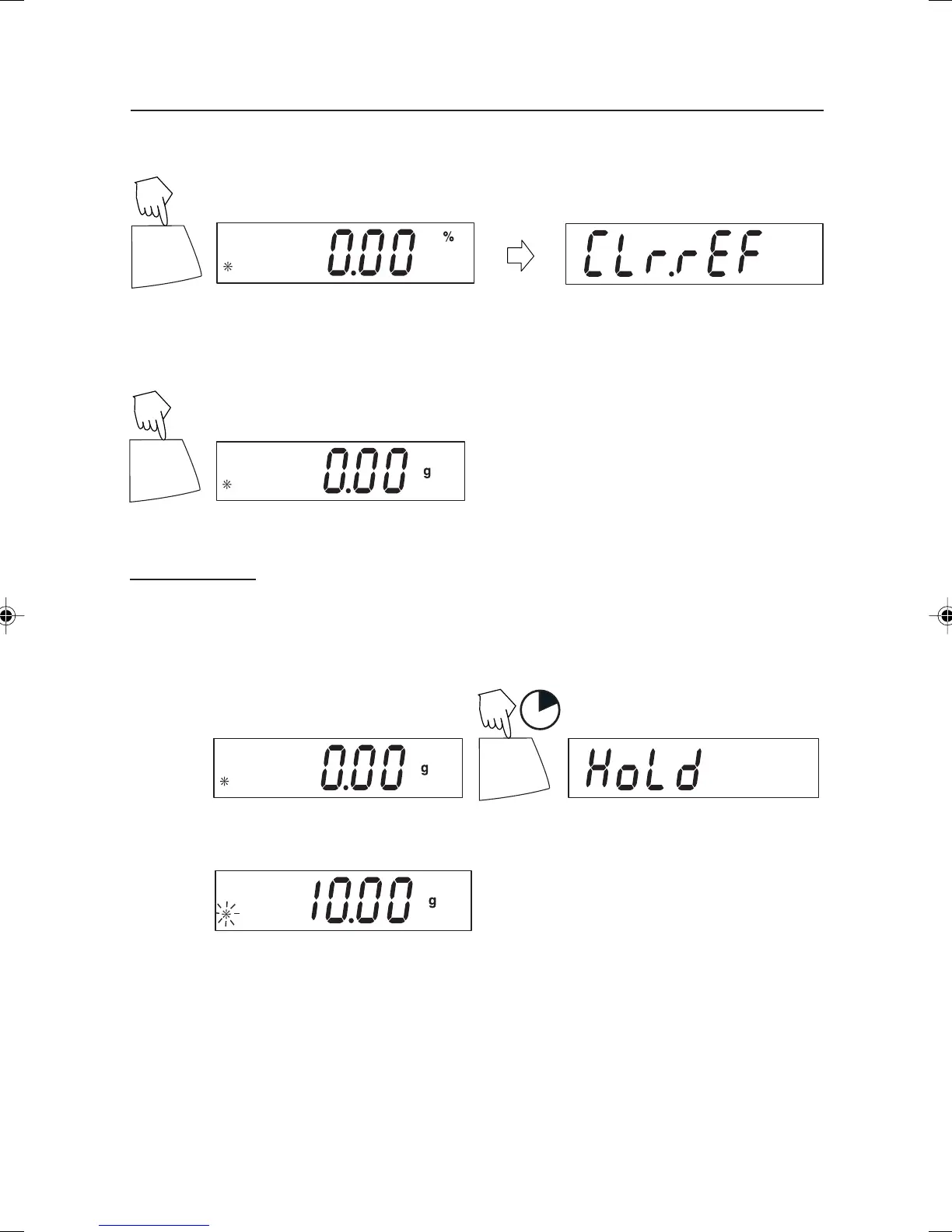
Exiting Percent Weighing
PRINT
Unit
Press and hold until desired unit is displayed.
Display-Hold
Display-Hold is enabled only when Hold is turned ON in the Mode submenu in the
.S.E.T.U.P. menu. Display-Hold mode captures and stores the highest stable value.
When displayed, the stable icon will blink. NOTE: Units cannot be changed when in
Display-Hold mode.
PRINT
Unit
1
Place item(s) on platform.
Establishing a New Reference Weight
PRINT
Unit
Repeat above procedure for new a reference weight.
Press and hold until % on the display reappears, then release.
5 Scout Pro English Operation 2 71160417.p65 3/6/2003, 11:01 AM18



 To Next Page