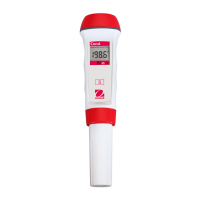
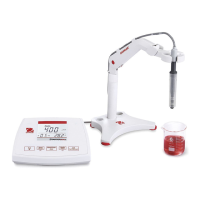
EN-8 STARTER 3100C Bench Conductivity Meter
3 SETUP
3.1 Set temperature unit
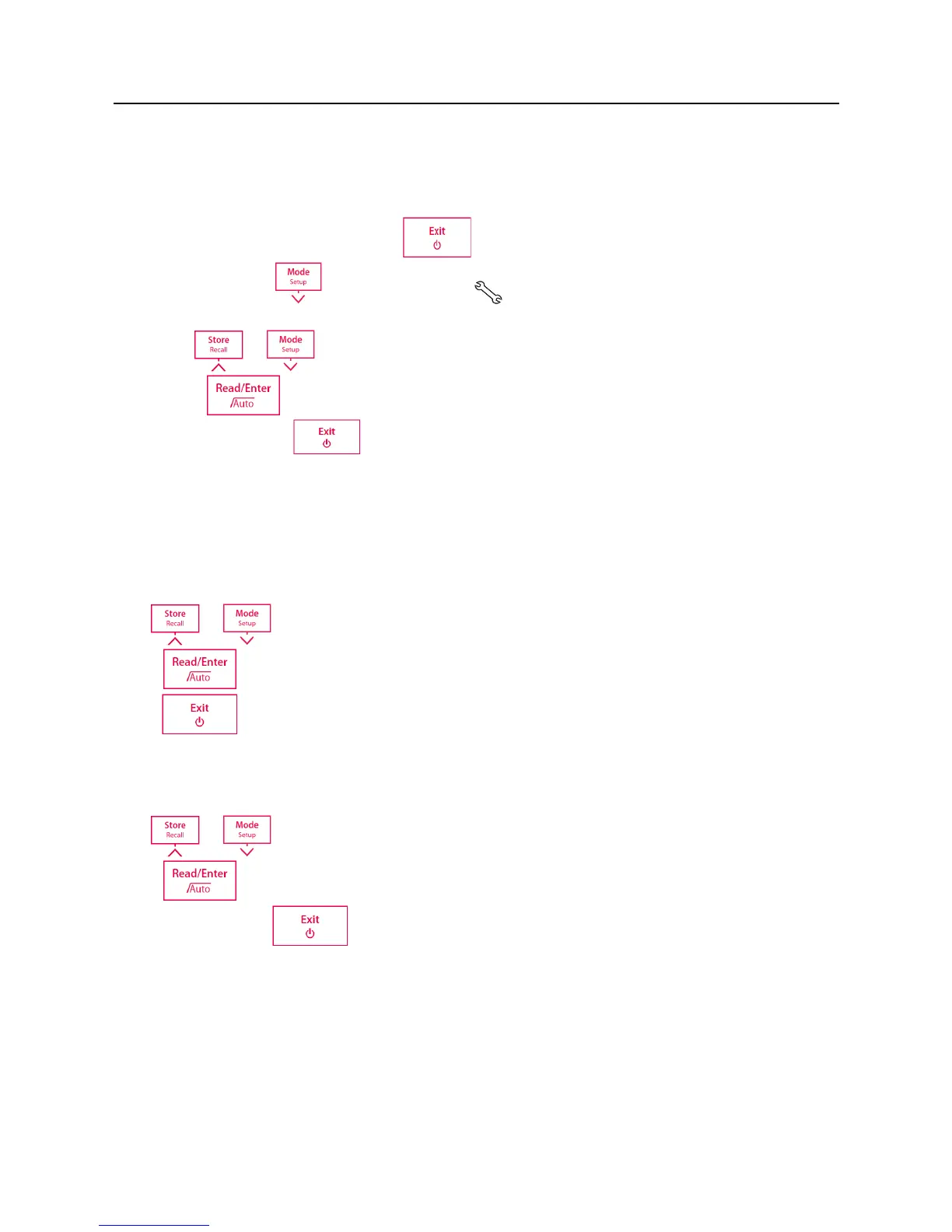
Power the meter on by pressing .
Press and hold until the set up icon appears on the display and the current
temperature unit blinks. (°C or °F)
Use or buttons to select temperature unit .
Press to confirm your setting. Continue with temperature value setting by
following or press to go back to the measurement screen.
Note: °C = 5/9 (°F -32)
3.2 Set MTC temperature value
After the temperature unit setting, the meter goes to setup manual temperature (MTC) value
setting.
Use or buttons to adjust the temperature value.
Press to confirm your setting. Continue with calibration standard setting by following or
press to go back to the measurement screen.
3.3 Set calibration standard
After the MTC temperature value setting, the meter goes to setup calibration standard.
Use or buttons to select calibration standard.
Press to confirm your setting. Continue with temperature correction coefficient setting
by following or press to go back to the measurement screen.
3.4 Set temperature correction coefficient
After the calibration standard setting, the meter goes to the temperature correction coefficient
setting.


 To Next Page