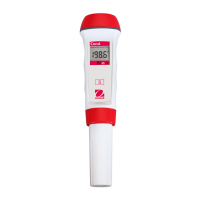
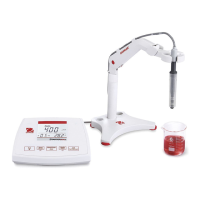
EN-10 STARTER 3100C Bench Conductivity Meter
4 STARTER 3100C OPERATION
The first time you use the conductivity electrode, it should be calibrated before taking any
measurement. Please also read the conductivity electrode instruction manual for reference.
WARNING Do not operate the equipment in hazardous environments. The
equipment is not explosion protected.
WARNING When using chemicals and solvents, comply with the instructions of the
chemical producer and the general lab safety rules.
4.1 Calibration
4.1.1 Selecting a standard
When using the STARTER 3100C conductivity meter, you have to select a standard for calibration
(see 3.3).
Press and hold the enter setup mode, after press to confirm the temperature
unit and value. Then the current standard blinks. Use or buttons to select the
standards, press to confirm. Press to leave the setup mode.
The 4 predefined standards are:
Tables for automatic temperature compensation are programmed in the meter for each standard
(see appendix).
4.1.2 Performing a calibration
When performing calibration, Ohaus recommends using Auto End Point Mode. After powering
the meter on, be sure the top of the screen shows to ensure the meter is in Auto End point
Mode.
Auto or Manual End point Mode:
o Press and hold to change the End Point Mode.
o When in Manual Mode, to manually reach a pH measurement or calibration value,
you need to press button- when reading is stable and displays :
then the sample reading or calibration value freezes, blinks 3 times and
freezes on the display.


 To Next Page