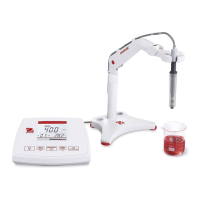
EN-4 STARTER 3100C Bench Conductivity Meter
Controls
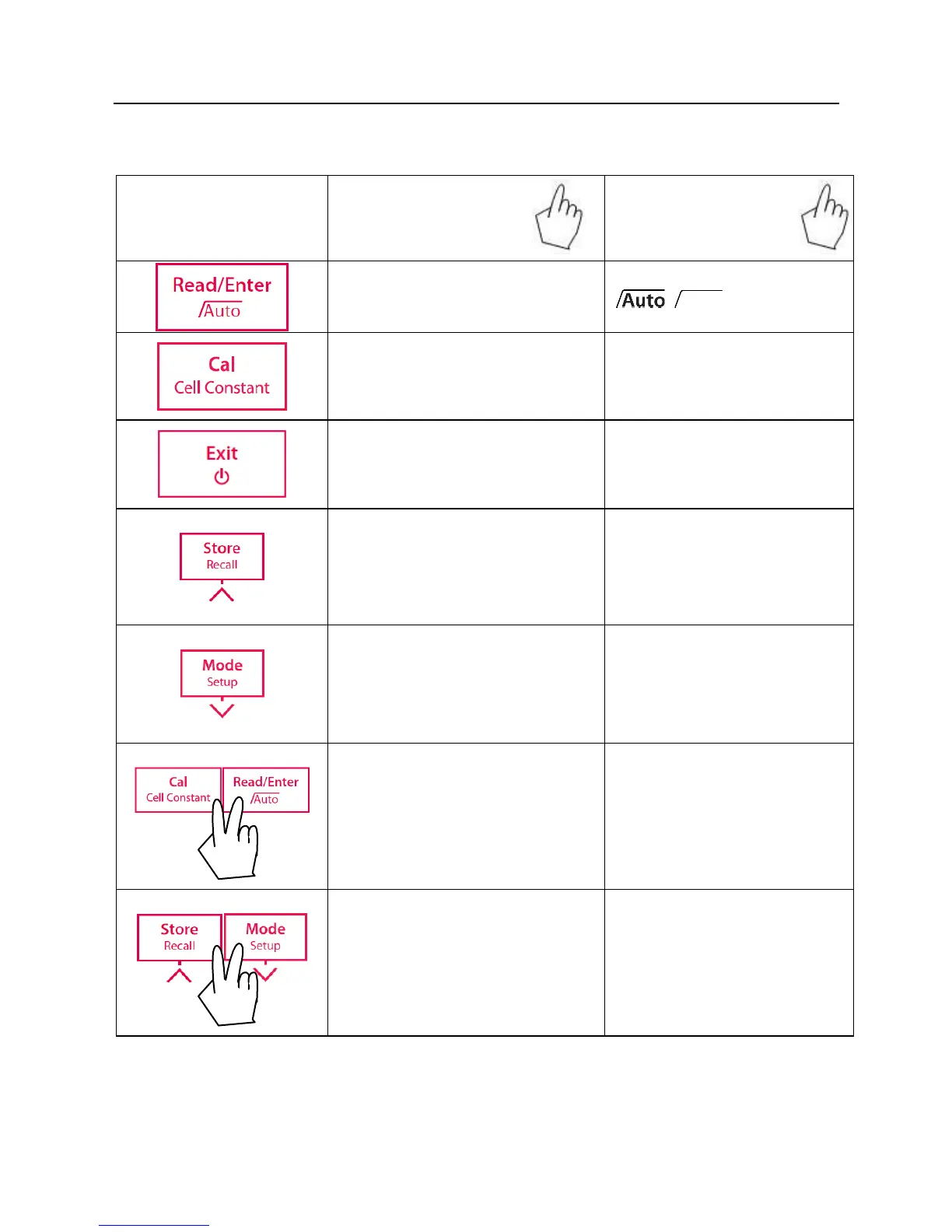
Press & hold
for 3 seconds
- Start or endpoint measurement
- Confirm setting, store entered
value
- Turn auto endpoint on / off
,
- Review the latest calibration
data (cell constant)
- Meter turn on
- Return to measurement screen
- Store current reading to memory
- Increase value during setting
- Scroll up through the memory
- Recall stored data
- Print current memory data
- Switch between pH and mV
measuring modes
- Decrease value during setting
- Scroll down through the memory
Turn on/off the backlight of the
LCD


 To Next Page