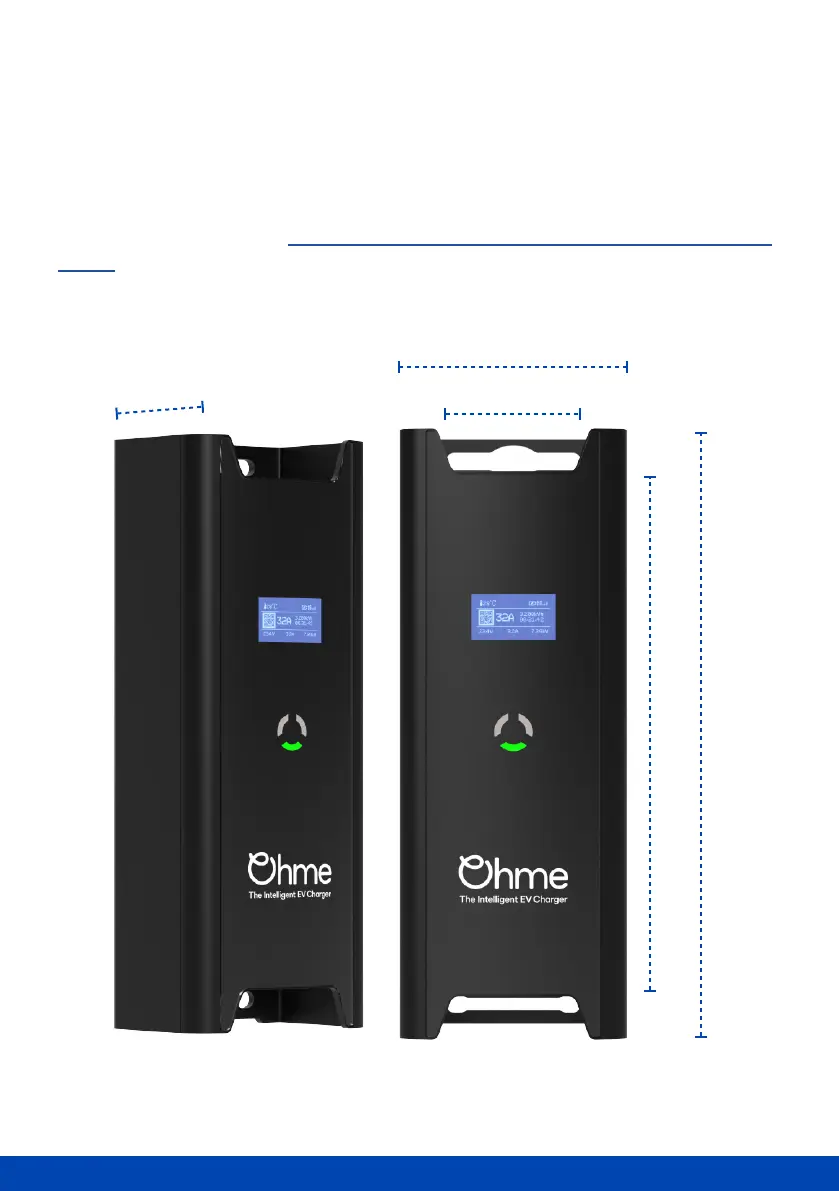
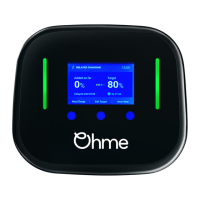
Ohme box overview
The control box is identical across all variants. The LCD display has various icons that tell
you important information about the charger, as well as useful real-time measurements of
active charge sessions. The circle of indicator lights provides a visual reference to the
current state of the charger. More information about the indicator lights can be found on
page 11.
Don't worry about your charger being left outside, it's IP55 rated which means it's
resistant to all weather types.



 To Next Page