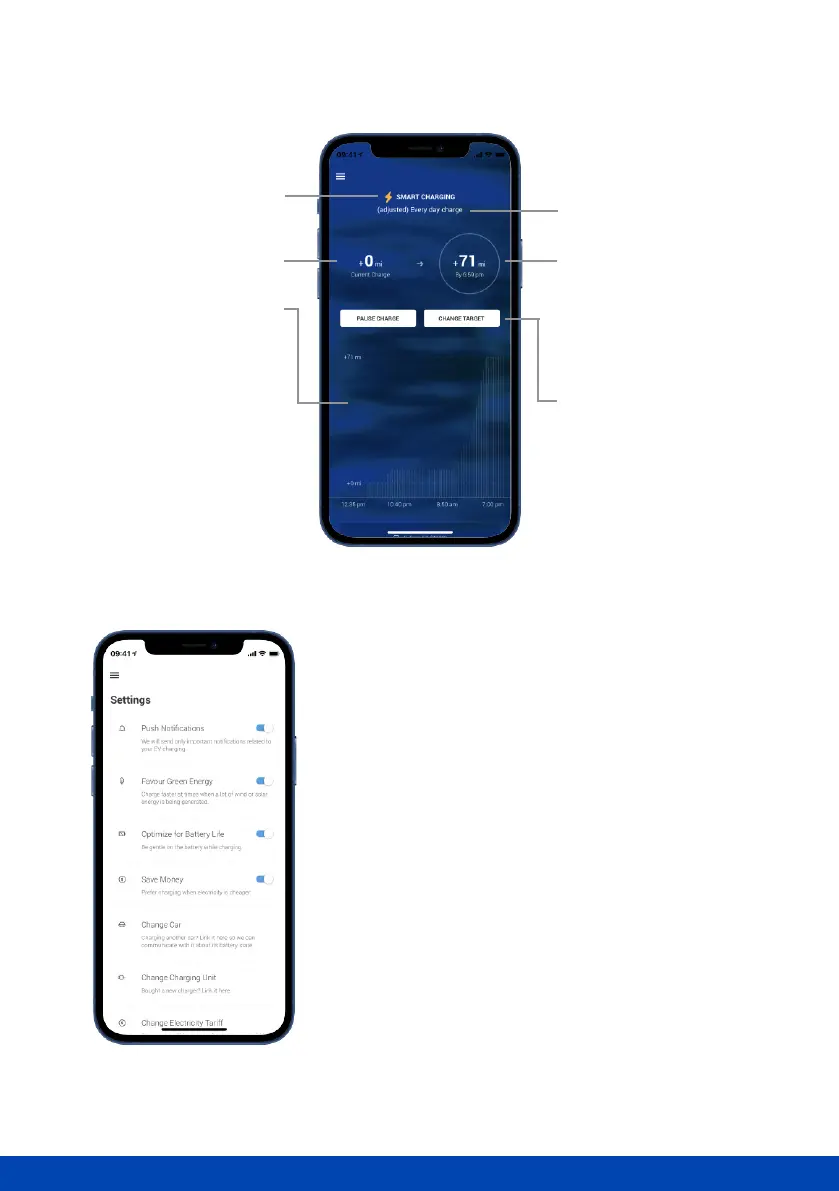
Exploring the ‘Dashboard’
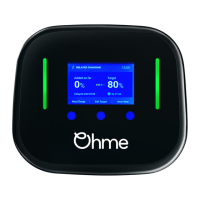
Exploring the app settings
Electric cars are good for the planet, but we want to
make them even better. Our Favour Green Energy
setting will charge your car when electricity is at its
greenest (i.e. generated from renewables rather than
fossil fuels).
You can also select Optimise for Battery Life which
helps increase the lifetime of your battery. It does this
by reducing the amount of time that the battery is at
full charge. Setting charge schedules to keep the
battery at 80% charge or lower also helps preserve
battery life.
Estimated state of charge by
the end of the charge session.
Estimated time of target/full
charge.
‘Change Target’ allows
modication to the current
charge session only or to
activate ‘Max Charge’.
Once unplugged Ohme will
revert to scheduled settings.
‘Pause Charge’ pauses the
current charge session.
The main graph will display
a prediction of the charge
session. The start of the
graph indicates time of
plug in.
As time passes, each
vertical line will turn white.
Bars increasing in height
indicate charge being
added. Bars of identical
height indicate no charge
being added.



 To Next Page