EasyManua.ls Logo

Ohme Go - The Ohme app

Default Icon
36 pages
Print Icon
To Next Page IconTo Next Page
To Previous Page IconTo Previous Page
Loading...
The Ohme app
Benets of the using the Ohme app
Page of 12 30
V2.0
Smart features
You'll have full access
to all of our smart
features. You can create
charge schedules, limit
your charging to a
certain price per kWh
and keep track of your
energy costs and
consumption.
Help and support
Creating an account on
the Ohme app helps us
to help you. We'll be
able to easily access
your charging
information to provide
support when you need
it.
Peace of mind
You can create a lock
schedule in the Ohme
app, so you won’t have
to worry about passers-
by using your charger
when you're not home.
Find out more in 'Create
your schedule'
on page 16.
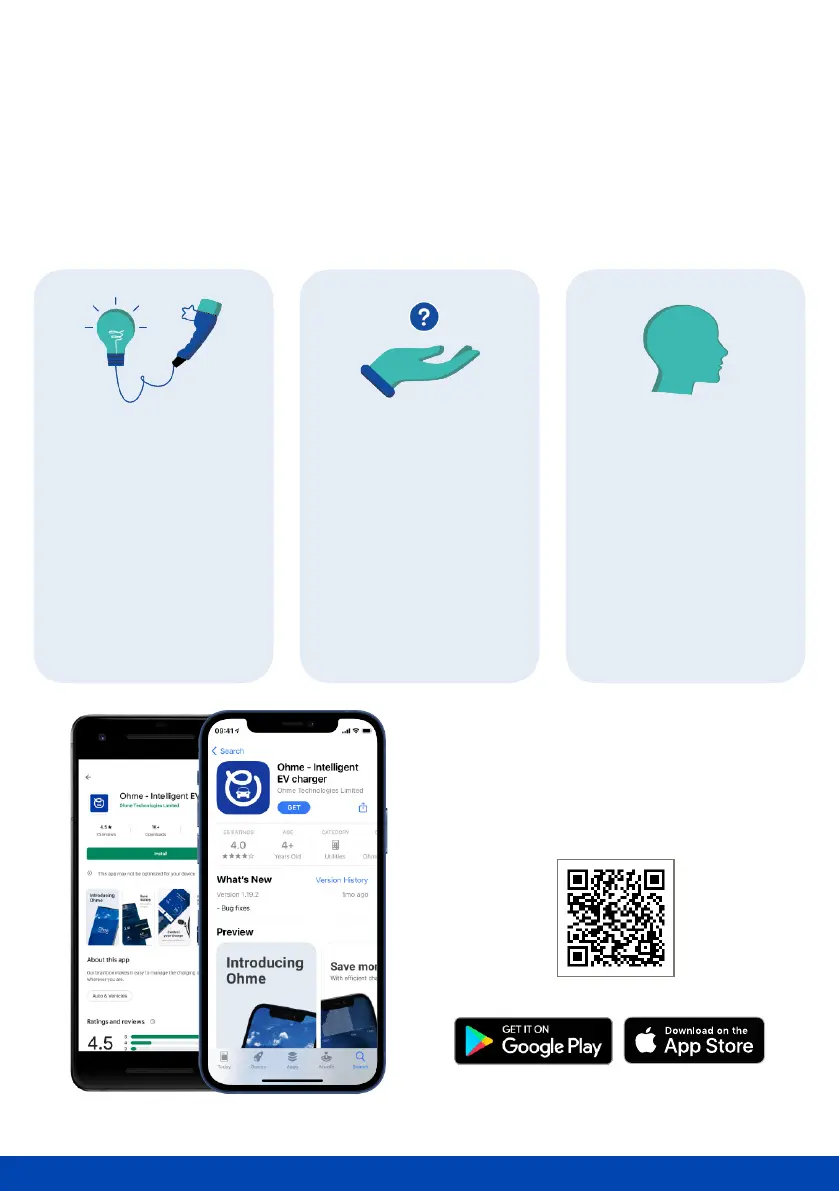
Want to watch the app set up?
Scan the QR code below to check
out our app tutorial videos online.
To make the most of charging with Ohme, its important to download our mobile
app. Doing so means you can benet from the following:

Related product manuals