Chapter 3 21
Introduction to WinPulse
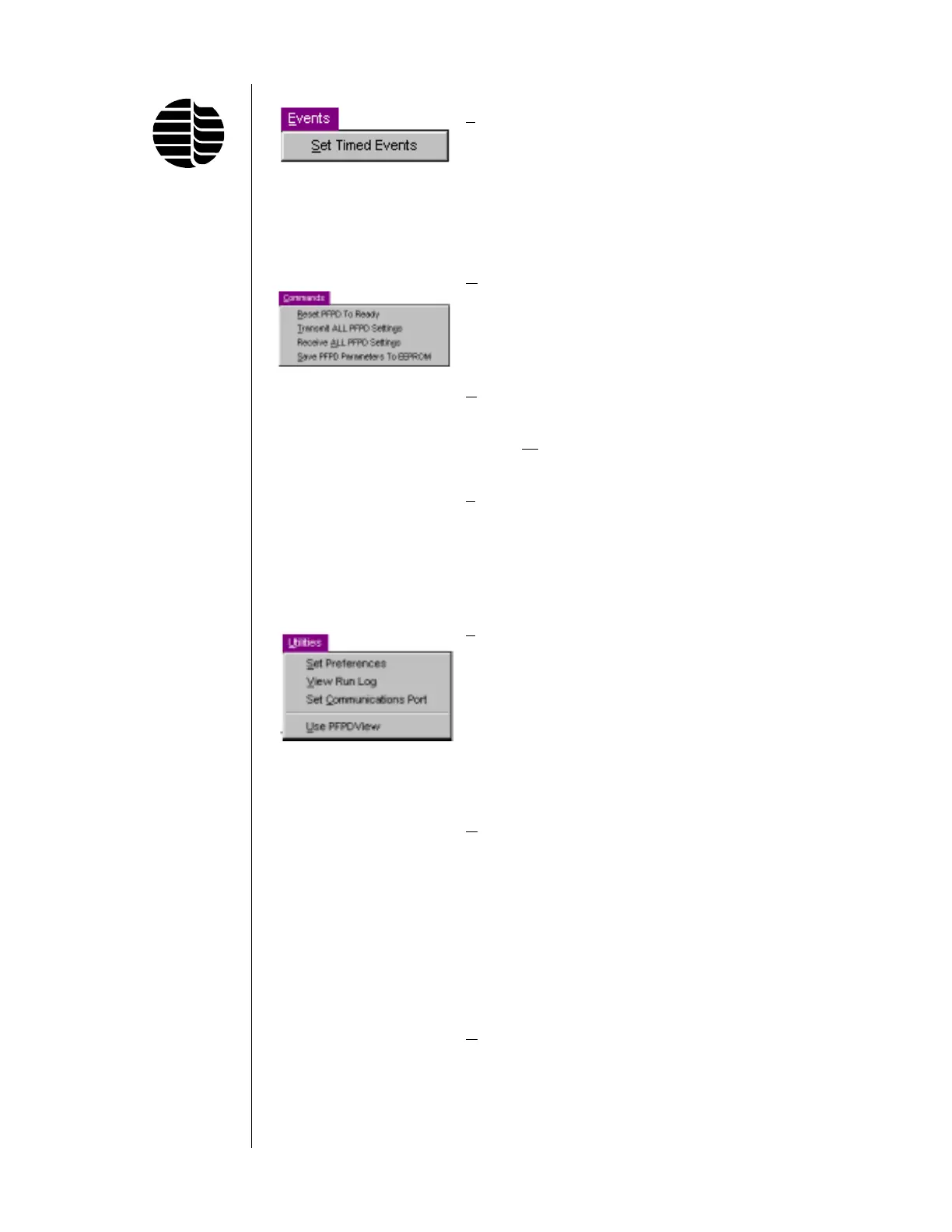
Events Menu
Set Timed Accesses the Timed Events
Events screen. The clock for the timed events
is initiated by the remote start in the
Detector Controller that is activated by
a contact closure supplied by either
the GC or remote start switch.
Commands Menu
Reset PFPD Resets the Detector Controller clock
to Ready to 0.00 minutes. The clock timer is
activated by a contact closure supplied
by either the GC or a remote start
switch.
Transmit ALL The PFPD settings are transmitted to
PFPD Settings the PFPD controller.
Receive
ALL Recalls current set points in the PFPD
PFPD Settings controller.
Save PFPD Writes current PFPD parameters to
Parameters to the EEPROM. These parameters are
EEPROM then used as the default settings upon
powering up.
Utilities Menu
Set Preferences Displays a dialog box in which the
operator can indicate preferences such
as minimum limit for available disk
space during a run and a maximum
data file size for a run. If record data
is enabled, the data file is automati-
cally closed when the maximum limit
for the data file is met. The default
maximum file size is 1.00 MB.
View Run Log The run log reflects all changes made
to the PFPD settings with a time and
date stamp. This log should be peri-
odically saved/deleted.
Set Changes the communications port
Communication from COM1 to COM2 (or COM2 to
Port COM1) when in the Off-line Mode.
The new port is used when WinPulse
is reactivated in the On-line Mode.
Use PFPDView PFPDView permits reviewing of the
raw data file, optimization of the
PFPD in a post run manner, and
exporting of the resulting chromato-
gram into an AIA formatted file*.
*Note: PFPDView is an optional software package available from OI Analtyical.



 To Next Page