Chapter 3 19
Introduction to WinPulse
WinPulse Menu System
The menus and screens have been organized for efficiency, with the most used
functions being logically grouped together. All of WinPulse’s functions can be
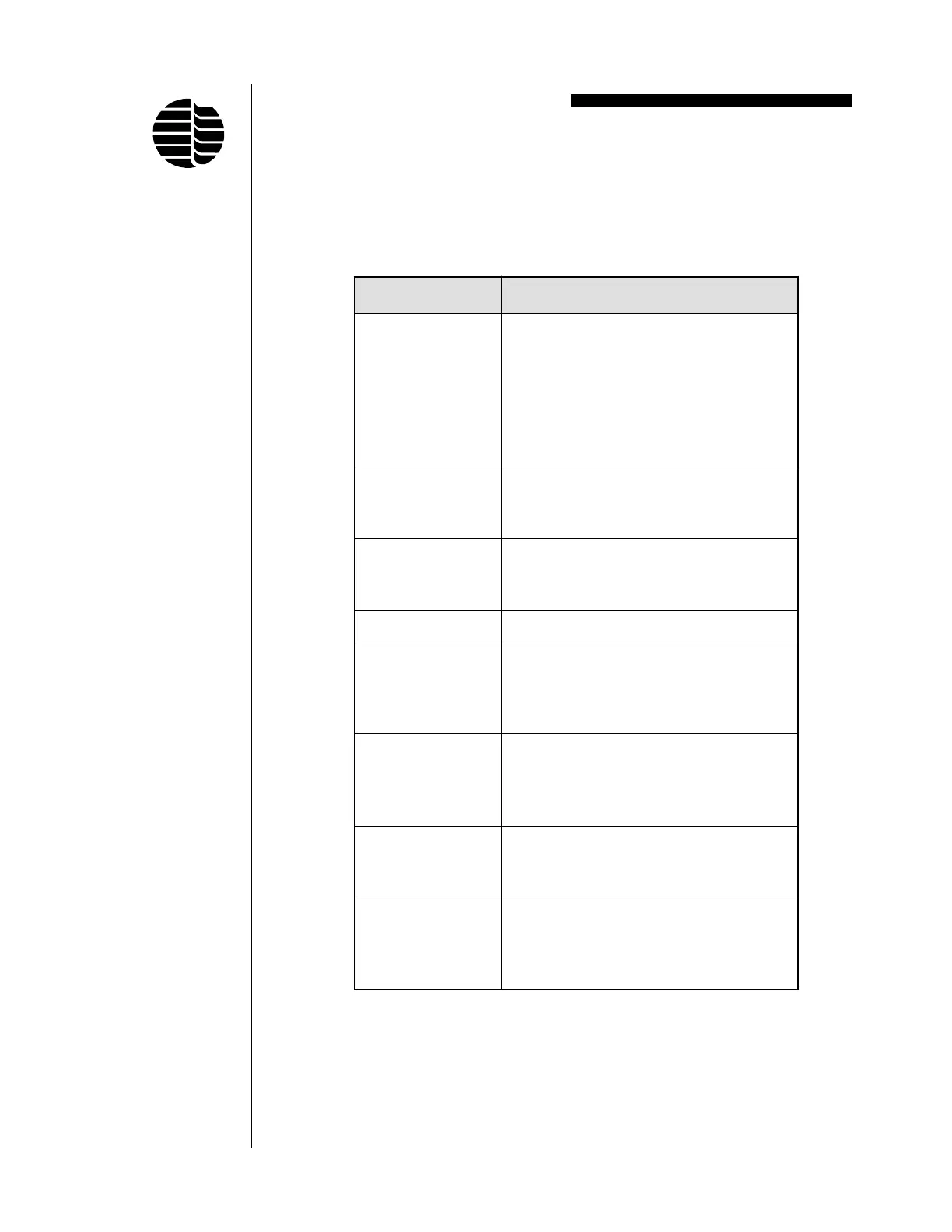
accessed by navigating these menus. Table 3.1 shows the complete menu/submenu
structure for WinPulse. These menus are accessed from the Main Screen.
Table 3.1. WinPulse Menus/Submenus
uneM unembuS
eliFnepO
evaS
sAevaS
tnirP
weiverPtnirP
puteStnirP
tixE
weiVmooZ
rablooT
raBsutatS
sretemaraPsedoM/setaG
lennahC/draoB
stluafeDotteS
stnevEstnevEdemiTteS
sdnammoCydaeRotDPFPteseR
sgnitteSDPFPLLAtimsnarT
sgnitteSDPFPLLAevieceR
MORPEEotsretemaraPDPFPevaS
seitilitUsecnereferPteS
goLnuRweiV
troPsnoitacinummoCteS
weiVDPFPesU
decnavdA
tonsnoitpoerutuf(
)elbaliavayltnerruc
setaRwolFetarbilaC
ezimitpO
DPFPmargorP
pleHxednI
pleHgnisU
troppuS
esluPniWtuobA



 To Next Page