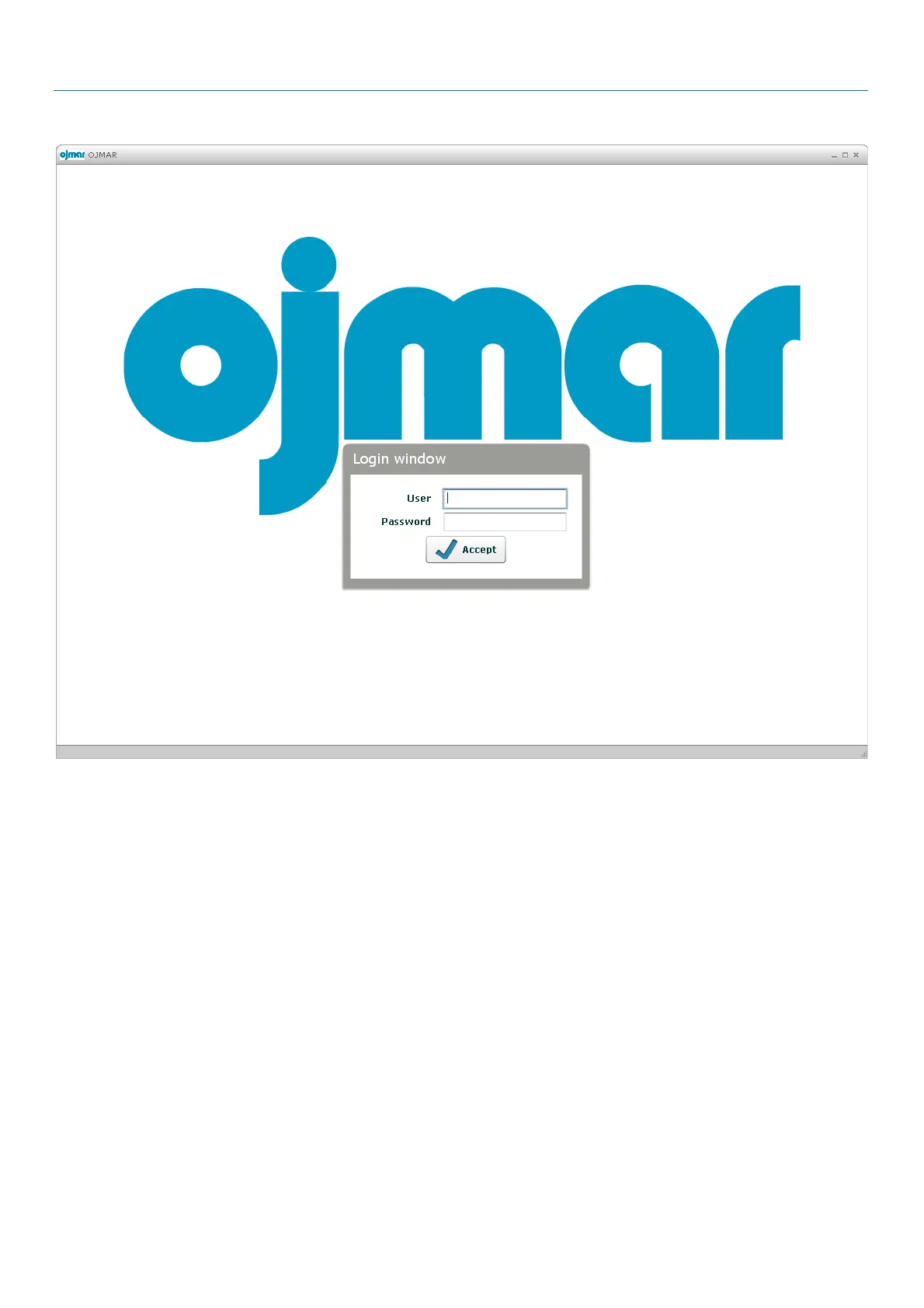
It asks for a user name and a password for accessing the application. This information will be supplied by ojmar. You can find the
user and your password in the installation CD, in file
“License”
, written in a text document called
“Default User.txt”.
The program will be accessed after entering this information.
IMPORTANT NOTE: From software version V4.2.2, graphic interfaces get little changes, due to couple of changes explained
below.
.



 To Next Page