4.2 Maintenance
4.2.1 Reading from a key
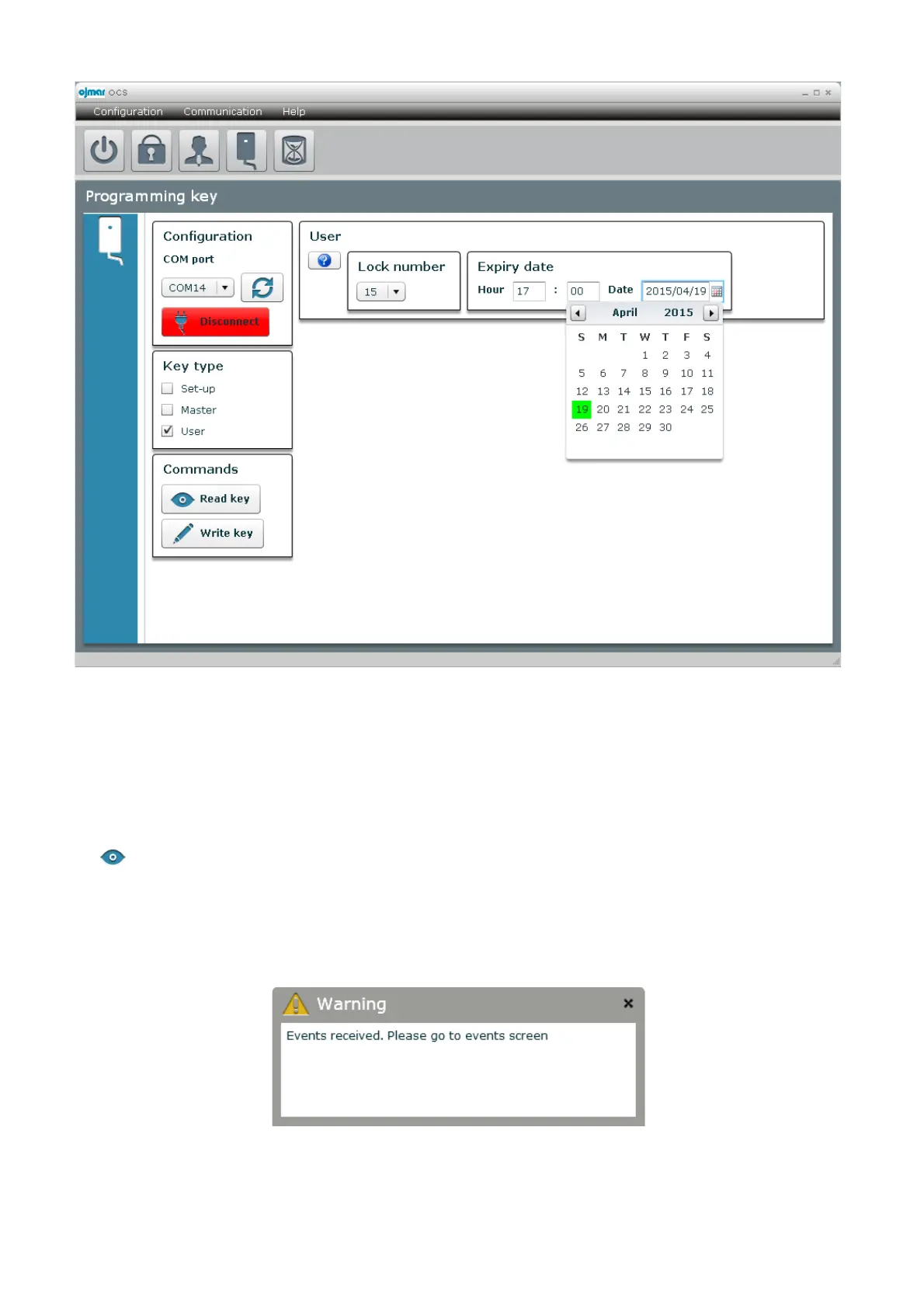
The “ Read key” button allows reading both the key's configuration and the data it has stored in its memory.
When this button is pressed, how the key is configured will be displayed, if it is initialisation, master, user, if there are locks not yet
configured, if it has recorded time changes, etc. At the same time, the key events will be received if it has read them from an OCS
lock. If this is the case, the software will display a message on the screen notifying that events have been received and which can
be consulted on the events screen.



 To Next Page