OCS SOFTWARE OJMAR 29
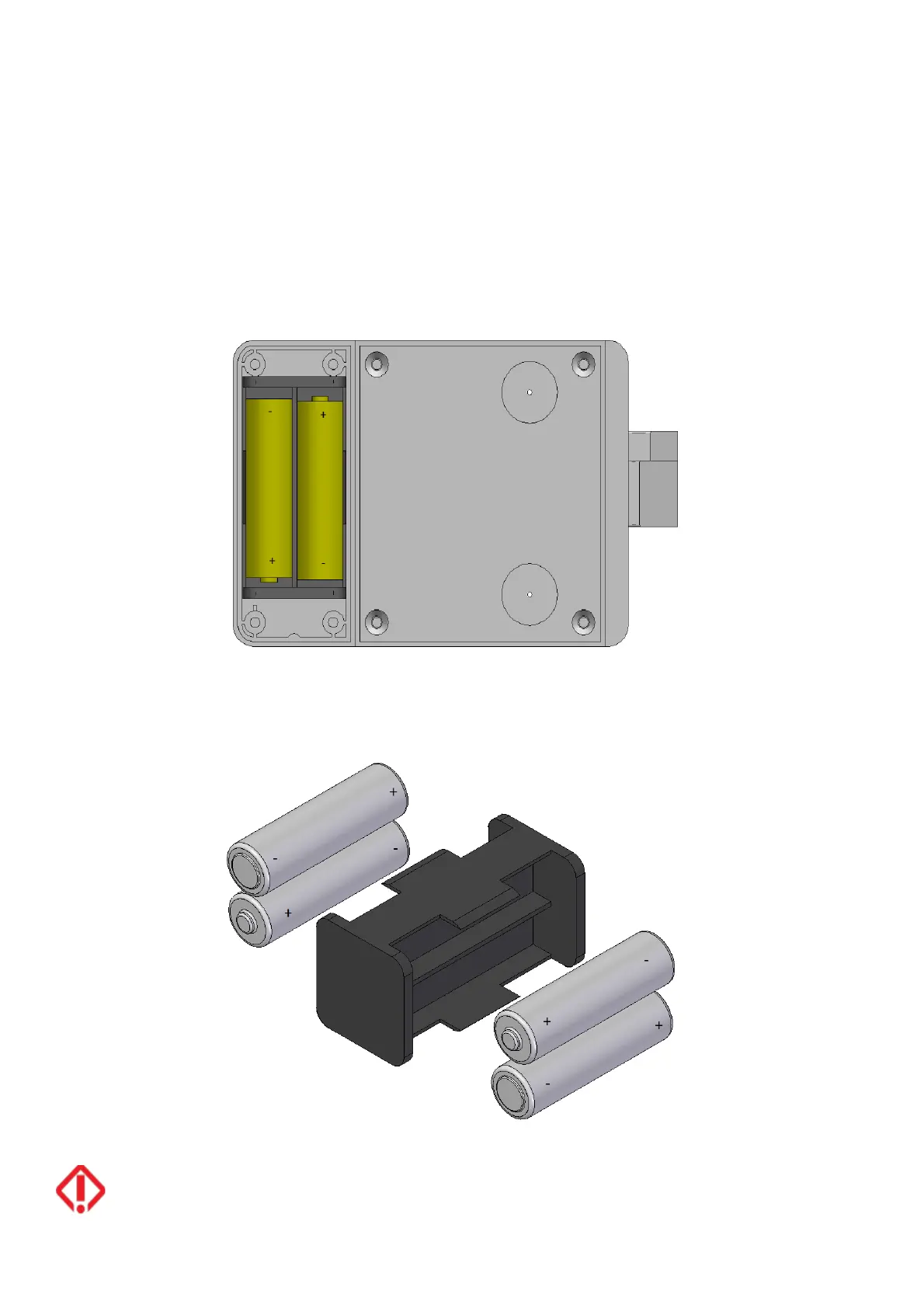
5.2. Battery replacement
The lock is capable of detecting low batteries. After detecting low battery it will allow opening but never closing, preventing the
locker from getting blocked and having to force it to open it.
Follow the steps listed below to replace the batteries:
§
Loosen the two or four screws (depending on the model) and remove the battery cover.
§
Remove the battery holder.
§
Replace the four AA alkaline batteries.
§
Insert the battery holder.
§
Put the cover on and tighten the screws.
*The lock will keep the time and date for a maximum of 20 seconds after removing the batteries; if this time is exceeded the lock
has to be initialised.



 To Next Page