OCS SOFTWARE OJMAR 27
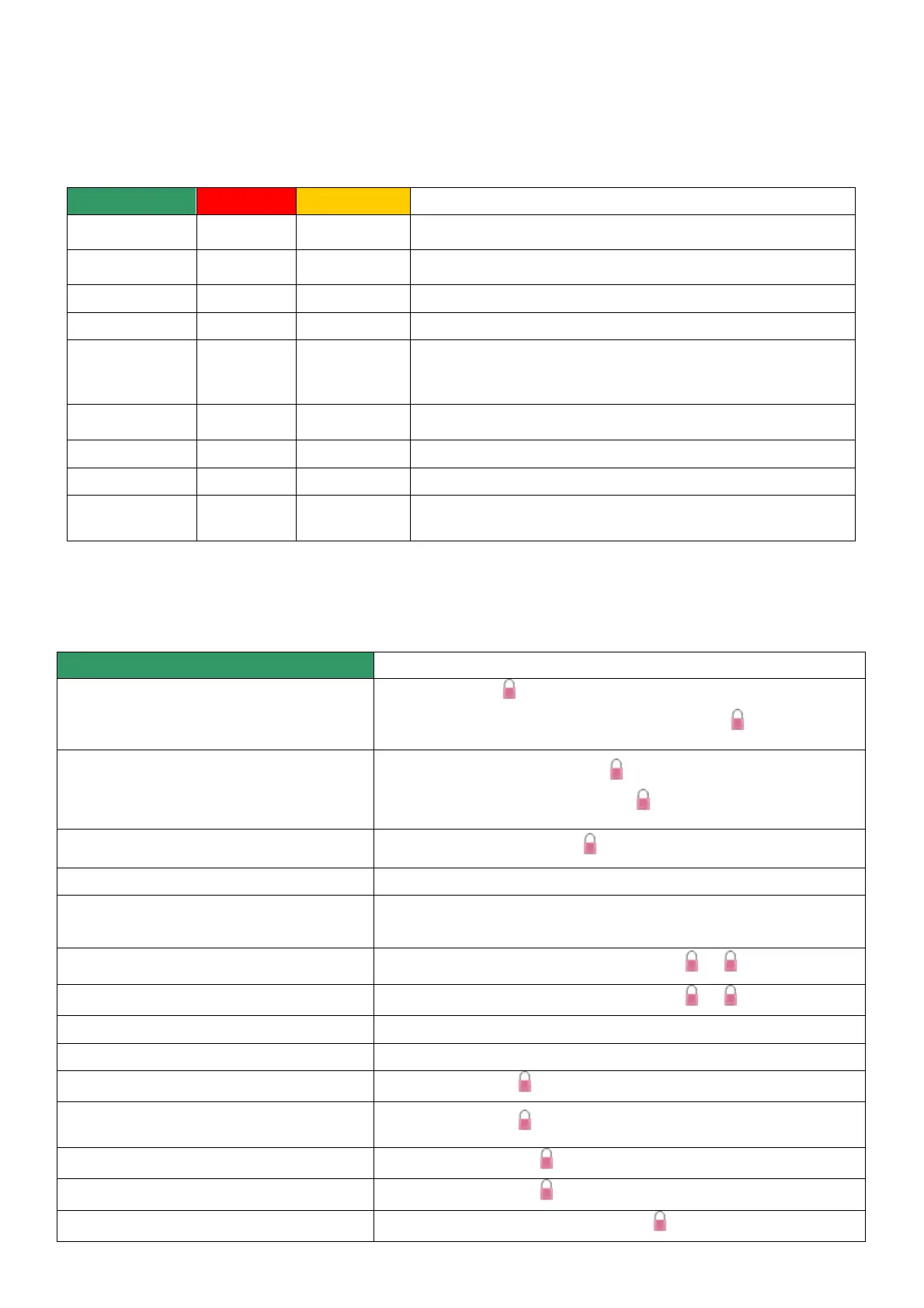
5.1.2 Description of programming key's LED flashes
The programming key has a LED that indicates both operations it is carrying out and errors that may be occurring.
The different flashes emitted by the programming key when it communicates with the OCS lock are listed below.
Key waiting for connection to the PC
Key connected to the lock or to the PC
Operation correctly finished, the key can be removed
Communication with lock ongoing, do not remove the key
The key has been removed before communication with the lock has
ended.
Error type 1. Internal memory error in the key
Error type 2. Low battery
Error type 3. Communication error or incorrect sequence
Error type 4. Error during initialisation, all lock numbers stored in
the key have been programmed already
Table 4.2. Description of the programming key's flashes
5.1.3 Lock commands
The following actions can be done using the keypad.
The commands for configuring the lock always have to be done with the lock open.
Free “start”+code+
Fixed manual locking “start”+previously assigned code+
Free: “start”+code entered to close+
Fixed: “start”+previously assigned code+
Code change in fixed locks
“start”+master code+new code+
Connection of the key with the lock
“start”+button of the programming key
“start”+button of the programming key+wait a few seconds
Initialisation of the lock
“start”+button of the programming key +“start”+ +0+
“start”+button of the programming key +“start”+ +1+
“start”+button of the programming key (key programmed as master)
“start”+button of the programming key (key programmed as master)
Closing service code (only after opening with the
master)
“start”+master code+new master code+77+



 To Next Page