EasyManua.ls Logo

Ojmar OCS - Help Mode

Ojmar OCS
33 pages
Print Icon
To Next Page IconTo Next Page
To Previous Page IconTo Previous Page
Loading...
OCS SOFTWARE OJMAR 25
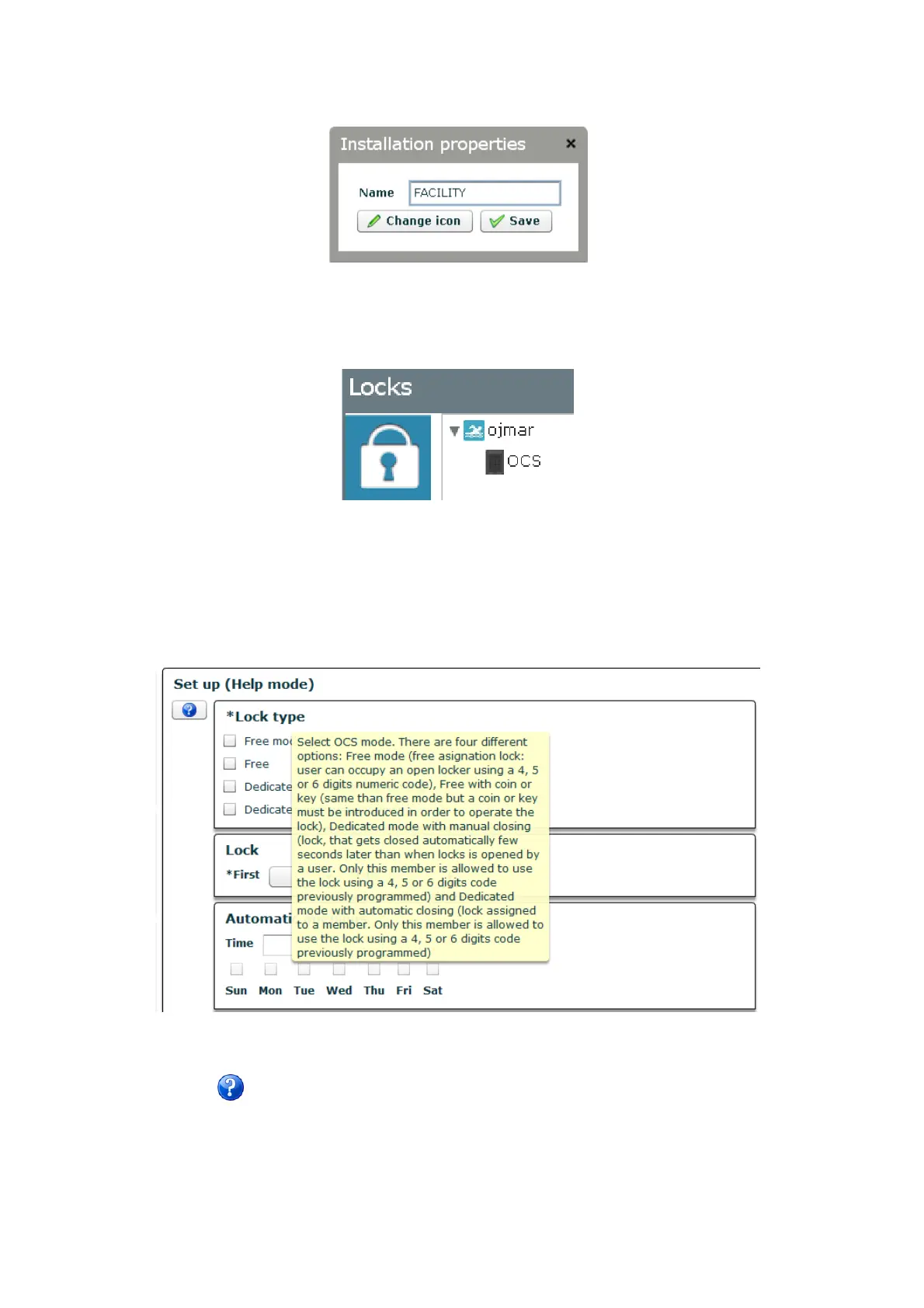
We right-click on the “FACILITY” text to personalise the application. A box allows us to change the name of the facility and the icon
that represents it.
Figure 3.25.- Personalising the facility
For example, let's change the name of the facility to ojmar and select an icon from the computer's hard disk, for example this one
that represents a swimming pool.
Figure 3.26.- Changing the icon
4.3.4 Help mode
There is a small help icon that when clicked allows us to obtain additional information on the different sections on the screen when
we place the cursor on them.
Figure 3.27.- Help mode screen
After clicking the buttons the descriptions of the screens will not be displayed any more.

Related product manuals