OCS SOFTWARE OJMAR 15
4.1.4 Master key
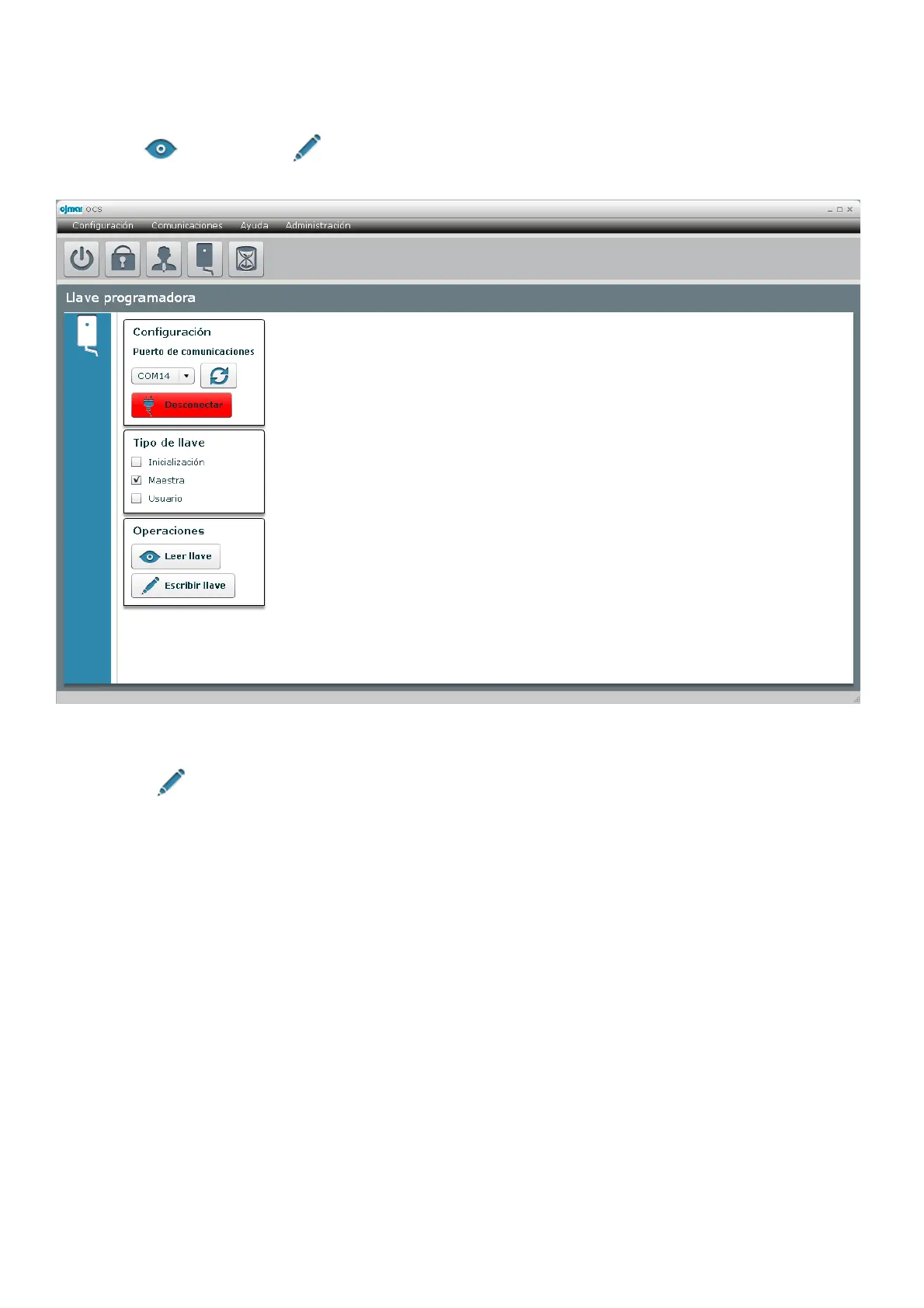
The programming key can also be configured as a master key.
Select “Master” as the key type. This key has no configurable option, and therefore when it is selected all of the boxes disappear,
and only the “ Read key” and “ Write key” will be active.
We will click “ Write key” to programme the key as a master key.
4.1.5 User key
The programming key can also be programmed as a user key for the disabled.
To do so we select “User” in “Key type”. A window is displayed on the right-hand side of the screen where we will select the
“Lock number” of the dedicated type OCS we are going to assign the key to. User keys can only be used in dedicated locks, never
in free mode, and therefore only the dedicated locks created up to that moment will appear.
The user keys can also be assigned an expiry date on which they stop being valid.
In the next figure (
Figure 3.11
) we are creating a user key for dedicated lock 15 and with an expiry date of 19 April 2015 at 17:00.



 To Next Page