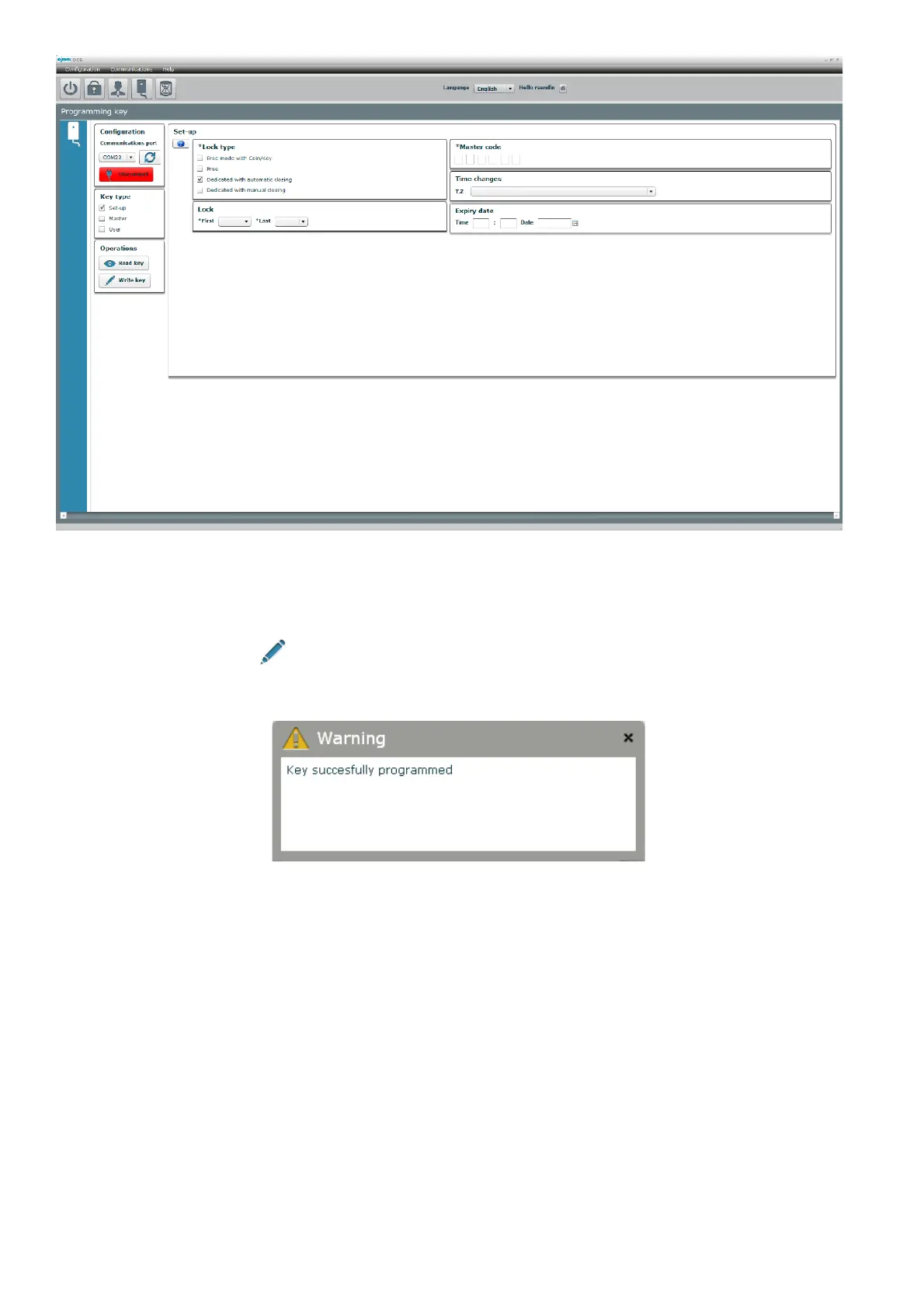
“Expiry” allows configuring a lock to prevent it from being used after the time and date selected. This function is only configurable
in only fixed locks (with automatic or manual locking) and it will not appear when we have selected “Free” as “Lock type”.
After the selected date, the lock cannot be closed again after opening with the user code until a new initialisation.
After entering the date, we click Write key” and if everything has gone well, the key will be ready to carry out its functions
as an initialisation key.



 To Next Page