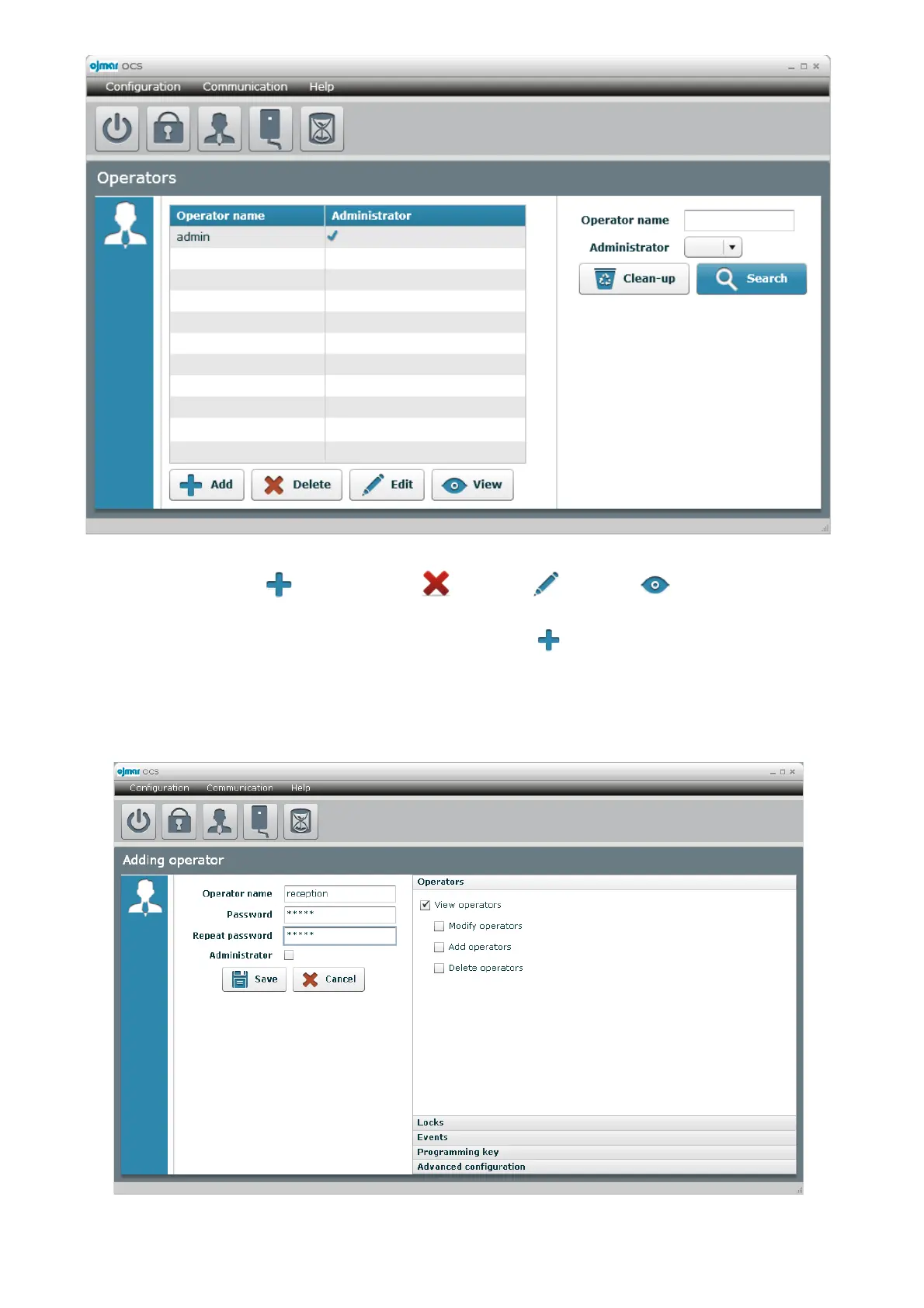
The screens gives us access to “ Add” operators, “ Delete”, “ Edit” and “ View” already created
operators.
We are going to create a new operator as an example, and to do so we click “ Add”.
We enter “Operator name”, “Password” and confirm the password for safety reasons. These are the fields to be used by the
new operator to access the application. We select the options to give access to this user from the list on the right-hand side of the
screen. If we select the “Administrator” tab, we will be creating an operator who will have access to all of the software's
functions. In this example we are going to select all the fields except options “Advanced configuration” and “Operators”,
although we will give the “View operators” possibility in this last tab.



 To Next Page