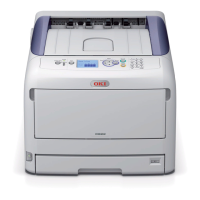
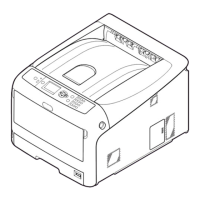
C8800 User’s Guide
134
Jam 381
OPEN TOP COVER
381: Paper Jam
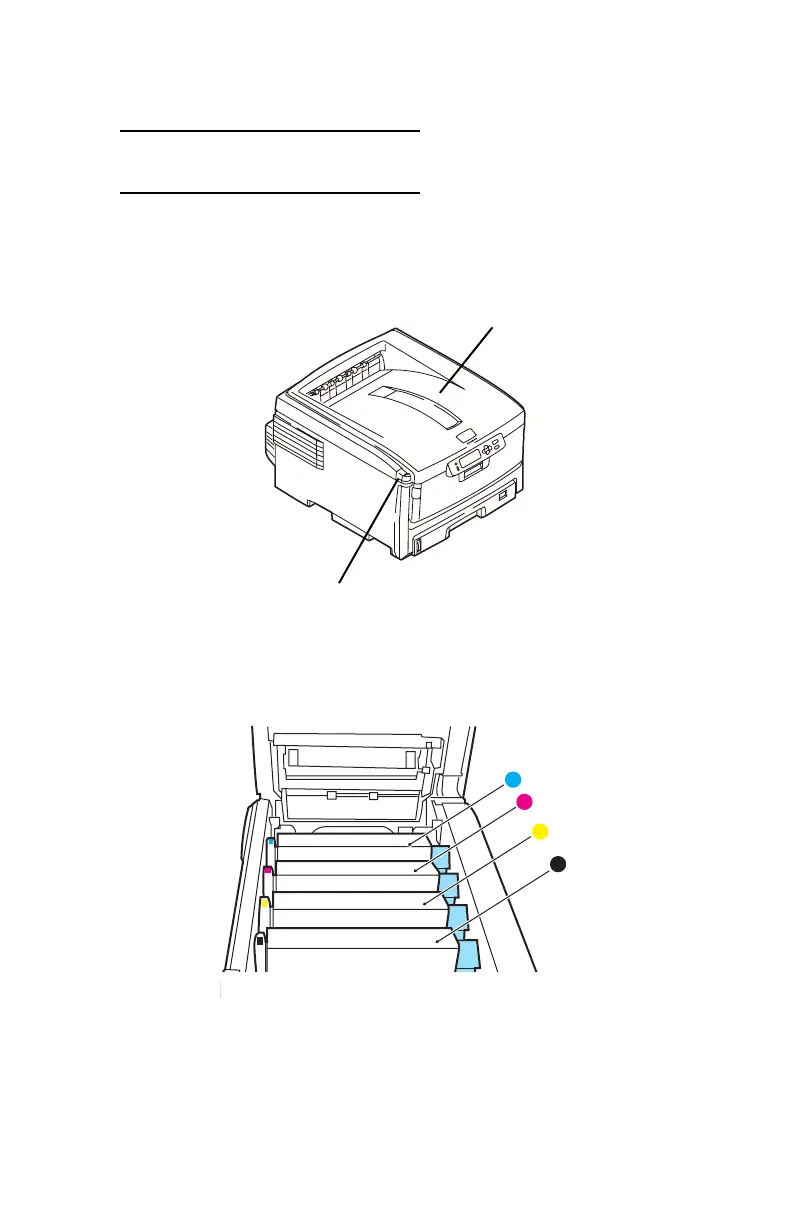
1. Press the cover release (1). Fully open the printer’s top
cover (2).
Fig1_001.eps
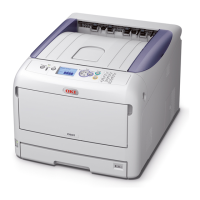
2. Note the positions of the four image drums: Cyan (1),
Magenta (2), Yellow (3), Black (4). It is essential that
they go back in the correct order!
ID Order.eps
WARNING! If the printer has been powered on, the fuser is
hot. This area is clearly labelled. Do not touch it.
1
2
1
2
3
4





 To Next Page