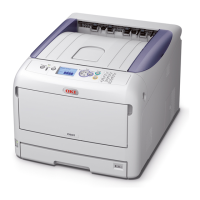
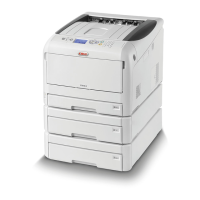
C8800 User’s Guide
57
Paper Size Check ________________________
General Information
If Paper Size Check is turned on (enabled), the printer checks
whether the size paper loaded in the selected tray matches
that required for the document being printed.
For more information,
Windows, PostScript: see page 58
Windows, PCL: see page 59
Macintosh: see page 60





 To Next Page