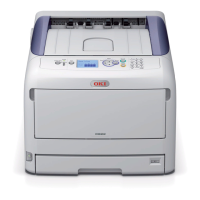
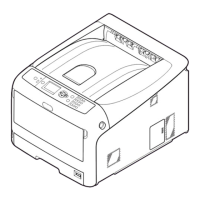
C8800 User’s Guide
139
Jam 390
CHECK MP TRAY
390: Paper Jam
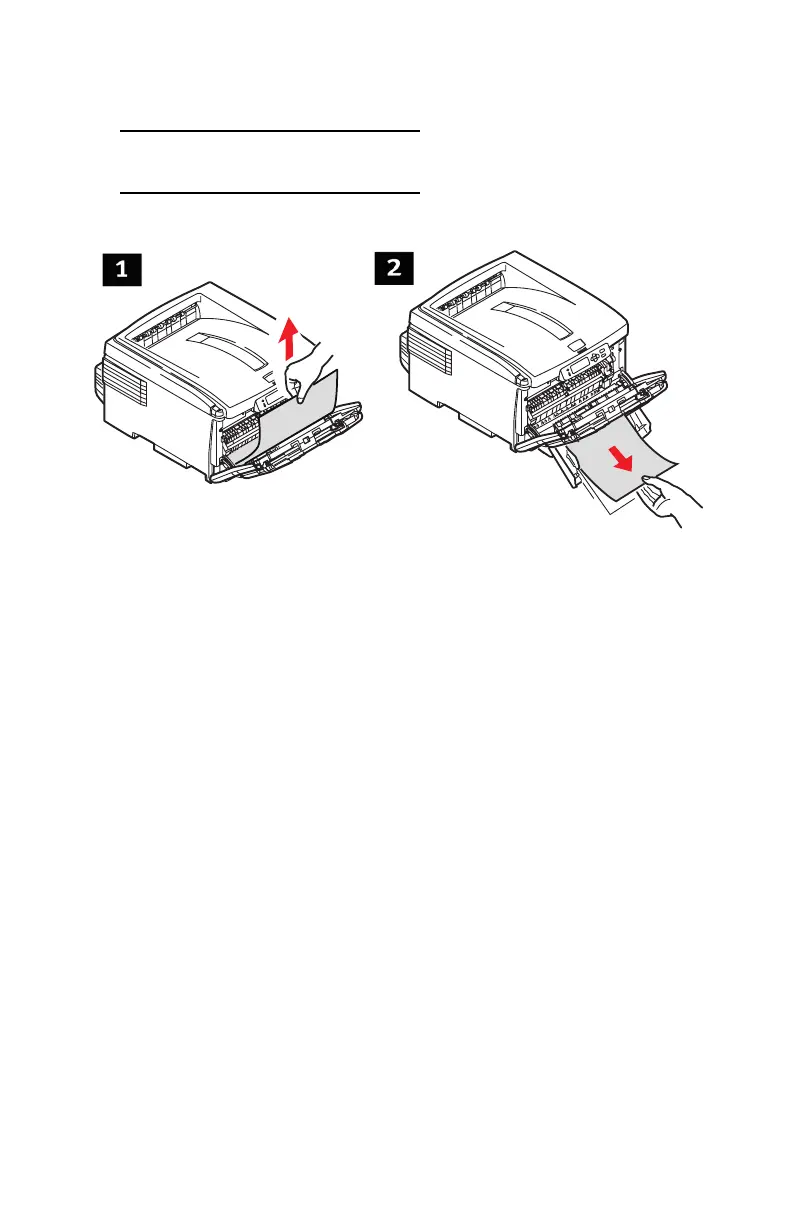
Jams 4.eps
Sheet has just entered the printer (1)
Gently pull the sheet out of the printer.
Sheet can’t easily be pulled out from the front
(2)
1. Lift the front cover release. Pull open the front cover.
2. Remove any jammed sheets.
3. Close the front cover.





 To Next Page