ENGLISH
EN - 14
NOTE:
The wired remote control does not receive the vertical swing control instructions.
To activate/deactivate this function, it is necessary to operate on the relevant key of the wired
remote control.
4.2 - SWITCHING THE APPLIANCE ON/OFF
• Press the ON/OFF key to switch the appliance on or off.
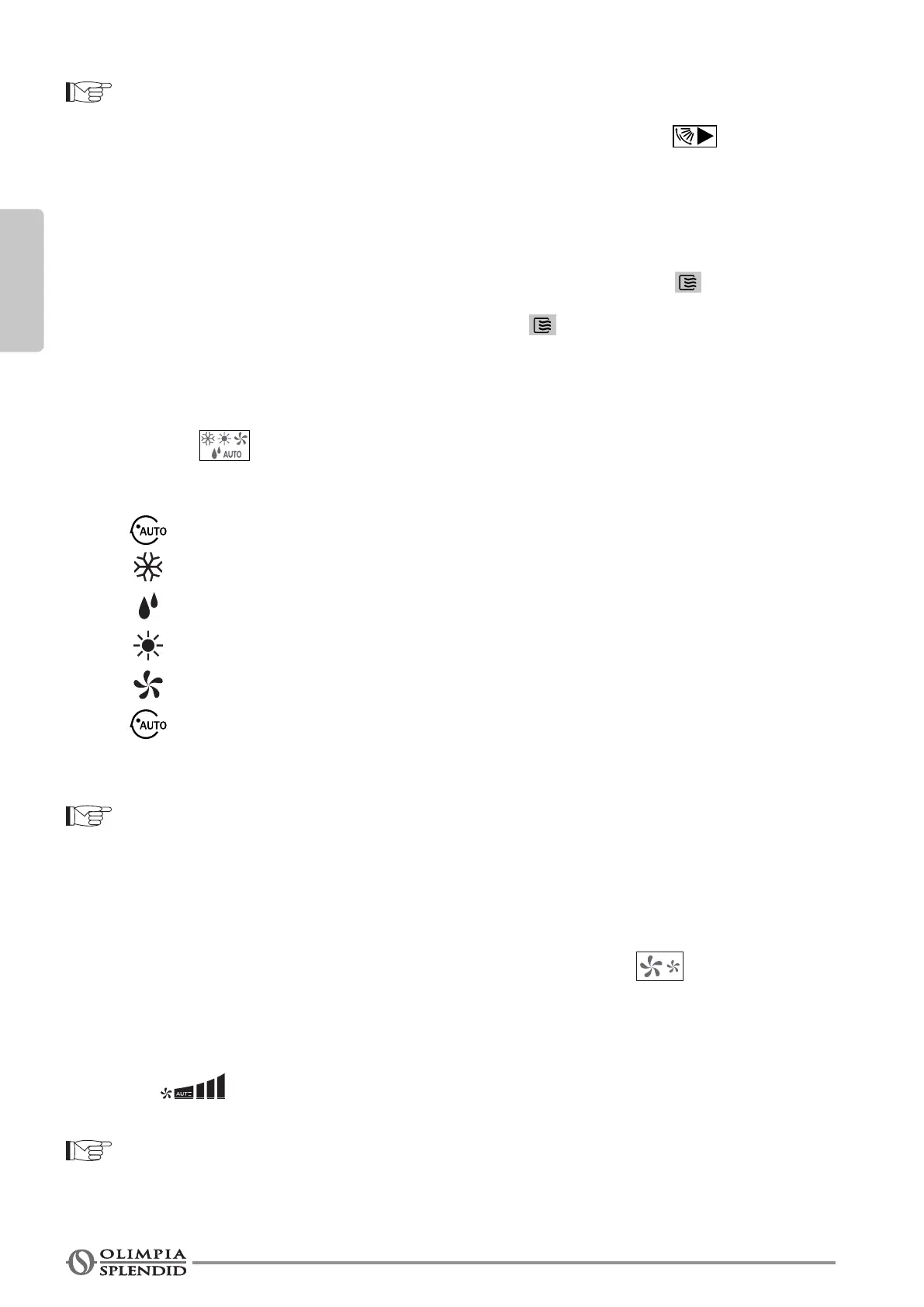
• When the appliance is off, press the ON/OFF key and the appliance starts; the icon on the display
switches on.
• By pressing the ON/OFF key, the appliance stops and the icon on the display switches off.
4.3 - SETTING THE OPERATING MODE
• Press the key one or more times to set the operating mode.
The operating mode is selected in the following order
AUTO >
(COOL) Cooling >
(DRY)Dehumidication>
(HEAT) Heating >
(FAN) Ventilation >
AUTO .....
The icon corresponding to the function selected switches on (in the upper part of the display).
NOTE:
When the controller has been set at COOL ONLY, there is no HEAT.
4.4 - SETTING FAN SPEED
• In Cooling (COOL), Heating (HEAT) and Ventilation (FAN) mode, press the key one or more times
to adjust the fan speed according to the following sequence:
AUTO>LOW(Minimum)>MID(Medium)>HIGH(Maximum)≤AUTO....
• The indicates the speed level selected.
NOTE:
In AUTO and DRY modes, the fan speed is pre-determined and cannot be adjusted.





 To Next Page