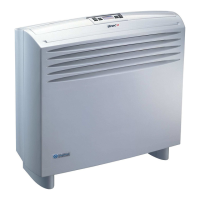
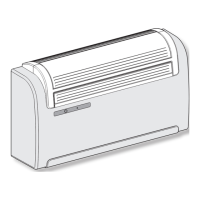
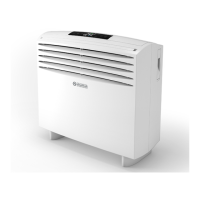
UNICO EASY S1
C
B7
B8
B9
B10
B11
B4
B3
B2
B1
B5 B6
B12
D8
D7
D9
D10
D1
D16
D5
D4
D3
D2
D11
D6
D14 D13
D15
D12
ENGLISH
EN - 15
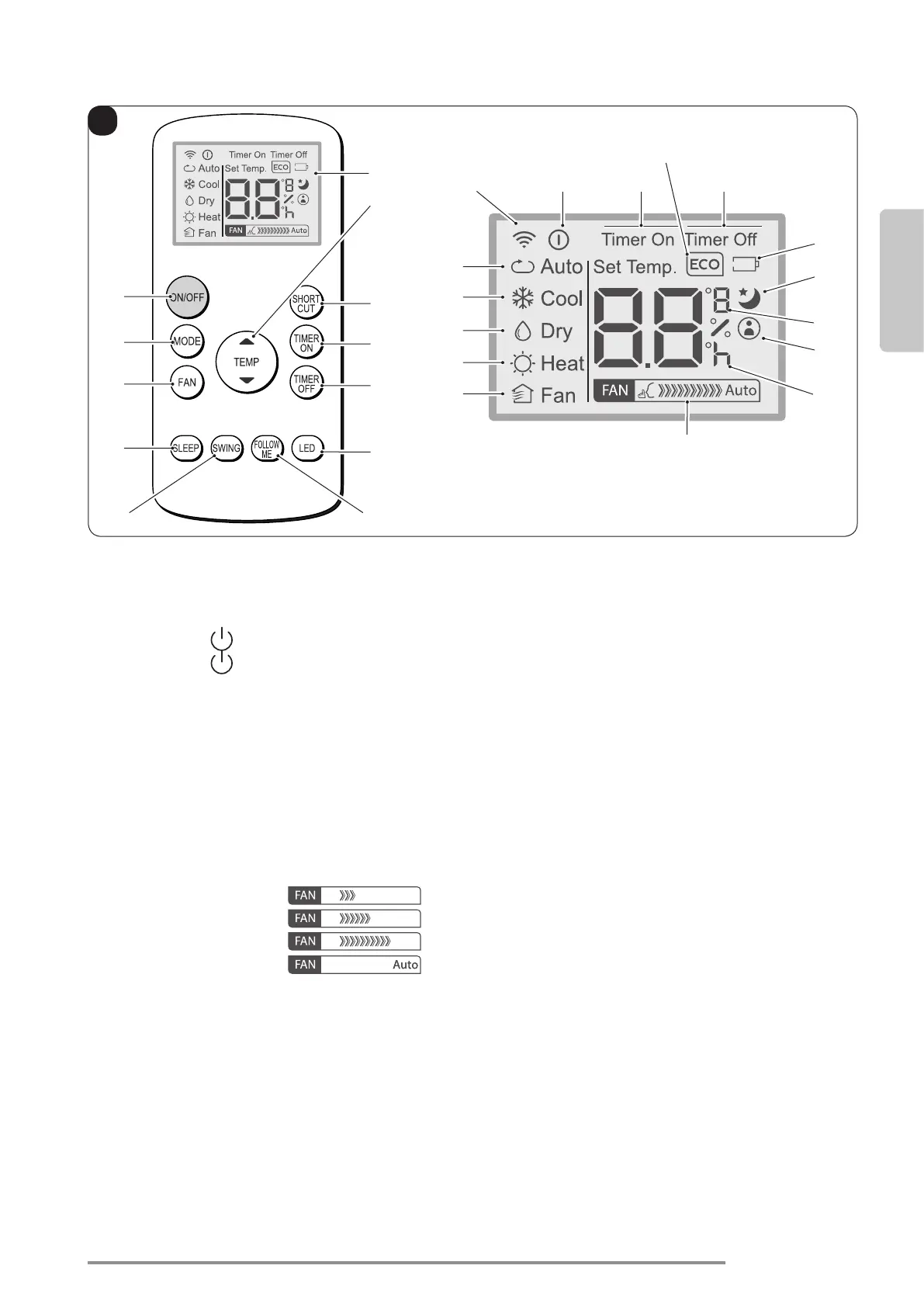
3.2 - REMOTE CONTROL KEYS (Fig. C)
• B1: On/Off key for the appliance switching on/
off
- Symbol
(D1) turned on: appliance On
- Symbol (D2) turned off: appliance in
Stand-by
•B2: Operation mode selection
AUTO(Automatic)ECO=˃
=˃cooling=˃
=˃dehumidification=˃
=˃heating(activeonlyintheversionwithheat
pump)=˃
=˃fanonly=˃...
•B3: Fan speed selection
Minimum speed =˃
=˃Mediumspeed =˃
=˃
Maximum speed
=˃
=˃Auto
• B4: SLEEP mode activation (ON/OFF)
•B5: NOT ENABLED
•B6: Activate/deactivate FOLLOW ME function
• B7: Activate/deactivate display on machine
control panel
• B8: Unit switch OFF delay setting
• B9: Unit programmed switch-on setting
• B10: SHORT CUT
• B11:Temperaturesetincrease▲
Temperaturesetdecrease▼
• B12: Display
•D1: Appliance running indicator
•D2: Automatic mode (ECO)
•D3: Cooling mode (COOL)
•D4: Dehumidicationmode(DRY)
•D5: Heating mode (HEAT) (active only in the
version with heat pump)
•D6: Fan only mode (FAN)
•D7: Fan speed indication (vederte “B3”)
•D8: Programmed switching on/off “hour” indicator
•D9: “FOLLOW ME” function active indicator
•D10: Temperature indicator in °C (F)
•D11: “SLEEP” function active indicator
•D12: Remote control battery low indicator
•D13: “TIME OFF” function active indicator
•D14: “TIME ON” function active indicator
•D15: “ECO” function active indicator
•D16: Remote control transmission signal


 To Next Page
 Loading...