21
EN
Section 4
Enjoying the Playback Mode
Button Function
TheButtonshavethefollowingfunctionsinPlaybackMode.
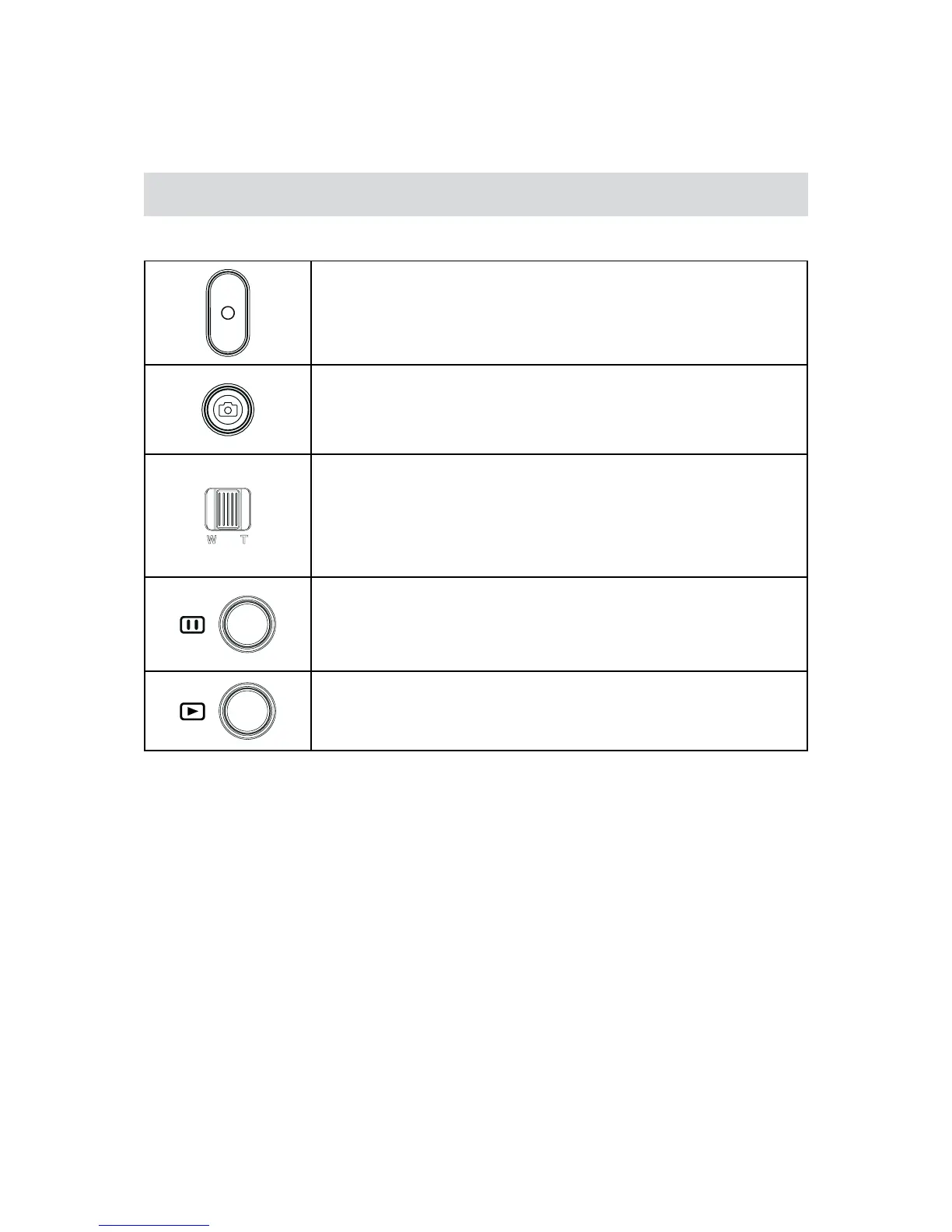
Video Button:
PresstogotheRecordMode1.
Photo Button:
PresstogotheRecordMode1.
Tele Button:
Volumeincrease./Zoominthephoto1.
Wide Button
Volumedecrease./Zoomoutthephoto1.
Pause Button:
InVideoPlaybackMode,presstopausetherecordedvideo.1.
Playback Button:
SwitchtothePlaybackMode.1.
Forquickreview,pressitafterrecording.2.


 To Next Page