17
EN
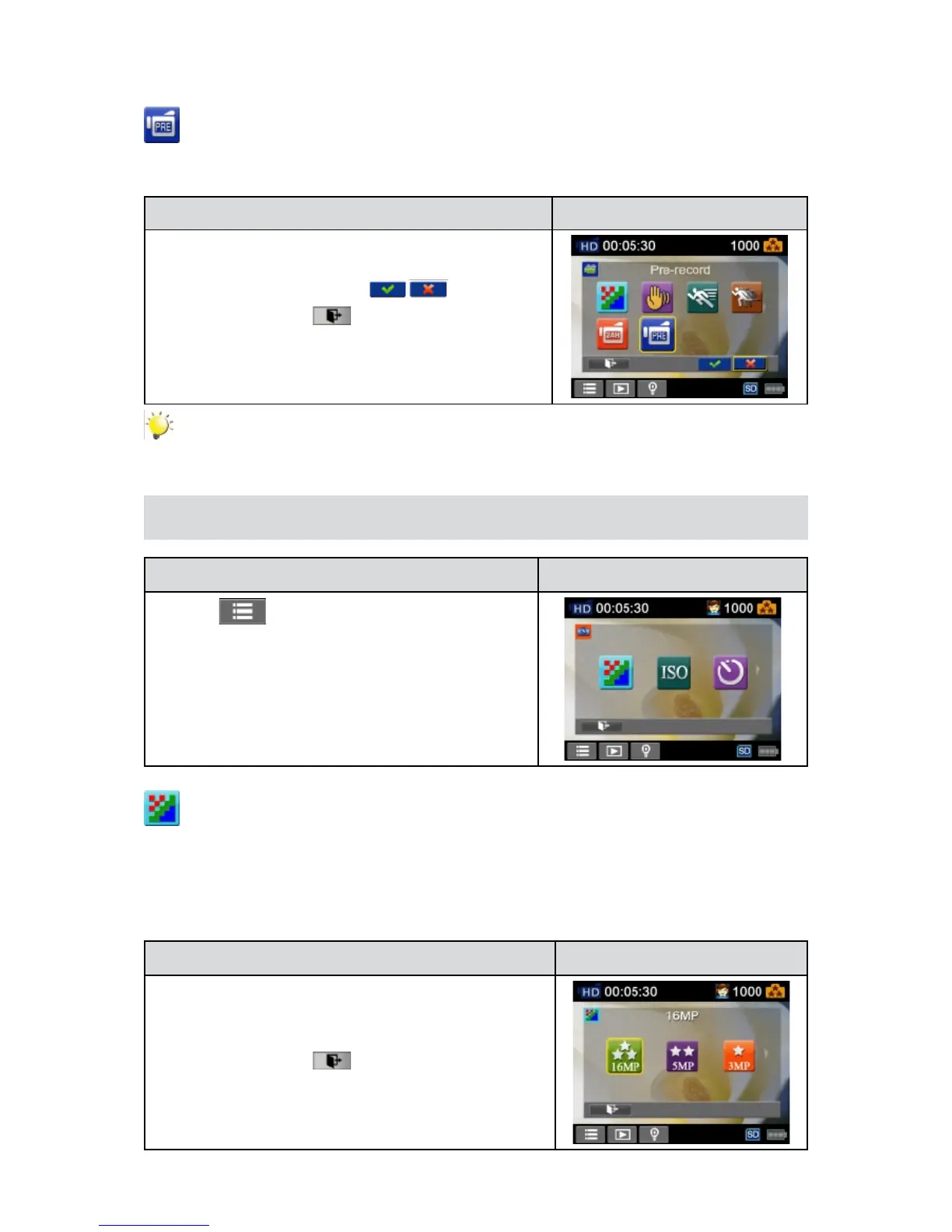
Pre-record
ThePre-recordfunctionensuresthatyouwillnotmissanycriticalrecordingopportunities.Thevideo
isrecorded1secondmorebeforethe[VideoButton]ispressed.
Operation Display Screen
In the Video menu, touch the [Pre-record] icon on the1.
screen.
Touch to select [On] or [Off] 2. ( ).
Touch the Exit icon 3. (
)to exit.
Note
Aim the camera at the subject and position it securely before • the[VideoButton]ispressed.
Photo
Operation Display Screen
T1. ouch
on the screen inRecordMode.Themenu
will show on the screen.
Touch the [Photo] icon on the screen. Submenu of2.
Photo will pop out on the screen.
The Photo submenu contains 3 options-- Resolution,3.
ISO, and Self-Timer --for you to adjust the camera
settings.
Photo Resolution
Three resolution settings are available.
16MP• :Shootphotoat4608x3456,16MPquality.
5MP• :Shootphotoat2592x1944,5MPquality.
3MP• :Shootphotoat2048x1536,3MPquality.
Operation Display Screen
In the Photo menu, touch the [Resolution] icon on the1.
screen.
Touch to select the desired option.2.
Touch the Exit icon 3. (
)to exit.


 To Next Page