34
EN
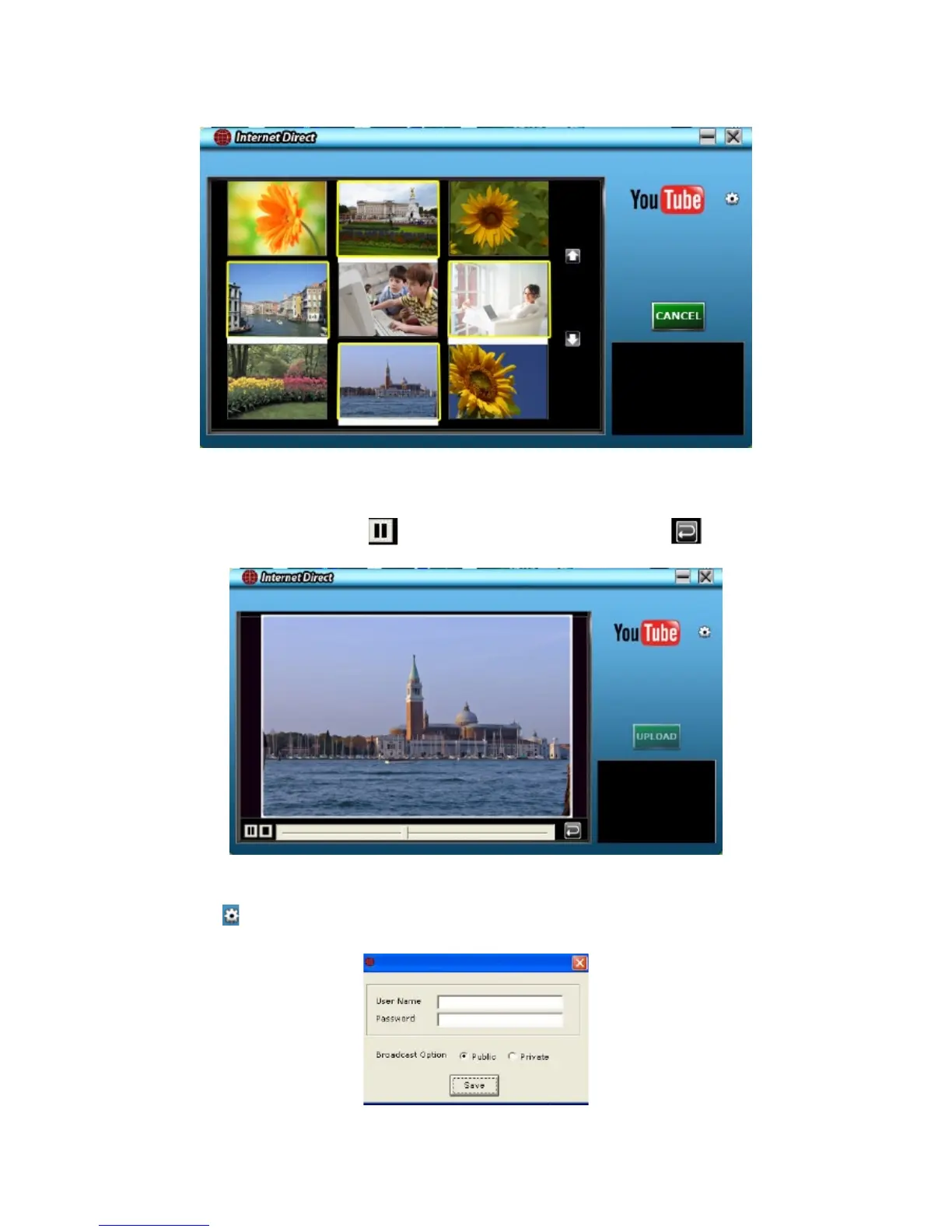
Clickon“CANCEL”tostopuploading.6.
To playback the video le:
Doubleclickonthevideocliponthethumbnailscreen.1.
Click on thePlay/Pause icon2.
to play/pause.Click on the Return icon to return to the
thumbnail preview screen.
To setup your account information for the web site:
1.Clickon
to go to the setup screen.
2. Fillinyouraccountinformationintheblanks.Thenclickon“Save”.
(Ifyoudonothaveanaccount,pleasesignupontheWebsiterst.)


 To Next Page