39
EN
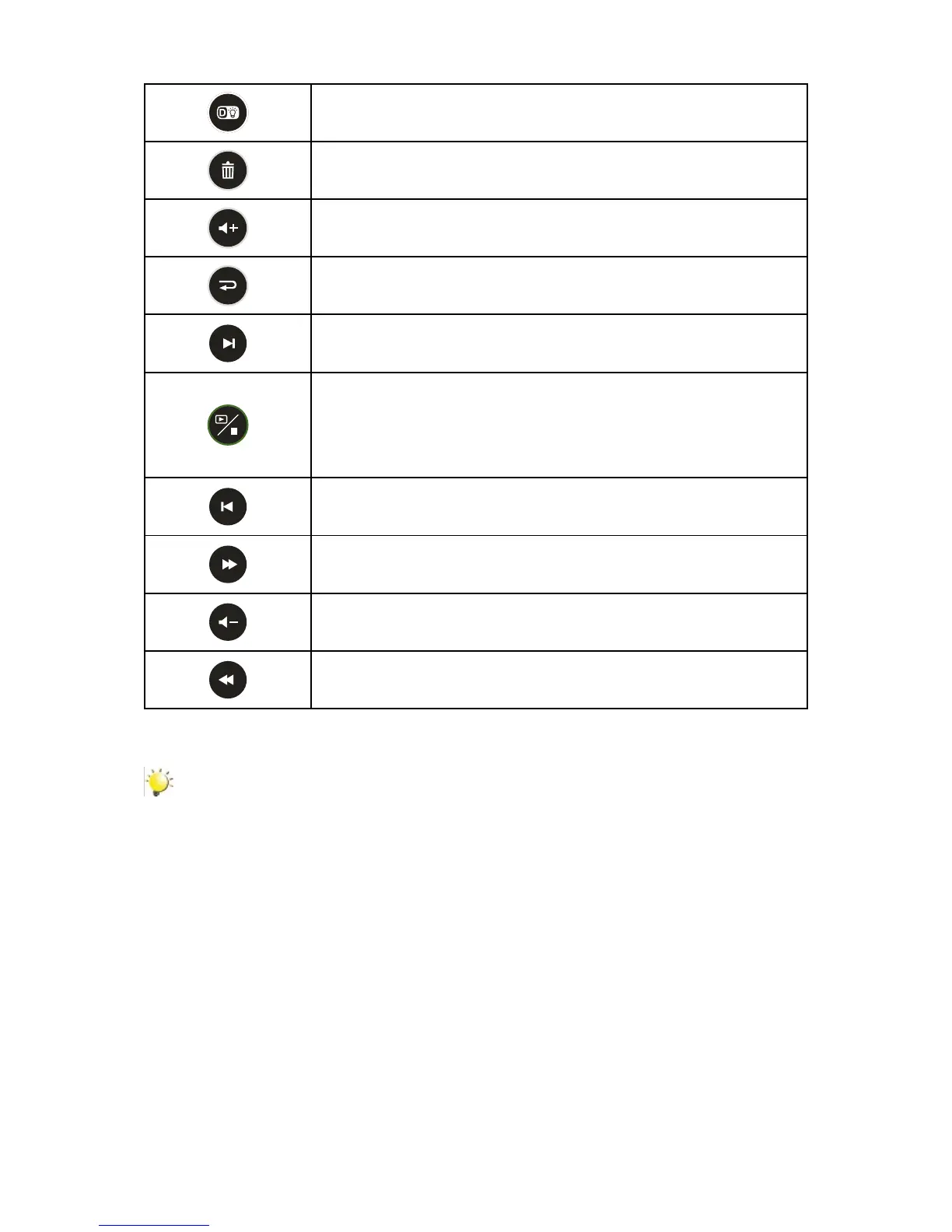
Digital Light Button:
DigitalLighton/off.1.
Delete Button:
Deletethecurrentorallvideos/photos.1.
Volume Up Button:
Volumeincrease.1.
Return Button:
Return to the previous screen.1.
Next Button:
Gotothenextvideo/photo1.
Playback/Stop Button:
SwitchtothePlaybackMode.1.
Forquickreview,pressitafterrecording.2.
InVideoPlaybackMode,presstostoptherecordedvideo.3.
Previous Button:
Gotothepreviousvideo/photo1.
Forward Button:
Videofastforward1.
Volume Down Button:
Volumedecrease.1.
Rewind Button:
Videofastrewind1.
Note
Record menu is not accessible via the remote control.•
When the battery power of the remote control becomes weak, the remote control may not •
function properly. In this case, please replace the battery.
When replacing the battery, please follow the illustration at back side of remote control.
•
When using remote control, please aim at the IR Remote underEE Led LightEEE at the front of camera.
•


 To Next Page