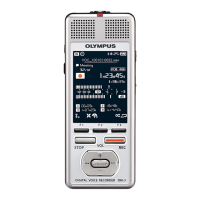
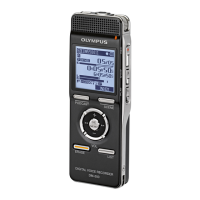
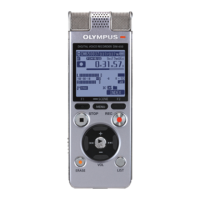
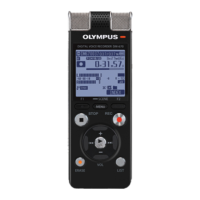
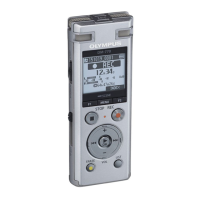
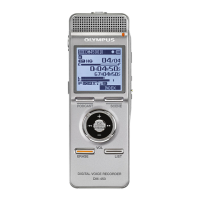
Names of parts
9
EN
Names of parts
Display
4 [
Text Speech
] mode
$
8
!
@
7
12 43
65
#
$
8
9
0
!
@
7
12 43
65
Text displayFile details display
1 Recording media (☞ P.82)
[ ]: Internal memory
[
]: SD card
2 Speaker (☞ P.81)
3 Timer Rec (☞ P.89)
4 Alarm (☞ P.63)
5 Wi-Fi (☞ P.85)
6 Battery (☞ P.18)
7 Current file name
8 File format (☞ P.46)
9 Voice recorder status indicator
[ ]: Stop
[
]: Playback (☞ P.42)
[
]: Fast playback (☞ P.47)
[
]: Slow playback (☞ P.47)
0 Playback speed (☞ P.47)
! File details display, Text display
@ Indicator display area (☞ P.10)
# Playback position bar
$ Function button guide
TIP
• Each time the F3 (DISPLA
Y) button is
pressed, the display layout changes in
the following order:
File details display ➔ Text display



 To Next Page