Using
as
External
Memorv
01
the
PC
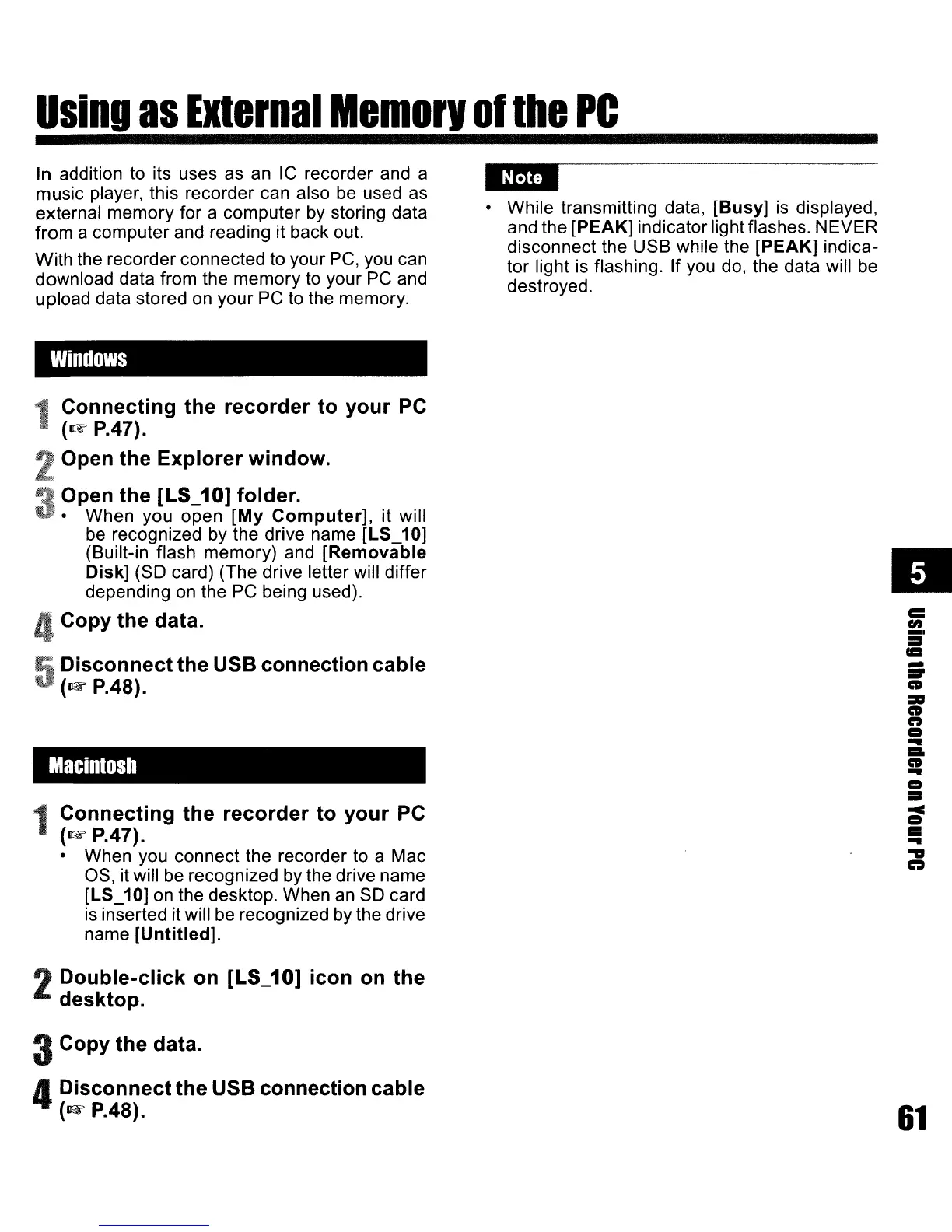
In addition
to
its uses as
an
IC
recorder and a
music player, this recorder can also
be
used
as
external memory for a computer by storing data
from a computer and reading it back out.
With the recorder connected to your
PC,
you can
download data from the memory to your
PC
and
upload data stored
on
your
PC
to the memory.
Windows
Connecting
the
recorder
to
your
PC
(1&
P.47).
Open
the
Explorer
window.
Open
the
[LS_10] folder.
• When you open
[My
Computer],
it will
be
recognized
by
the drive name [LS_10]
(Built-in flash memory) and
[Removable
Disk] (SO card) (The drive letter will differ
depending
on
the
PC
being used).
4Copy
the
data.
Disconnect
the
USB connection
cable
(1&
P.4S).
Macintosh
1
Connecting
the
recorder
to
your
PC
(1&
P.47).
• When you connect the recorder to a Mac
as, it will be recognized by the drive name
[LS_10]
on
the desktop. When
an
SO
card
is
inserted it will be recognized
by
the drive
name
[Untitled].
2
Double-click
on [LS_10]
icon
on
the
desktop.
3Copy
the
data.
4
Disconnect
the
USB connection
cable
(1&
P.48).
• While transmitting data,
[Busy]
is
displayed,
and the [PEAK] indicator light flashes. NEVER
disconnect the USB while the [PEAK] indica-
tor light
is
flashing. If you
do,
the data will be
destroyed.
•
c::
en
5'
..
-
:r
•
=
•
n
a
..
=.
•
..
a
=:I
~
=
..
."
n
61



 To Next Page