13
When using U-DICT with analyzer other than U-ANT
a) Disengage the DIC slider from the light path.
b) Push in the polarizer handling knob to insert the polarizer into the light path.
c) Rotate the polarizer rotation knob to the position where the field of view is perfectly dark, then tighten the
polarizer clamping knob.
}The perfectly dark (“crossed Nicol”) position is located near the 0
o
position index.
d) Re-engage the DIC slider in the light path.
2. Rotate the turret and engage the DIC prism that matches the objective in use.
3. Rotate the revolving nosepiece to swing in the objective to be used.
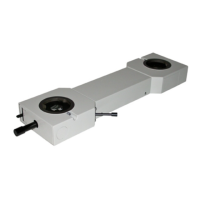
}When a transmitted light DIC slider other than the UDICT is used, set the prism position switch lever to
BFP1 or NORMAL according to the objective to be used.
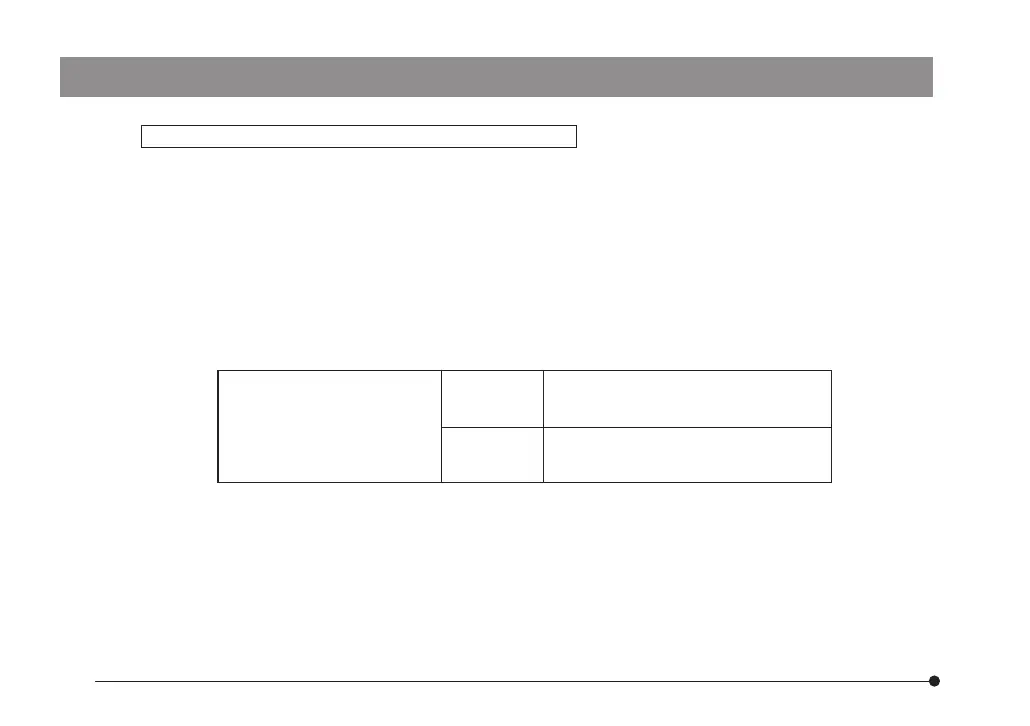
Objective with which the BFP1
position should be set
UPlanFLN40XO, PlanApoN60XO,
UPlanSApo60XO
With any objective other than the above, use the NORMAL position.
4. Place the specimen on the stage and move the stage up and down to bring the specimen into focus.
5. Adjust the field iris diaphragm until the diaphragm opening circumscribes the field of view.
6. Stopping down the aperture iris diaphragm somewhat may increase the contrast.
7. Rotate the prism control knob of the DIC slider to adjust the contrast of the background color as dis-
cussed on the next page.
UIS2 Series
UIS Series
UPlanApo40XOI3, UApo40XOI3/340,
UApo40XW3/340, PlanApo60XO3
ax7353_inst.pmd 20.04.2005, 12:2713


 To Next Page