U-UCD8
28
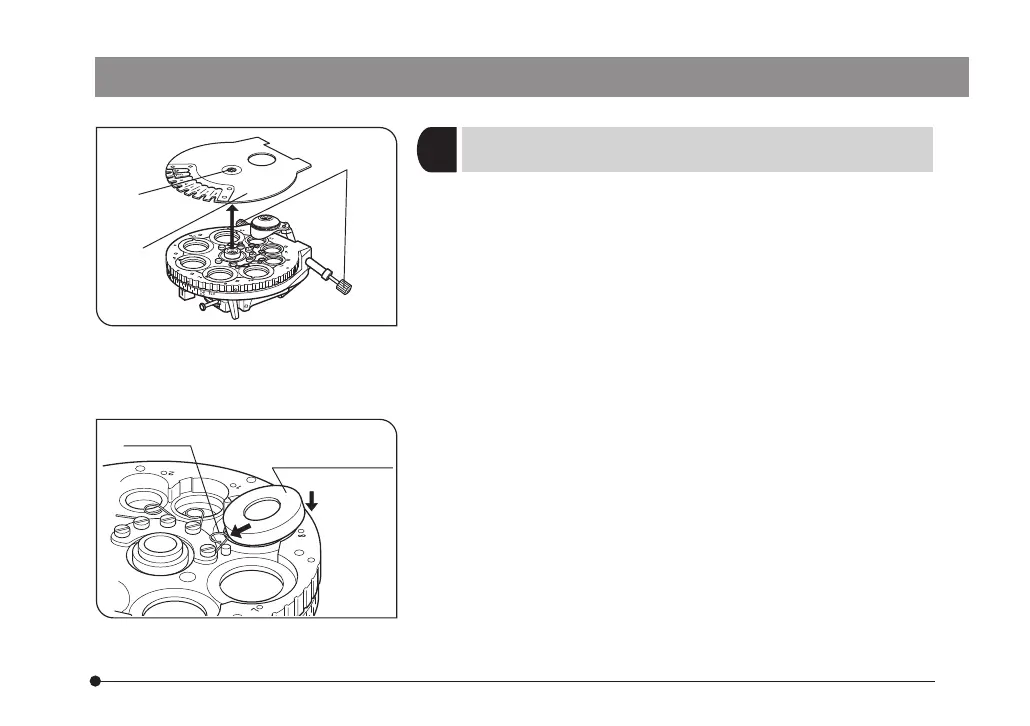
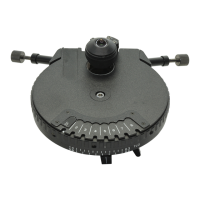
1. Using the Allen screwdriver provided with the microscope,
loosen the turret cover clamping screw @ and remove the
turret cover ².
#When removing the turret cover, care should be taken to
prevent damage to the top lens and the dust protective
glass in the turret cover.
2. Rotate the turret to engage the aperture position you want to
mount the phase contrast or darkfield ring. Then, while push-
ing in the optical element centering screw ³, loosen it by
turning it counterclockwise.
3. Leave the top lens swung out so it does not impede mount-
ing of the optical elements.
4. Insert the phase contrast ring or darkfield ring in the aperture
of the turret as far as it will go. Slightly depress the spring |
provided inside the turret with the side of ring while inserting.
(Fig. 8)
#Be careful not to push the ring sit plate inside the element
frame.
5. While pushing in the optical element centering screw, tighten
it lightly by turning it clockwise.
#Do not overtighten as this may deform the mount frame of
the optical element.
3
(Figs. 7 & 8)
Mounting the Phase Contrast Ring
or Darkfield Ring
Fig. 8
Fig. 7
Optical element
spring |
@
²
³
ax7353_inst.pmd 20.04.2005, 12:2728


 To Next Page