12
5. OPERATION
Before switching PA on, make sure that amplifier is grounded, antenna or dummy
load is connected, and line cord is plugged into the outlet. Be sure you have selected
the proper AC input TAP (Sect 7.1)
Do not turn PA on for at least 2 hours after unpacking and located in its operating
location. Especially when amplifier is moved from a cold place to a warm one as
condensation may develop. This condition could result in damage to the high voltage
circuits.
We do not recommend changing antennas during a transmission. (Hot switching)
When you decide to have a short operating break, We recommend placing the amplifier to
the standby mode rather than switch it off.
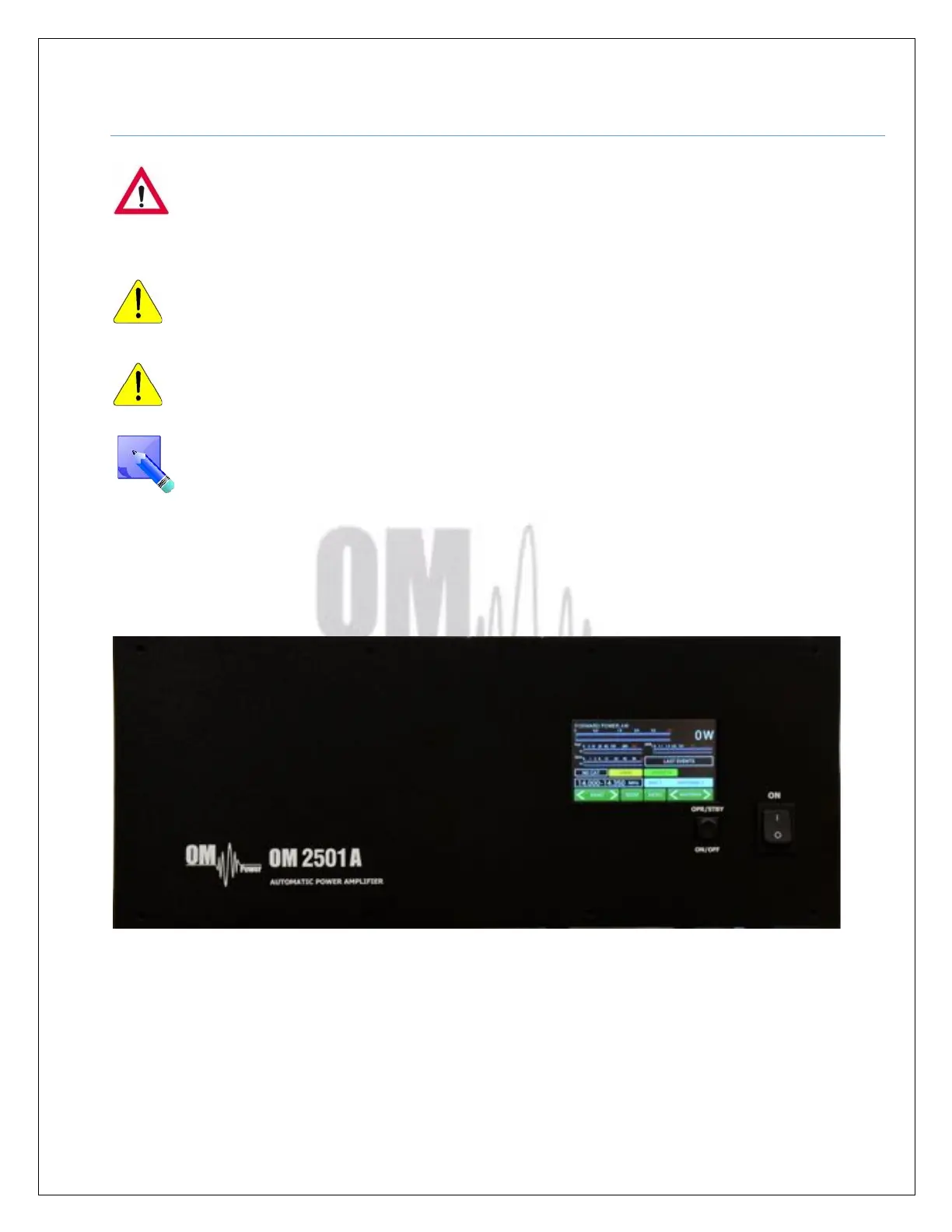
5.1. OM2501A Front Panel
Front panel of the OM2501A (OM3501A) is almost empty…Containing only the touch TFT display
plus two control switches.
ON - Main Switch. After turning ON, a small 12V APU for logic, protection circuits and the
display will be activated. High voltage and RF circuits are still OFF.
OPR/STBY - Short press for switching betwen STBY and OPERATION mode.



 To Next Page