20
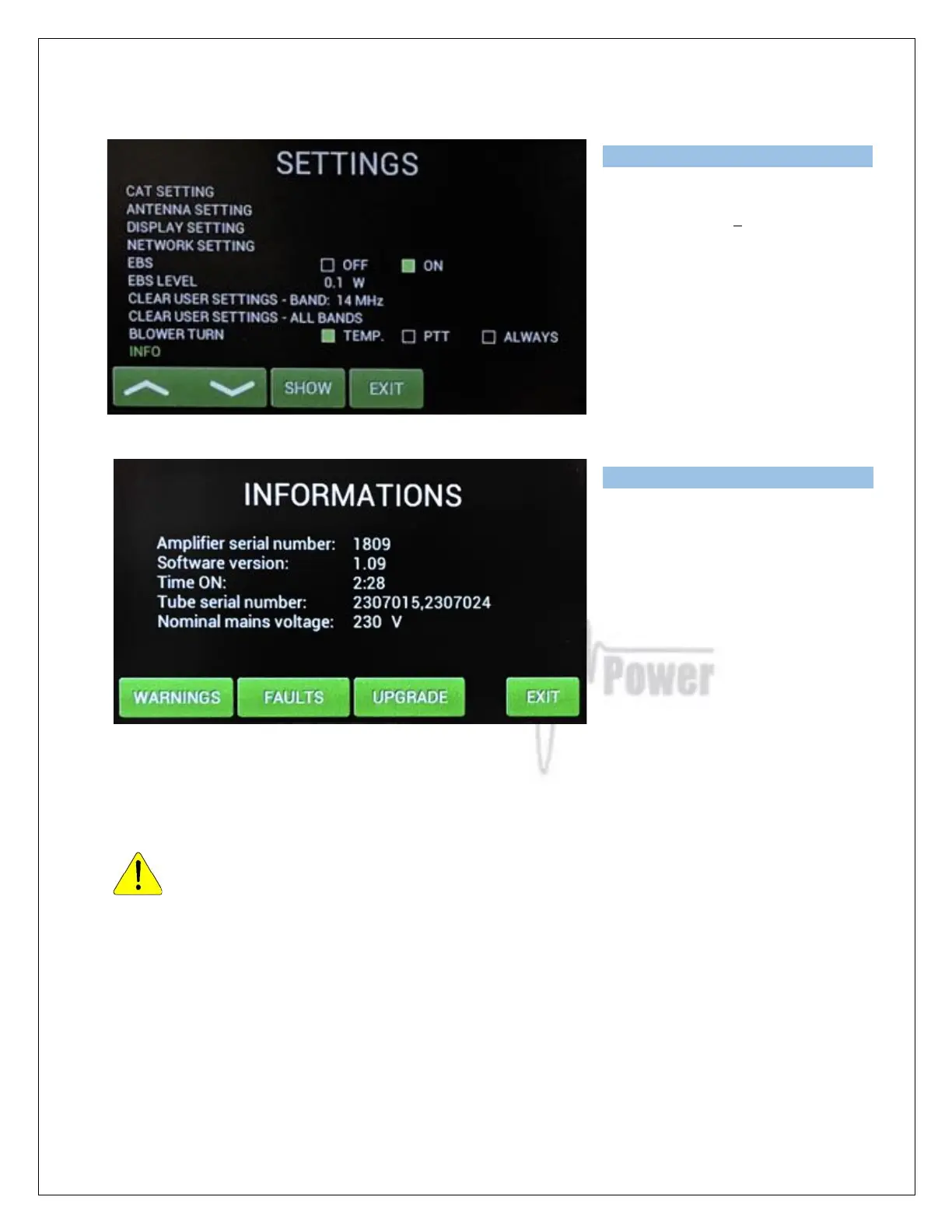
The INFO settings allows viewing all
of the previous PA INFORMATION
screen plus the addition of one more
touch key to enter the UPGRADE
mode.
UPGRADE touch button should
ONLY be used if the EEPROM or
firmware files (or both) will be
upgraded. In such a case ask the
dealer or manufacturer for the exact
procedure.
5.3. Preparing for operation
In STBY the amplifier is in bypass-mode and your transceiver is directly connected to
the antenna. Maximum allowed power in bypass mode is 200 Watts! The bypass RF
power is displayed if PA is in standby mode.
To turn PA ON press ON/OFF button on the front panel (black one) and hold it abt. 1 second. PA
will start tube heating. It will take 180 seconds. Turning PA ON is possible ONLY from the home
screen! If you have other display active, press EXIT more times to go back to the home screen.
(These same functions are also available on the OM Power Remote Control PC Application)



 To Next Page