36
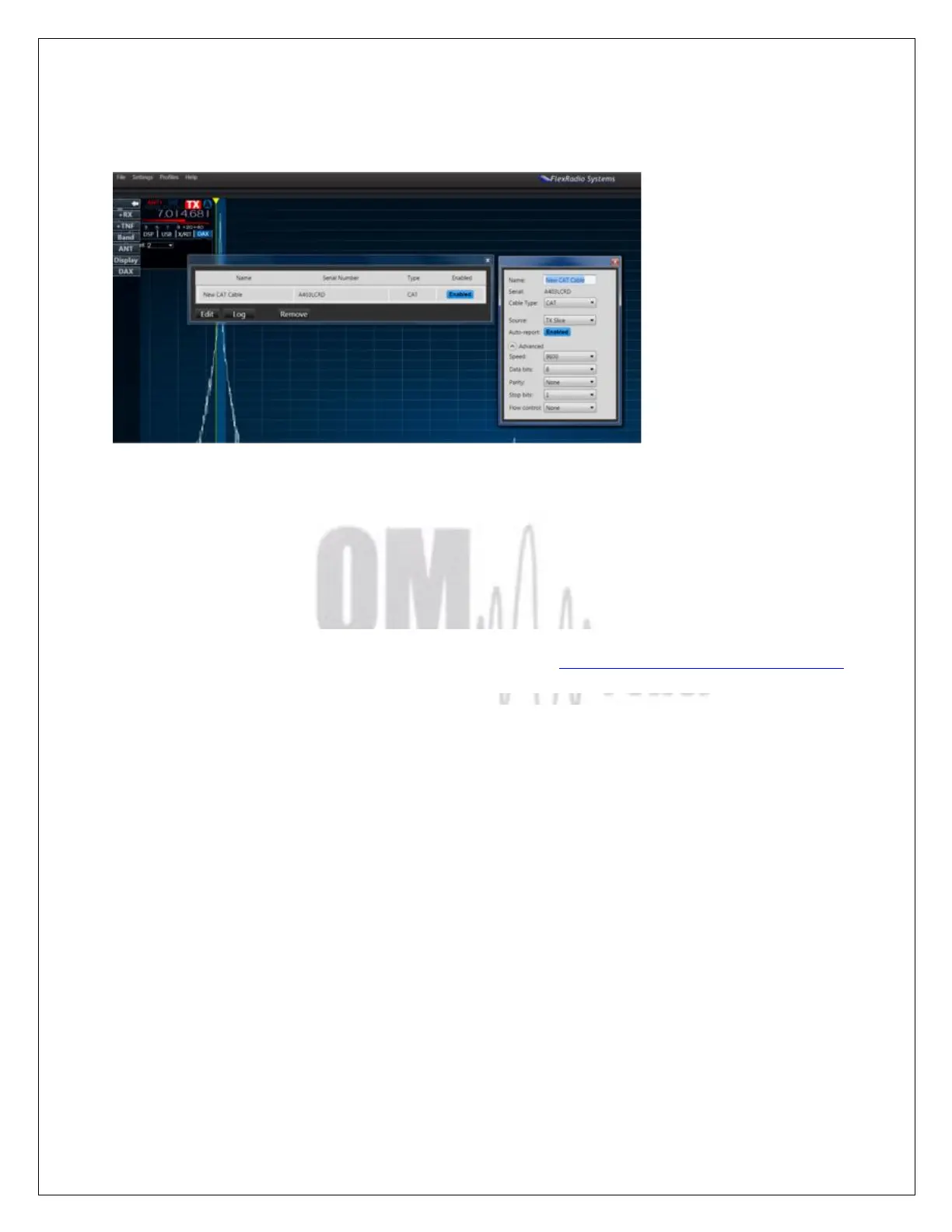
Check that ENABLED is selected in both associated USB windows.
Close both windows. The OM2501A will now follow the Band and Frequency changes on the Flex
6XXX.
7.3. OM2501A (OM3501A) Remote Control
The OM Power team has developed special software which allows controlling the PA OM2501A
remotely. Download it from the official OM Power website http://www.om-power.com/downloads. The
software allows the following controls:
• Switch the PA ON and OFF
• Switch between STBY and OPERATE
• Switch between preprogrammed antennas
• Read and reset the last 20 warnings and fault messages
• Manual fine tuning of the PA Tune and Load
• To check most operating parameters of the PA
• Selection of different screens for the PC display
• Antenna retuning if parameters changed
Have a look on the next pictures and follow instructions to setup remote control properly.



 To Next Page