1-14 Electronics Sled
PC Tray Upgrade
OmniRx Service Guide/67-2023 Rev D © 2010 Omnicell, Inc.
7. Re-connect all the cables.
PC Tray Upgrade
This section covers the replacement of the PowerCom2 tray with the PowerCom3 tray.
PowerCom2 Tray
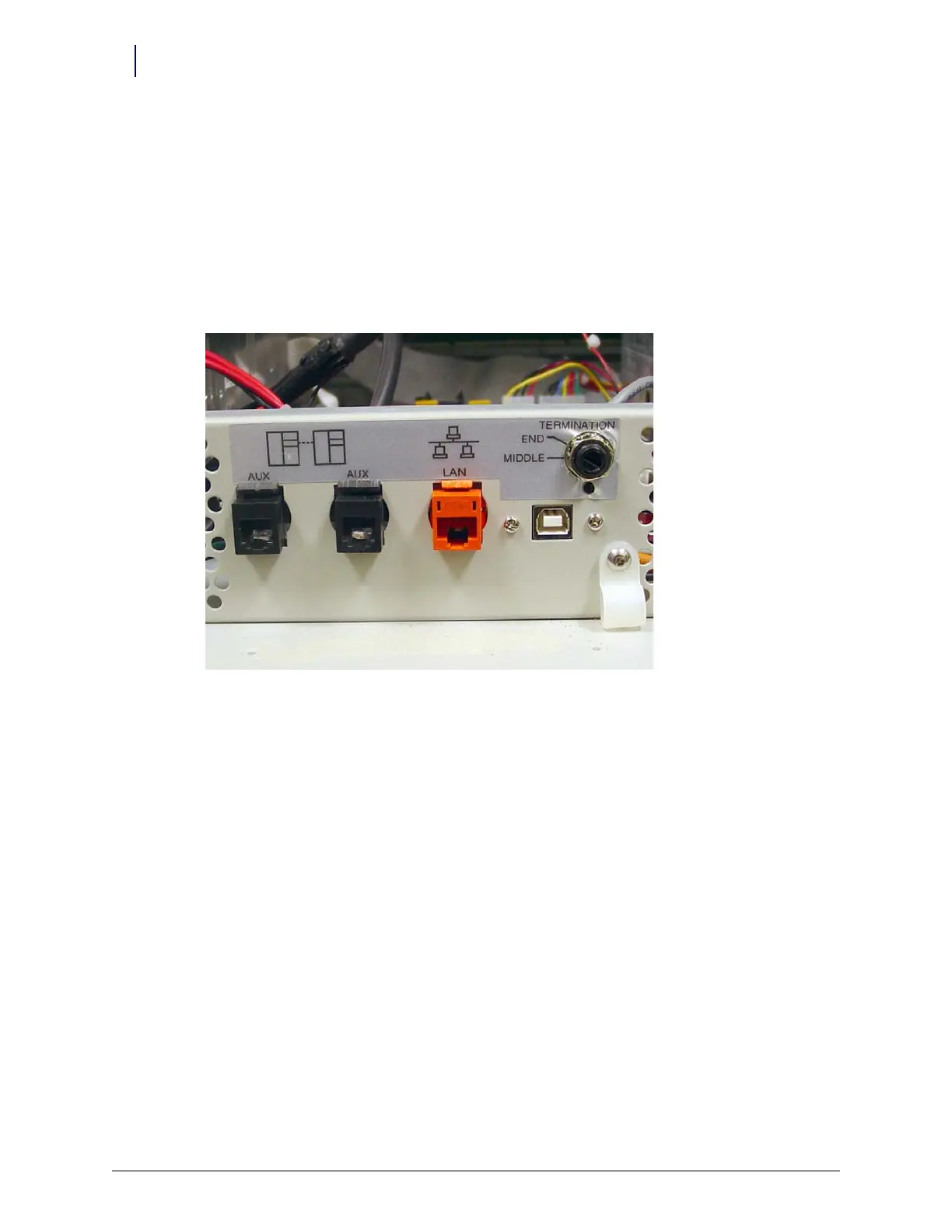
1. Disconnect the LAN cable and the AUX cables from the rear of the electronics sled.
Figure 1-25. Location and labels for LAN and AUX cable connections on CT PC tray



 To Next Page