© 2010 Omnicell, Inc. OmniRx Service Guide/67-2023 Rev D
Electronics Sled 1-21
Standardization Changes
Standardization Changes
To standardize the peripherals that Omnicell products use, the Seiko printer and PS/2 keyboards
are being replaced by APS printers and USB keyboards with a numeric pad. The console is
swapped out in this procedure.
1. Lift and prop-up the console if it is not already open.
2. Disconnect all console cables.
3. Remove the console.
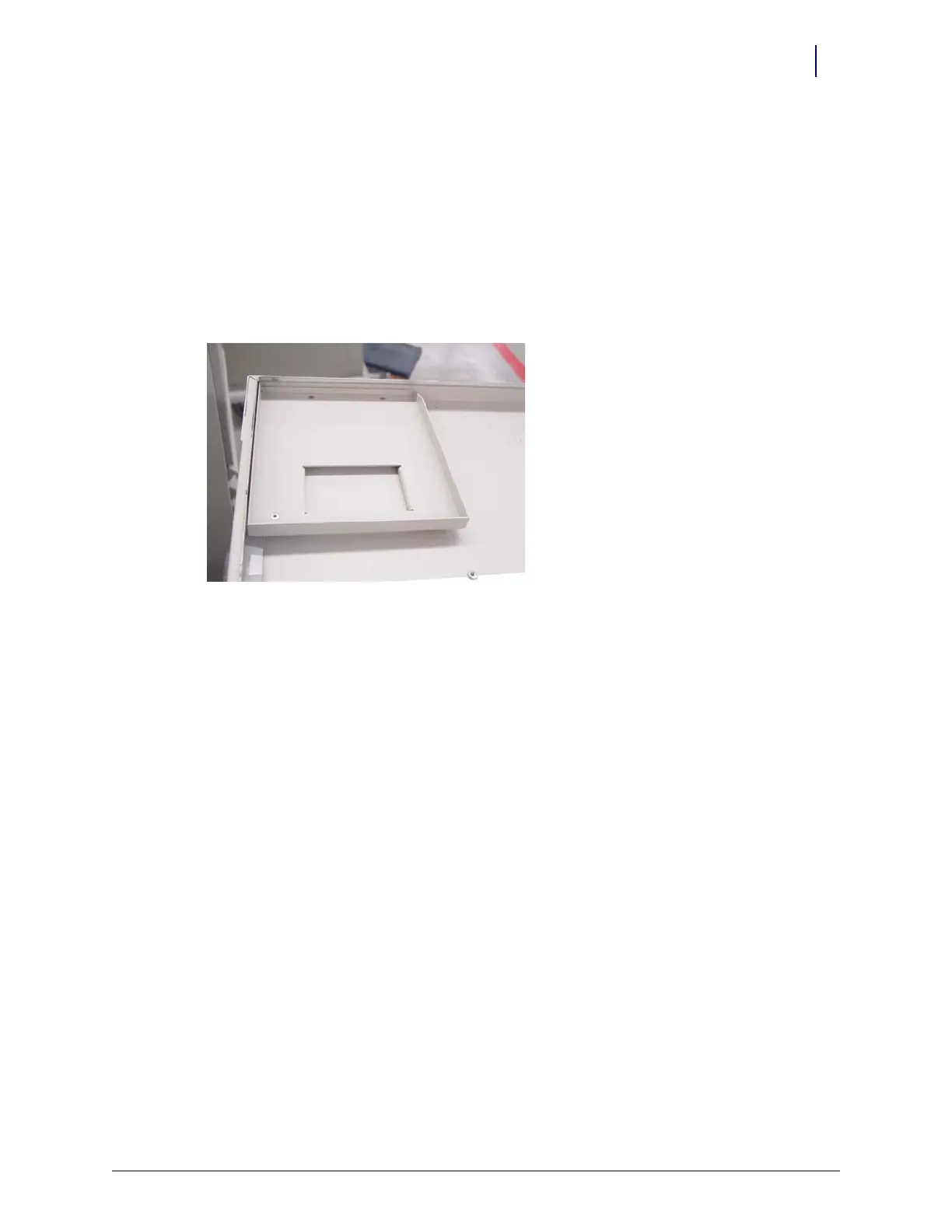
4. Replace the cable cover bracket with the new, wider one using three screws.
Figure 1-37. Cable cover bracket
5. Place new console into position, then prop it open.
6. Re-connect the cables. Most will go back where the old cables were with a couple of exceptions.
The contrast cable goes into J33 instead of J32.
The USB keyboard cable goes to the USB port (vs. the PS/2 connection).
Move the jumper on JP1 from pins 1-2 to 3-4.
Final Steps
After the service is performed, return the OmniRx to production status.
1. Lift and prop-up the console if it is not already open.
2. Re-connect the battery cable.
3. Close and lock the console.
4. Plug in the power cable, then restart the OmniRx.



 To Next Page