1-16 Electronics Sled
PC Tray Upgrade
OmniRx Service Guide/67-2023 Rev D © 2010 Omnicell, Inc.
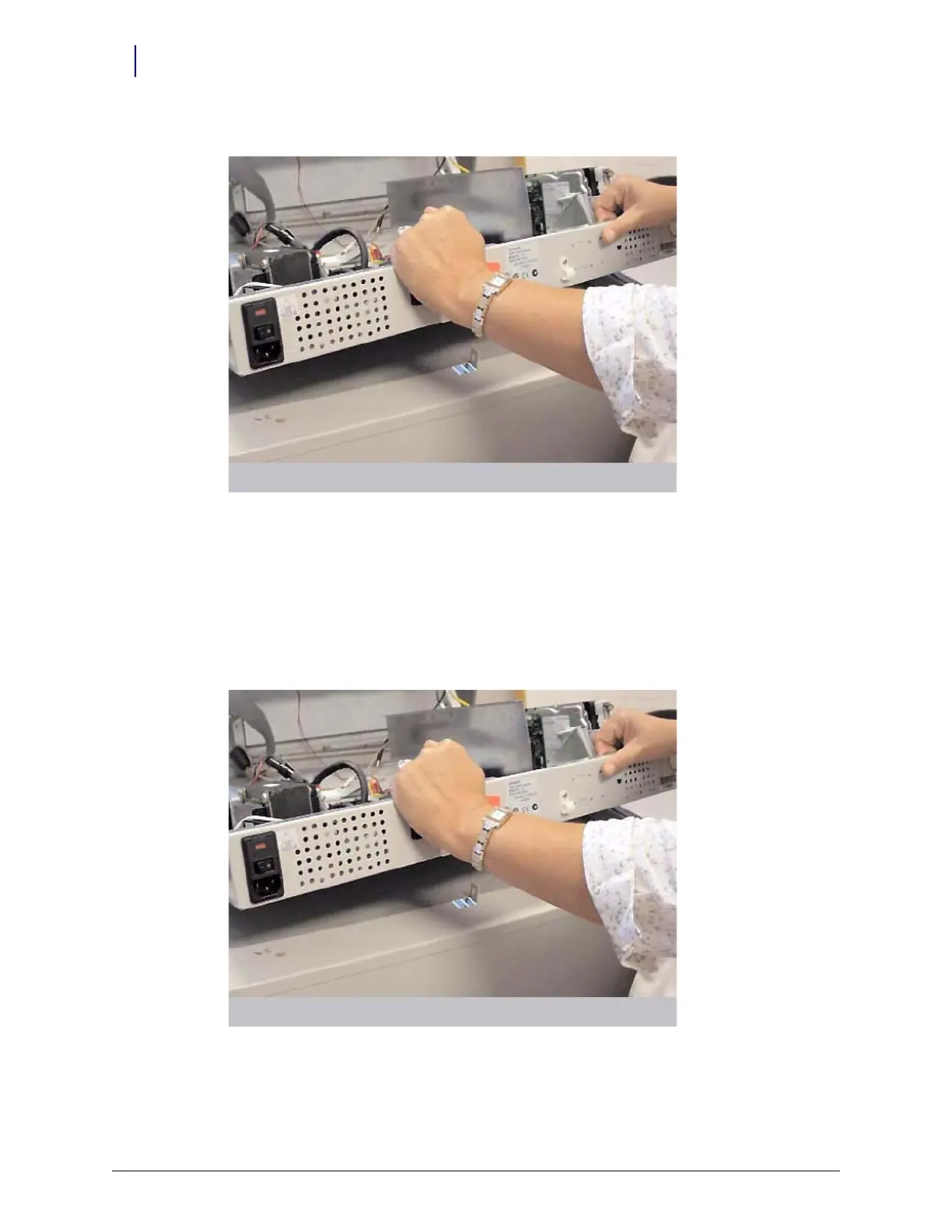
3. Turn the two 1/4-turn fasteners securing the electronics sled counter-clockwise to unlock.
Figure 1-27. Lift and remove the CT PC tray
4. Lift and remove the PowerCom2 tray.
PowerCom3 Tray
1. Place the PowerCom3 tray into position inside the electronics sled.
2. Turn the two 1/4-turn fasteners securing the electronics tray clockwise to lock the tray into
place.
Figure 1-28. Place the CT PC tray into the OmniRx



 To Next Page