1-4 Electronics Sled
Printer Removal
OmniRx Service Guide/67-2023 Rev D © 2010 Omnicell, Inc.
Printer Removal
Seiko Printer
1. Lower the console into the closed position.
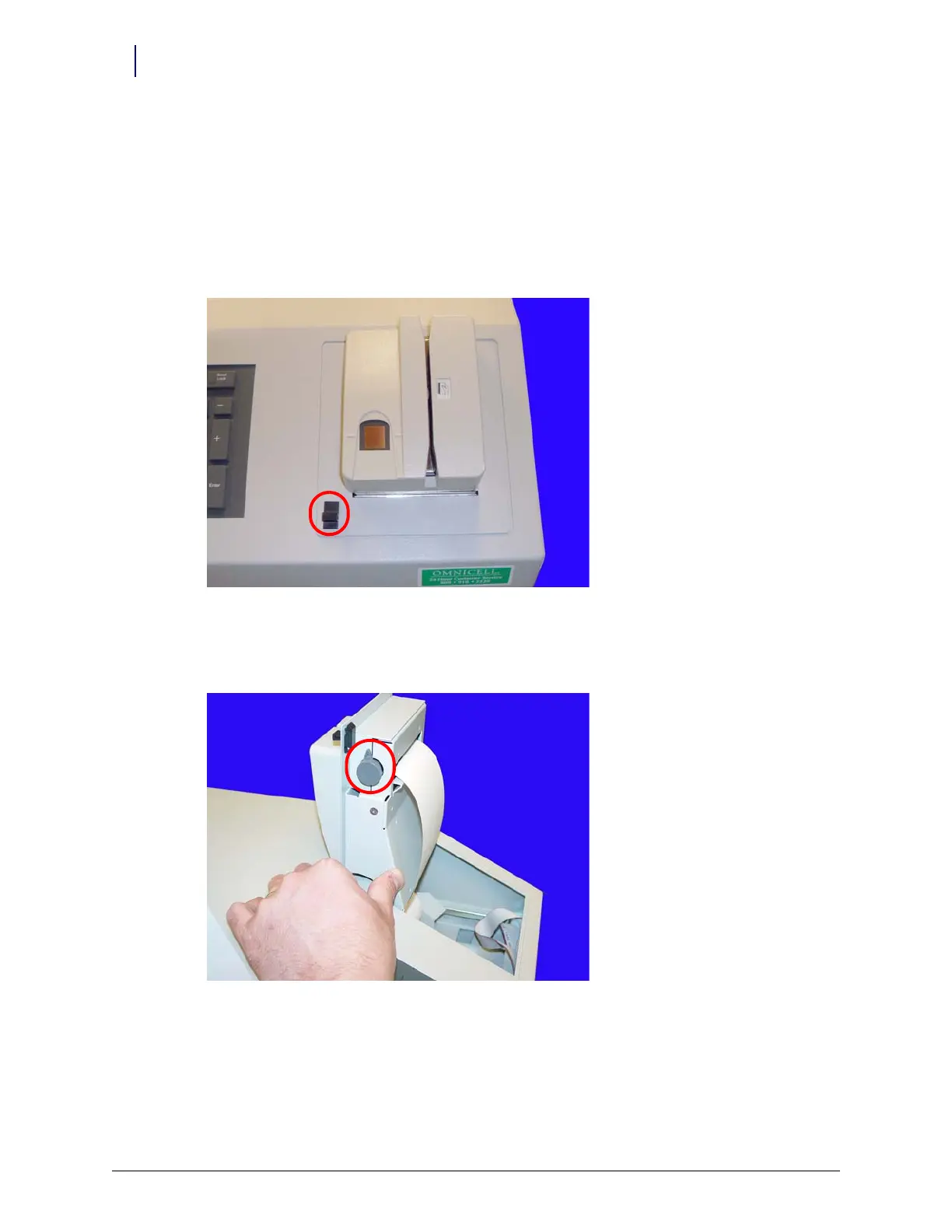
2. Open the printer cover by pushing the black release mechanism toward the rear of the
machine and lifting the cover.
Figure 1-6. Open the printer cover
3. Remove the paper from the printer.
4. Push the platen lever to the left to the disengaged position.
Figure 1-7. Turn the platen lever



 To Next Page